
%3Aquality(90)%2F&w=3840&q=75)
%3Aquality(90)%2F&w=3840&q=75)
%3Aquality(90)%2F&w=3840&q=75)
Fleet Management and Terraform: Use cases and best practices for managing collectors in Grafana Cloud


Earlier this year we launched Grafana Cloud Fleet Management to address the pain that comes with managing scores of telemetry collectors across departments and environments. We've been excited to see how organizations are using it to manage collectors at scale, but we've also heard from users who aren't sure how Fleet Management fits with their existing infrastructure-as-code tooling.
The good news is Fleet Management is designed specifically to complement—not replace—tools like Terraform. In this blog, I'll show you several ideal use cases for pairing the two, as well as several best practices for getting the most out of your setup.
What is Grafana Cloud Fleet Management?
Before we get into how you can use Fleet Management with Terraform and other IaC tools, let's first get you up to speed on what Fleet Management does.
Fleet Management is a centralized control plane designed for managing observability collectors (primarily Alloy) at scale within Grafana Cloud. It enables remote configuration, monitoring, and optimization of telemetry pipelines (metrics, logs, traces, and profiles) across hundreds or thousands of collector instances, ensuring consistent observability without manual intervention on each device.
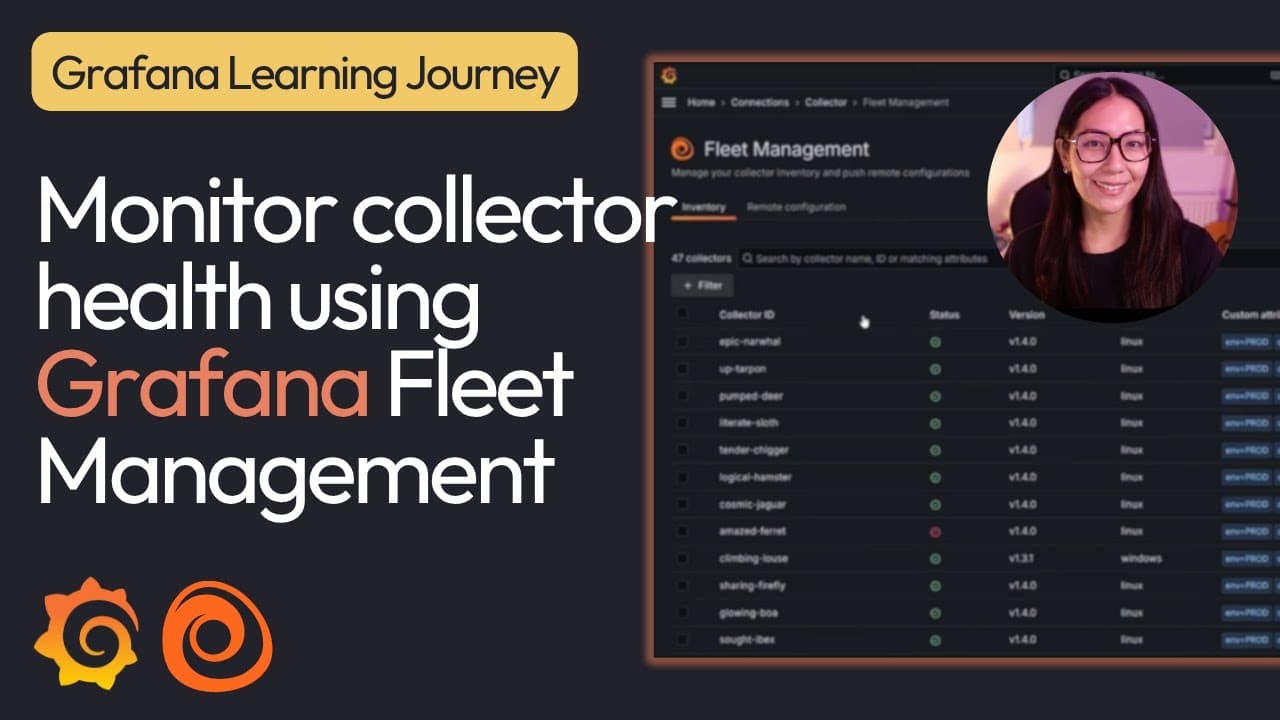
Fleet Management also helps you manage your inventory and centrally provision remote configurations. Under Inventory in the Fleet Management UI, you will see a registered list of your collectors, their health statuses, Alloy version, operating system, and attributes for each collector.
With remote configuration you can create, edit, activate, and delete configuration pipelines. Remote configuration allows you to build your telemetry pipelines, test the pipeline syntax, and then add matching attributes to assign the configuration pipeline to collectors. You can then activate or deactivate a pipeline with a toggle of the switch.
When should I consider using Fleet Management?
The ideal use case for Fleet Management is scaling observability in large, distributed environments such as multi-site enterprises, cloud-native infrastructures (e.g., Kubernetes clusters), or edge computing setups with numerous remote agents.
Imagine a multinational organization running hundreds of Alloy collectors across hybrid cloud and on-premises data centers to monitor applications, infrastructure, and IoT devices. Without centralized management, teams struggle with:
- Inconsistent configurations: Manually updating pipelines on each collector leads to errors and drift.
- Cost overruns: Always-on, high-volume data streams (e.g., debug logs or continuous profiling) inflate bills.
- Visibility gaps: It's harder to track collector health or activate specialized pipelines during incidents.
How exactly does Grafana Fleet Management work to solve this issue? Simply by centralizing remote configurations.
With the ability to assign and update configuration pipelines (either pre-built or custom) you can perform bulk configuration edits without redeploying agents. On demand pipeline activation can be used to disable expensive pipelines or allow you to enable diagnostics remotely for troubleshooting.
Lastly, while Fleet Management allows you to use Terraform or Kubernetes to provision programmatically it ensures reproducibility in CI/CD workflows.
How to use Fleet Management with Terraform
Now that you're familiar with Fleet Management, let's look at when and where to use it alongside Terraform.
For starters, Fleet Management fully supports IaC through the official Terraform provider (version 3.19.0 or later) and allows you to declaratively manage key resources.
These resources include configuration pipelines and collectors, as well as access policies and tokens. Terraform is recommended as the most comprehensive and supported option of the available IaC tools, especially for full IaC coverage of Fleet Management.
Configuring Fleet Management: Grafana Cloud UI vs. Terraform
Next, let's look at whether you use Fleet Management on its own, or whether you should pair it with Terraform. This is an important consideration because while both approaches work with the same underlying features, they differ significantly in workflow, scalability, and governance.
Below you will find a comparative breakdown of the typical aspects of fleet management and how they function using just the UI or manual management and with Terraform.
Aspect | UI/manual management | With Terraform (IaC) |
|---|---|---|
Configuration method | Point-and-click in Grafana Cloud UI (Connections > Collector > Fleet Management). Create/edit pipelines, matchers, and attributes manually. | Declarative code (HCL files). Define resources like |
Version control & auditability | Limited—no built-in history beyond pipeline versions in UI. Changes are not tracked in Git. | Full Git integration. Changes are versioned, reviewable via PRs, and auditable. Pipelines show "Terraform" as a data source in the UI. |
Reproducibility & consistency | Prone to human error and drift (e.g., manual tweaks across environments). Hard to replicate exactly in dev/staging/prod. | Idempotent and declarative—ensures identical setups across environments. Detects and corrects drift automatically. |
Scalability | Suitable for small fleets or prototyping. Becomes time-consuming for dozens/hundreds of pipelines or collectors. | Excels at scale. Bulk operations, preregistering collectors, and managing complex attribute/matchers programmatically. |
Automation & GitOps | Manual or scripted via API calls. No native CI/CD integration. | Seamless with CI/CD pipelines (e.g., GitHub Actions). Enables full GitOps workflows for observability configs. |
Collaboration | Single-user edits risk conflicts. Harder for teams to collaborate. | Team-friendly: Code reviews, approvals, and controlled deployments. |
Speed for changes | Quick for one-off tweaks or testing (immediately apply in the UI). | Slower for ad-hoc changes (requires code edit + apply), but faster/safer for bulk or repeated updates. |
Error handling & validation | UI has built-in syntax checker, but no pre-apply validation across your fleet. | Terraform plan/apply preview changes. Can integrate linting for Alloy configs. |
Best for | Small teams, quick setups, experimentation, or when IaC overhead is unwanted. | Large/enterprise fleets, multi-environment setups, compliance needs, or teams already using Terraform. |
Limitations | Risk of configuration drift; no enforcement of standards. | Learning curve if new to Terraform; UI edits can override Terraform-managed resources (avoid by policy). |
Best practices
When building out a holistic fleet management solution you want to ensure that your approach achieves a stable, consistent, and scalable setup while also centrally enforcing enterprise standards. In this section we will focus on the best practices that will help you to achieve just that.
1. Adopt GitOps workflows
- Use Terraform to sync changes to Fleet Management on merges (e.g., via CI/CD tools like GitHub Actions)
- Validate Alloy syntax in CI (using Fleet Management's checker or local tools) before applying
Note: Pipelines managed by Terraform appear with a Terraform source tag in the UI.
Benefit: Enables version-controlled, peer-reviewed, and automated deployments of observability configs, reducing errors and improving auditability.
2. Modularize and version pipeline configurations
- Keep pipeline contents in separate
.alloyfiles (loaded viafile()in Terraform) - Use small, reusable modular pipelines rather than uniform ones
- Assign unique names to pipelines to avoid conflicts (Fleet Management wraps them in declare blocks server-side)
- Leverage prebuilt pipelines from the catalog as starting points for standardization
Benefit: Promotes reusability, easier maintenance, and clear change history for individual monitoring components without affecting the entire fleet.
3. Use attribute-based targeting effectively
- Define expressive matchers (e.g.:
"env=\"prod\" AND region=\"us-east\"") - Combine local attributes (in Alloy's
remotecfgblock) with remote ones (via Terraform) for flexibility
Benefit: Allows precise, dynamic, and scalable assignment of configurations to the right collectors without hardcoding or duplicating pipelines.
4. Manage access securely
- Create scoped access policies and tokens with Terraform
grafana_cloud_access_policyandgrafana_cloud_access_policy_token) - Limit scopes to
fleet-management:read/writeonly - Optional: use Terraform's
local_fileresource to generate Alloy config files with theremotecfgblock pre-filled
Benefit: Minimizes security risks by provisioning least-privilege credentials declaratively and consistently across environments.
5. Hybrid configuration strategy
- Minimize local Alloy configs
- Avoid manual UI edits on Terraform-managed resources to prevent drift
Benefit: Balances local control (for critical/bootstrapping logic) with centralized remote management, avoiding lock-in while enabling fleet-wide standardization.
6. Scaling and maintenance
- Preregister collectors before deployment for seamless onboarding
- Integrate with Kubernetes: Deploy Alloy via Helm, manage fleet resources with Terraform
- Monitor for drift with
terraform plan; automate applies in CI/CD - For secrets: Integrate HashiCorp Vault in pipelines
Benefit: Ensures drift-free, repeatable setups at large scale, automates onboarding/on-going ops, and simplifies long-term fleet management.
Extending the reach of Fleet Management
Regardless of how you implement Fleet Management, it makes every Grafana Cloud product easier to operate at scale.
It standardizes how telemetry is collected, reduces cost and risk at the source, and lets teams fully benefit from metrics, logs, traces, alerting, and IRM without managing thousands of agents by hand.
Fleet Management also gives you ready-made integrations you can turn on instantly—without touching every agent.
We ship prebuilt, best-practice collection pipelines for common technologies like Kubernetes, AWS, databases, and logs. You pick the integration, tell us where it should apply (for example “all prod clusters” or “only EU regions”), and Fleet automatically rolls it out to the right collectors.
If you need to troubleshoot or control costs, you can enable or disable those pipelines centrally—no redeploys, no SSH, no config drift.
Grafana Cloud is the easiest way to get started with metrics, logs, traces, dashboards, and more. We have a generous forever-free tier and plans for every use case. Sign up for free now!
%3Aquality(90)%2F&w=3840&q=75)
%3Aquality(90)%2F&w=3840&q=75)


