

%3Aquality(90)%2F&w=3840&q=75)
%3Aquality(90)%2F&w=3840&q=75)
AI-assisted testing, extensions updates, and more: k6 2.0 is here


For years, teams have relied on k6 to take a more proactive approach to performance testing, ensuring they can catch issues early and deliver more reliable user experiences. That approach has helped make k6 one of the most widely used performance testing tools in the open source community today, with more than 30k stars on GitHub.
Last year, we introduced k6 1.0, a major release that brought TypeScript support, native extensions, revamped test insights, and production-grade stability guarantees.
Now, we’ve reached another milestone for the OSS project: k6 2.0 is generally available.
This latest release builds on k6 1.0 to better support faster, more automated software delivery lifecycles. We’ve introduced AI-assisted testing workflows, broader Playwright compatibility in the browser module, a new Assertions API, and more. Overall, the release makes it easier to author, validate, automate, and scale performance tests, especially as AI becomes a more integral part of your development workflows.
Even with these advancements, existing k6 users should still feel right at home: scripts, checks, thresholds, scenarios, and CI/CD workflows remain core to the testing experience.
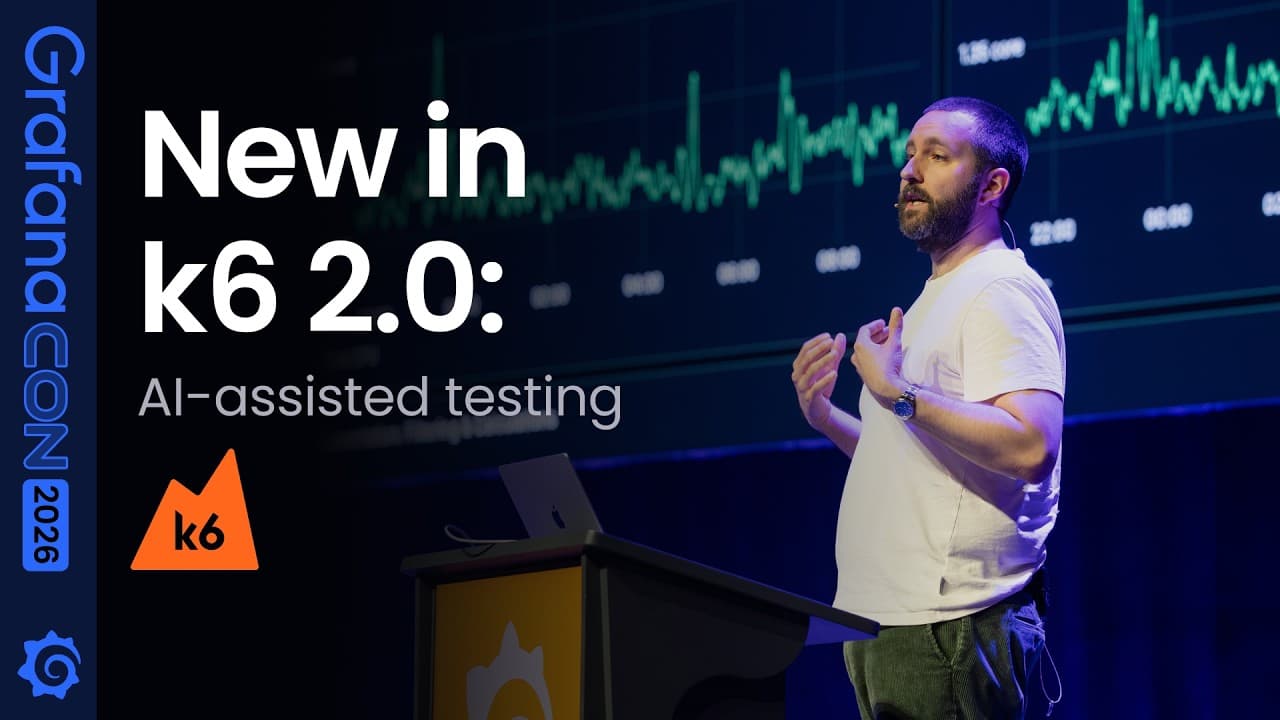
Read on to learn more about what's new, and be sure to check out the k6 2.0 talk from GrafanaCON 2026 in the video below.
AI-assisted workflows for faster, scalable testing
AI is changing how software gets written. Developers can generate, refactor, and review code faster than ever, but faster output also raises the bar for validation.
As more teams bring AI assistants into their development workflows, testing needs to become easier to author and automate, and easier for both humans and agents to interpret. k6 2.0 is built around that shift: it helps teams create tests faster, express expectations more clearly, and scale validation from local development to production-like environments.
The release includes four new commands that enable deeper integration with AI workflows and help teams use k6 programmatically:
k6 x agenthelps developers bootstrap agentic testing workflows in AI coding assistants like Claude Code, Codex, Cursor, and more. It sets up the configuration, skills, and references an agent needs to use k6 to write correct, idiomatic, and modern tests; turn requirements and expectations into a testing strategy; and build out a test suite.

k6 x mcpexposes k6 through a built-in Model Context Protocol server, giving compatible agents the tools and resources they need to work effectively with k6. Agents can validate and run scripts, inspect results, iterate quickly on the tests they write, and tap into k6 resources and best practices along the way.k6 x docsgives agents and developers CLI access to k6 documentation, API references, and examples without leaving the session, or having to perform web searches.k6 x explorelets agents and developers browse the k6 extension registry from the CLI, filtering by type or tier and surfacing the imports, subcommands, and outputs each extension provides. Combined with automatic extension resolution, agents can discover the right extension for a testing scenario and pull it into a script without leaving the session.
These commands also reflect how k6 2.0 extends beyond test scripts. They are built on the same subcommand extension model now available to extension authors, which we’ll cover in the next section.
Extensions updates to expand the reach of k6
Extensions help you extend core k6 functionality with new features to support your specific reliability testing needs. The 2.0 release expands on extensions in multiple ways: it provides a consolidated catalog of official and community extensions, makes it easier to test more systems and protocols, and introduces a way to extend the k6 CLI itself.
A curated extensions catalog
In k6, official extensions are those owned and maintained by Grafana Labs, with defined compatibility expectations and support across a range of k6 versions. Community extensions are built and maintained by k6 contributors and members of our OSS community.
With k6 2.0, these extensions are consolidated into a single catalog that makes it easier to discover and use them, and more clearly defines the boundaries between them. Community extensions, for example, are clearly identified as community-maintained and must follow registry requirements before being included.
This distinction matters. Extensions can add new protocols, clients, outputs, and CLI workflows to k6, so teams need to understand what is maintained by Grafana Labs, what is maintained by the community, and what guarantees apply before adding an extension in their testing workflows.
The catalog also gives extension authors a clearer path to contribute. Public community extensions can be submitted for inclusion if they meet the registry requirements, including documentation, build instructions, usage guidance, and k6 version compatibility.
Test more systems and protocols
Modern systems consist of so much more than HTTP services and browser frontends. Teams also need to test databases, message queues, streaming APIs, DNS, event-driven systems, and other infrastructure components that sit on the critical path.
Official extensions maintained by Grafana Labs, including k6/x/faker, k6/x/mqtt, k6/x/sql, and k6/x/dns, sit alongside community extensions like k6/x/sse and k6/x/kafka to help with these needs.
For cataloged extensions that support automatic resolution, you can reference the extension in your script and let k6 handle the rest. For custom extensions or extensions outside automatic resolution, xk6 is still available.
xk6 as an extension development toolbox
Extensions are only as healthy as the tooling around them. In k6 2.0, xk6 grows from a custom k6 build tool into a full extension development toolbox.
Extension authors can scaffold a new project from official templates with xk6 new, build and run k6 with an in-development extension in one step, check a project against the registry's compliance requirements with xk6 lint, and run a suite of k6 scripts against the extension with xk6 test, reporting results in TAP or CTRF JSON for CI/CD pipelines.
The result is a shorter path from idea to a published, catalog-ready extension, and a consistent baseline of quality across official and community extensions alike.
Subcommand extensions
Not every extension needs to be something you import in a test script. k6 2.0 introduces subcommand extensions, a new way to add custom commands under the k6 x namespace.
This means teams can build workflows around test authoring, environment setup, documentation, result processing, mocks, internal tooling, or anything else they need close to the k6 runtime.
We’re already using this model internally at Grafana Labs: k6 x agent, k6 x mcp, k6 x docs, and k6 x explore are all built as subcommand extensions. The same mechanism that powers these AI-assisted workflows is now available to extension authors.
Writing familiar browser and assertion tests
k6 2.0 significantly expands compatibility between the k6 browser module and the Playwright API, making it easier for teams to apply existing browser testing knowledge and adapt existing Playwright tests to k6.
This is important because browser testing is often where functional correctness, user experience, and performance meet. With a more familiar API surface, teams can progress more easily from “does this user flow work?” to “how does this user flow behave under load?”
k6 2.0 also introduces a new Assertions API. The expect() API brings a Playwright-inspired assertion style to k6 scripts, with expressive matchers for both protocol and browser testing.
Assertions come in two forms:
- Non-retrying assertions, which evaluate whether a condition is true immediately. They’re useful for static values such as HTTP status codes, response headers, JSON payloads, and configuration.
import http from 'k6/http'; import { expect } from 'https://jslib.k6.io/k6-testing/0.6.1/index.js';

export default function () {
      const response =  http.get('https://quickpizza.grafana.com/');
      expect(response.status).toBe(200);
      expect(response.body).toBeDefined();
}
- Auto-retrying assertions, which hold the execution of the test until a condition becomes true or a timeout is reached. They’re especially useful for browser tests where elements may take time to appear, update, or become interactive.
import { browser } from 'k6/browser';
import { expect } from 'https://jslib.k6.io/k6-testing/0.6.1/index.js';

export const options = {
  scenarios: {
    ui: {
      executor: 'shared-iterations',
      options: {
        browser: {
          type: 'chromium'
        }
      },
    },
  },
};

export default async function () {
      const page = await browser.newPage();
      await page.goto('https://quickpizza.grafana.com/');
      await expect(page.locator("h1")).toContainText("Welcome to QuickPizza!");
}
Assertions complement existing k6 checks. Checks are still a great fit for load testing because they continue execution and emit metrics for threshold evaluation. Assertions are designed for use cases where a failed expectation should stop the test because the scenario is no longer valid.
From AI-authored tests to production-scale validation
A locally run test is a useful starting point for evaluating performance. But as teams bring testing into AI-assisted workflows and CI/CD pipelines, results need to be machine-readable and test execution needs to scale beyond a single machine.
k6 2.0 adds a new JSON summary output, making end-of-test results easier for CI/CD systems and AI agents to consume. Instead of scraping terminal output, tools can read structured results and make decisions based on them.
For real-time observability, native OpenTelemetry output makes it easier to analyze k6 results alongside the application telemetry teams already use.
And for teams that need production-scale load, k6 Operator 1.0 is now stable. The operator lets teams run distributed k6 tests on Kubernetes, closer to the environments where their applications already run.
Getting started with k6 2.0
Here are a few ways to try k6 2.0 today:
- Initialize: Set up AI-assisted test authoring with
k6 x agent.
Thank you to the k6 community!
To everyone in the community who contributed features, filed issues, fixed bugs, wrote extensions, tested early builds, or pushed for more reliable software: thank you. k6 2.0 would not be possible without you.
You can learn more in our k6 documentation, and we’d love to hear what you think on GitHub.
Happy testing!
Grafana Cloud is the easiest way to get started with Grafana k6 and performance testing. We have a generous forever-free tier and plans for every use case. Sign up for free now!
%3Aquality(90)%2F&w=3840&q=75)
%3Aquality(90)%2F&w=3840&q=75)


