%3Aquality(90)%2F&w=3840&q=75)
%3Aquality(90)%2F&w=3840&q=75)
Generate test scripts from natural language with Grafana Assistant: introducing k6 Script Authoring


Performance testing is critical to ensure your applications stay reliable under load, but writing the scripts themselves often feels like a chore. Most engineers already know the scenario they want to test; the hard part is translating that intent into a working performance test.
Even experienced developers who use k6 can lose time looking up syntax, configuring load stages and thresholds, or debugging boilerplate code before they can run a meaningful test. And beyond simply getting a script to run, writing a good performance test means modeling realistic traffic patterns and producing metrics that are actually useful. It’s easy to ship something that runs locally but does not match how your service actually behaves in production.
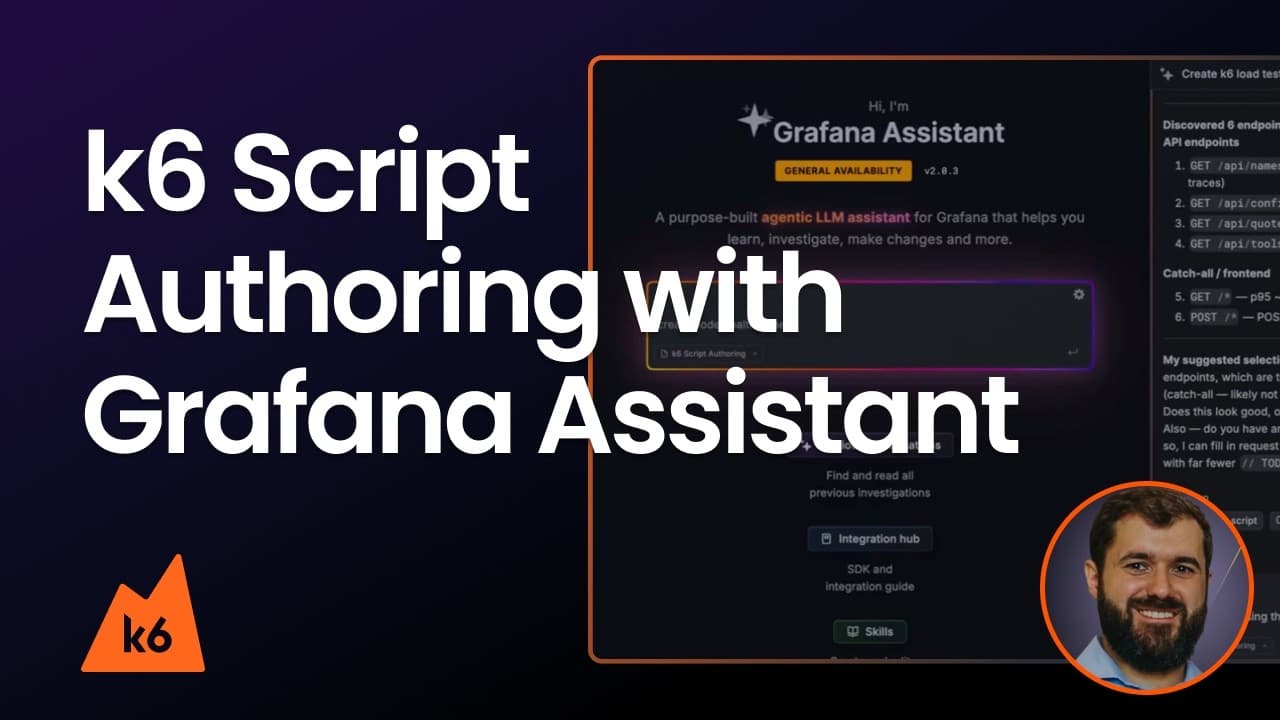
To address these challenges, we’re introducing k6 Script Authoring, a feature in Grafana Assistant that turns natural language into production-ready test scripts, powered by your existing observability data in Grafana Cloud.
k6 Script Authoring: How it works
Instead of writing code from scratch, you can now describe what you want to test in natural language, and Grafana Assistant, the AI-powered agent in Grafana Cloud, generates a complete script to run a performance test in Grafana Cloud k6 or k6 OSS.
You can ground the script in real telemetry data from Grafana Cloud, pull in context from a repository, or paste in an existing script to iterate on what you already have.
The generated output includes structured JavaScript with checks, thresholds, and proper URL grouping to keep cardinality under control, along with optional hooks for Grafana Cloud Traces and Grafana Cloud Profiles so your test results connect directly to the rest of your observability stack.
%3Aquality(90)%2F&w=3840&q=75)
k6 Script Authoring requires Grafana Assistant to be enabled in your Grafana Cloud instance. You can learn more about setting up Assistant, in our docs.
Ways to create a script
k6 Script Authoring supports multiple ways to get started.
Start from a plain-language prompt
You can describe the scenario you want to test in natural language. For example:
Generate a load test for https://api.example.com. Test the GET /products and POST /orders endpoints with 20 virtual users for 5 minutes.
This method is useful when you know the behavior you want to validate but do not want to assemble the first version of the script manually.
Start from an OpenAPI specification
If your service has an OpenAPI specification, you can use that as input.
This is useful when you want to generate request structure quickly from a defined API surface, and then refine the resulting script into a realistic performance scenario. It also provides precise definitions for the expected request and response bodies. With a raw prompt, as shown in the previous section, we would need to provide these details manually.
Start from service context
When relevant telemetry (metrics, logs, and traces) is available in the same Grafana Cloud stack, k6 Script Authoring can use service context to help shape a test. This can be useful when you want the generated script to reflect real endpoints or observed behavior more closely, instead of relying only on a manual description
Start from repository context
When repository context is available, it can help the assistant generate a script that better reflects the service or client code you already have. This is helpful when the test should align with how the application is actually implemented, rather than only how it’s described. It requires a GitHub MCP server enabled in Grafana Assistant.
Get started with k6 Script Authoring
k6 Script Authoring reduces the friction of creating performance tests by turning testing goals into production-ready scripts. Whether you are starting from a natural-language prompt, an OpenAPI specification, telemetry data, or repository context, it helps you move from idea to meaningful tests faster.
To learn more about setup and requirements, check out the k6 Script Authoring documentation.
Grafana Cloud is the easiest way to get started with k6 and performance testing. We have a generous forever-free tier and plans for every use case. Sign up for free now!