
What's new from Grafana Labs
Grafana Labs products, projects, and features can go through multiple release stages before becoming generally available. These stages in the release life cycle can present varying degrees of stability and support. For more information, refer to release life cycle for Grafana Labs.


Loading...
Area of interest:
Cloud availability:
Cloud editions:
Self-managed availability:
Self-managed editions:
No results found. Please adjust your filters or search criteria.
There was an error with your request.
Last year, we launched Dynamic dashboards as an experimental feature. Today, we’re pleased to announce that it is now in public preview. This change includes new functionality and a revamped user experience.
Grafana now provides smarter defaults for browsing OpenTelemetry log lines, optimized for the way OpenTelemetry structures log data.
What changed
OpenTelemetry log producers send less information in the log body and more data as structured metadata, or key–value pairs for resource attributes, log fields, and log attributes. Previously, much of this information was only visible when expanding a log line, making important context easy to miss.
Manage your Grafana Cloud Logs costs and performance with the new Loki Query Limit Policies. This feature provides administrators with automated guardrails to prevent large queries that can lead to unexpected billing spikes or system slowdowns.
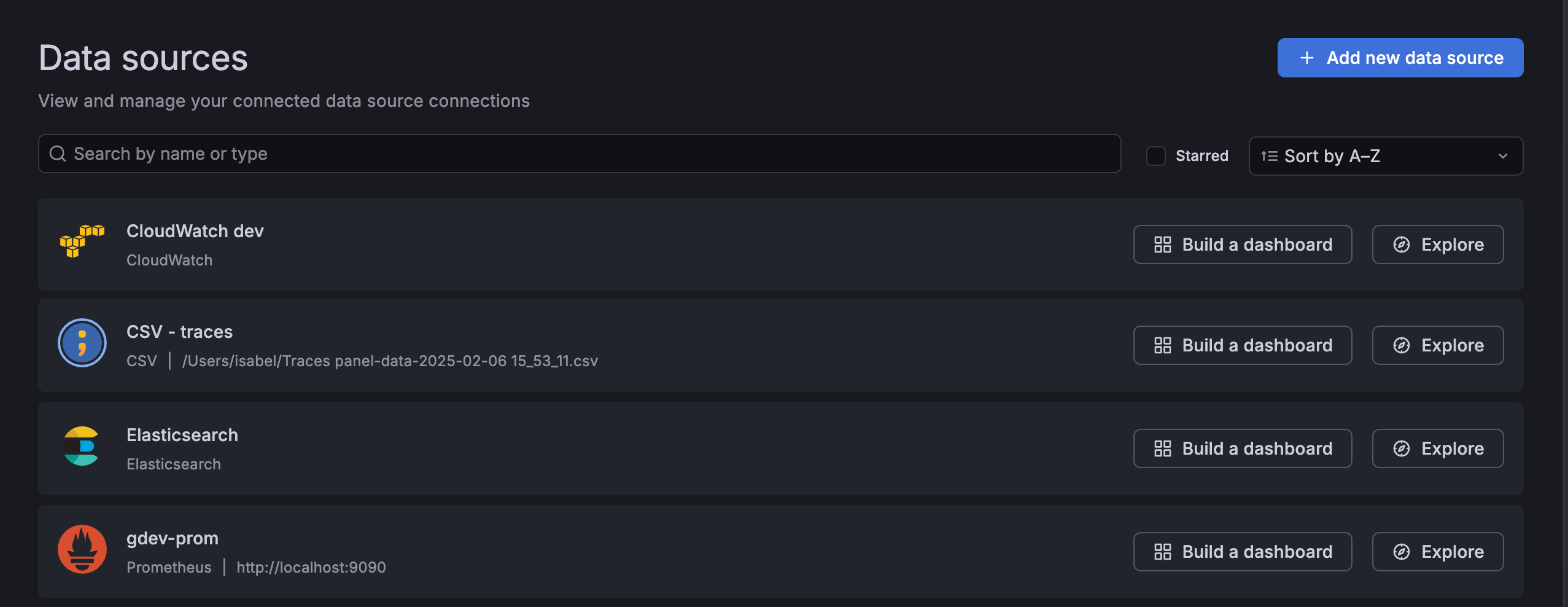
We’re introducing suggested dashboards, a feature designed to reduce the time it takes for you to create your first effective dashboard. Suggested dashboards address the challenge of an empty dashboard by leveraging the context of your data connections. The empty dashboard now includes suggestions for pre-built dashboards based on your connected data sources. With these dashboards, curated from both Grafana and the Community, you can achieve faster initial time-to-insight.
Incident status updates from Grafana IRM are now automatically posted as threaded replies to the original incident announcement message in Slack. This means:
- All incident updates are organized in one place.
- Team members can follow along on incident progress without leaving Slack.
- Stakeholders can subscribe to announcement threads using Slack’s Get notified of new replies setting.
Instead of manually instrumenting services one-by-one, you can remotely discover what’s running across your environment and selectively apply instrumentation where you need coverage.
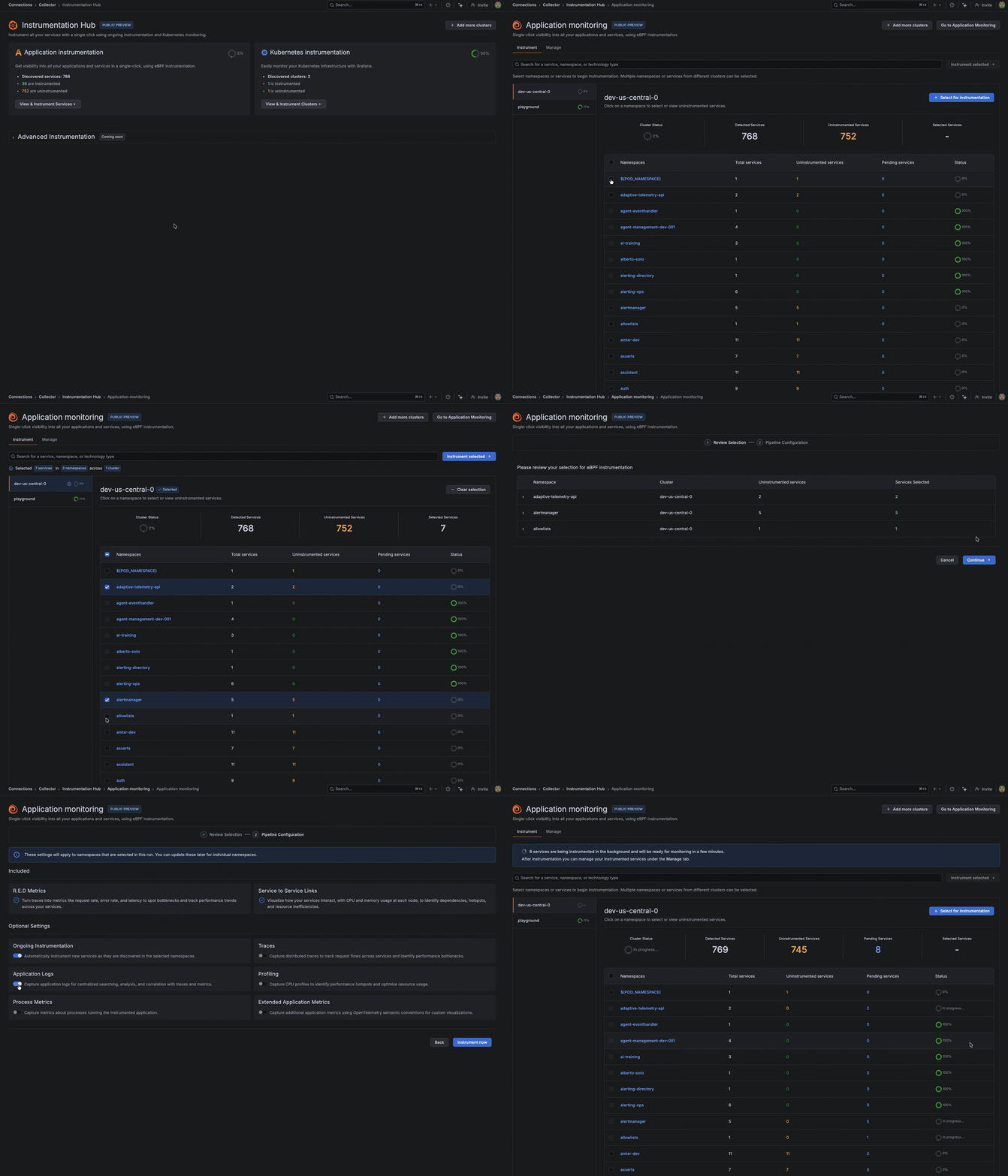
After it’s installed, Instrumentation Hub automatically discovers what’s running across your environment, building a catalog of services organized by namespace and technology so teams can immediately see what exists, what’s instrumented, and what isn’t.
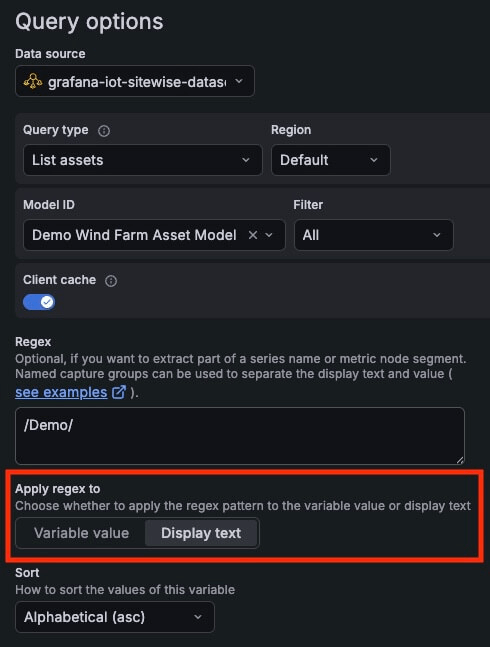
Find the right query variable values to show by applying a regex pattern to the display text instead of the variable value. This is a great shortcut for those times when the text you see in the UI doesn’t match the raw value you need to capture.
Grafana Fleet Management helps you monitor the health of your collectors - at a glance and across a variety of dimensions. With our latest feature, you now have one more way to track collector health. Visual indicators tell you when one of your collectors experiences a remote configuration error and show you where to fix it.
Grafana Fleet Management has introduced an integrated Assistant experience for configuration pipelines. With preconfigured prompts, you can use Assistant to explain, validate, fix, optimize, or visualize your pipelines.

Fine-grained role-based access control (RBAC) has come to Grafana Fleet Management! With the new Collector App Reader role, you can grant read-only access to Fleet Management resources such as collectors, attributes, and configuration pipelines.
Private Source Map Upload is now Generally Available. Grafana Frontend Observability uses source maps to convert stack traces from JavaScript browser errors back into their original representations so that you can see the line of code that cause the issue.
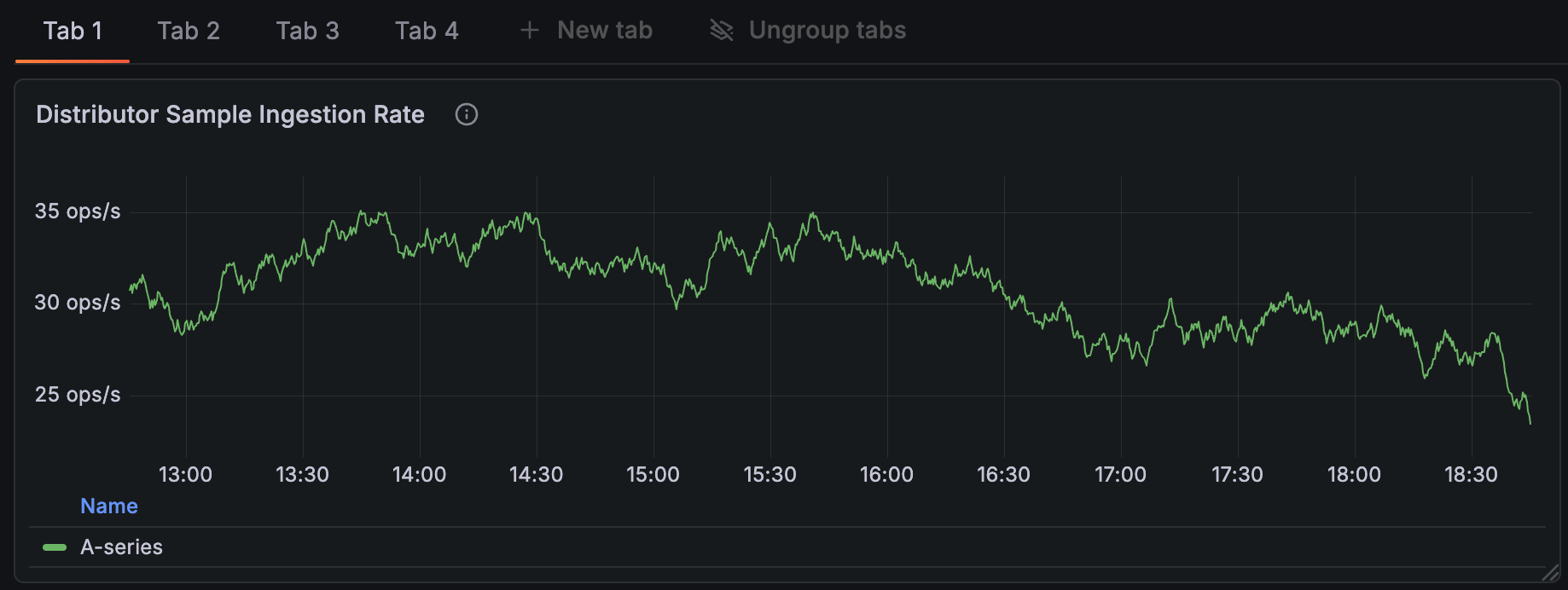
Dashboards can get crowded when you rely on many template variables, annotation controls, and dashboard links. These elements take up valuable space in the toolbar and can make it harder to stay focused on the data that matters. To improve clarity and reduce visual noise, we’re introducing a new dashboard controls menu that keeps your dashboards clean and organized.
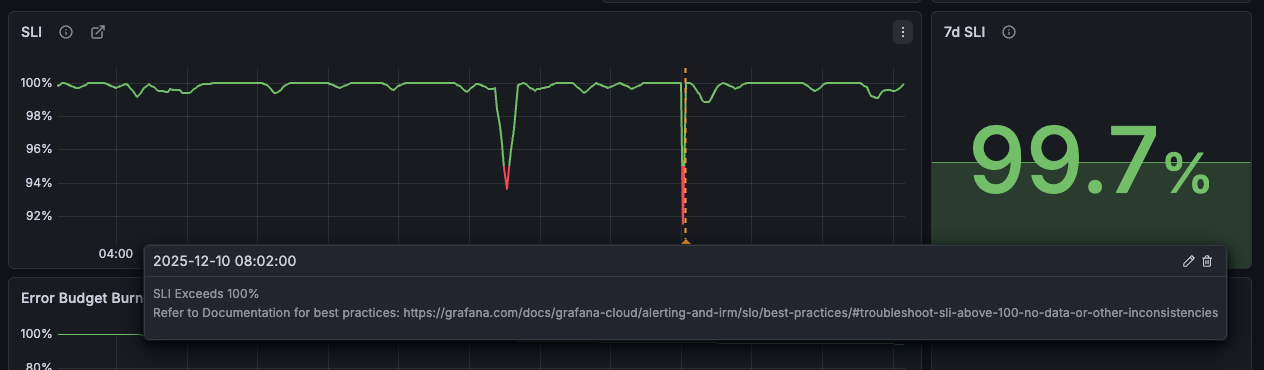
When users see SLI graphs spike above 100%, it can lead to confusion and concerns about whether the SLO or SLO plugin is functioning correctly.
You can now capture and attach screenshots to an incident from anywhere in Grafana. This helps you share visual evidence fast and keep your incident history complete.
Short URLs created when sharing an Explore link or a dashboard internally are now saved indefinitely by default.