
 Flexible grouping rules and field overrides for nested tables
Flexible grouping rules and field overrides for nested tables
The table visualization’s nested rows feature has gotten some significant upgrades: a redesigned editor for the Group to nested tables transformation and the ability to apply field overrides to fields inside nested sub-tables.
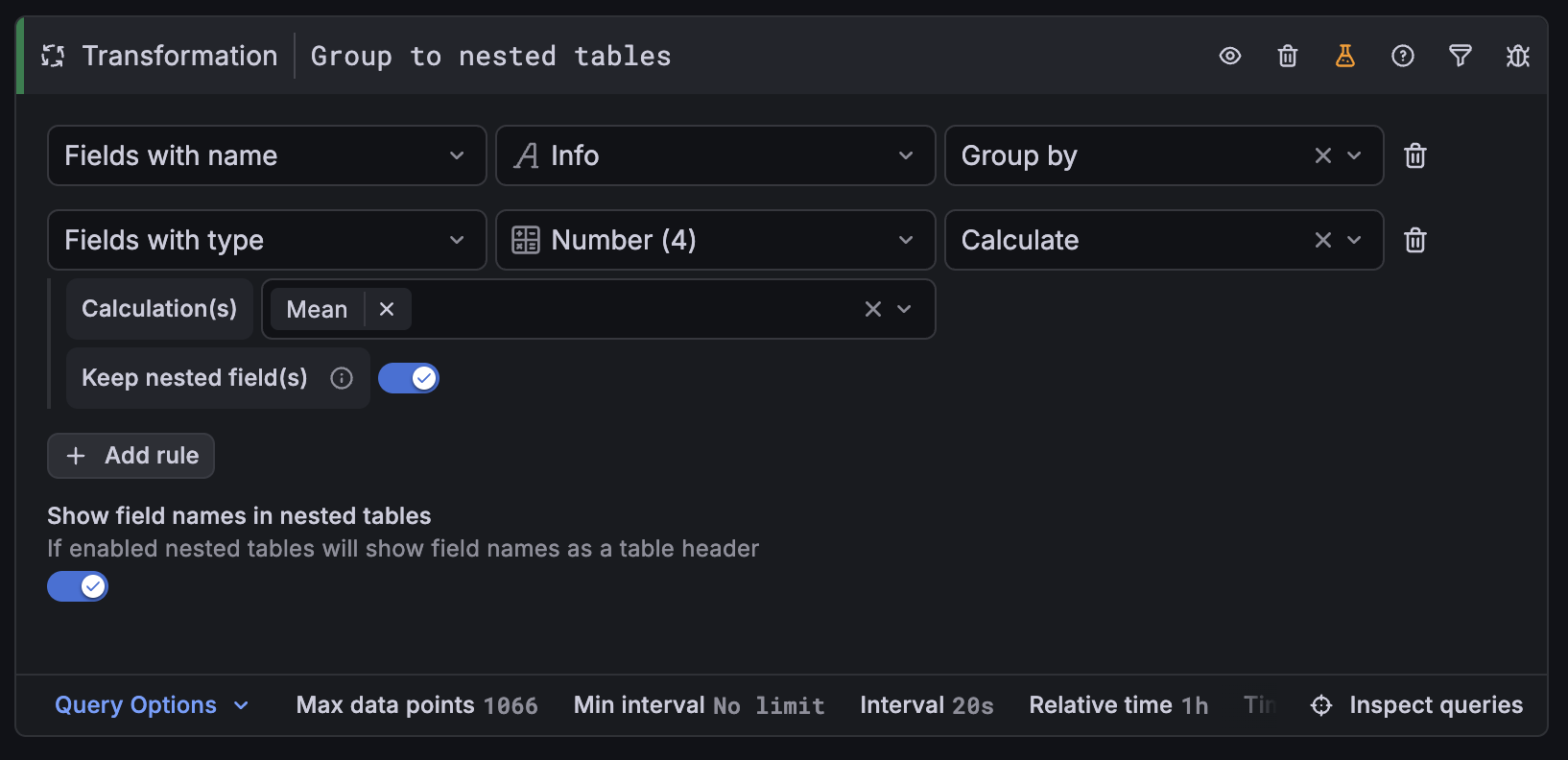
Updated transformation
The new transformation editor works like the field overrides system you already know: instead of configuring each field one by one, you define rules that match fields by name, type, or regex pattern. Each rule specifies whether matched fields should be used to group rows or to calculate an aggregation.
You can also keep raw field values alongside aggregated ones using the Keep as nested field toggle. This is useful when you want both the detail and the summary in the same view.
Field overrides for nested fields
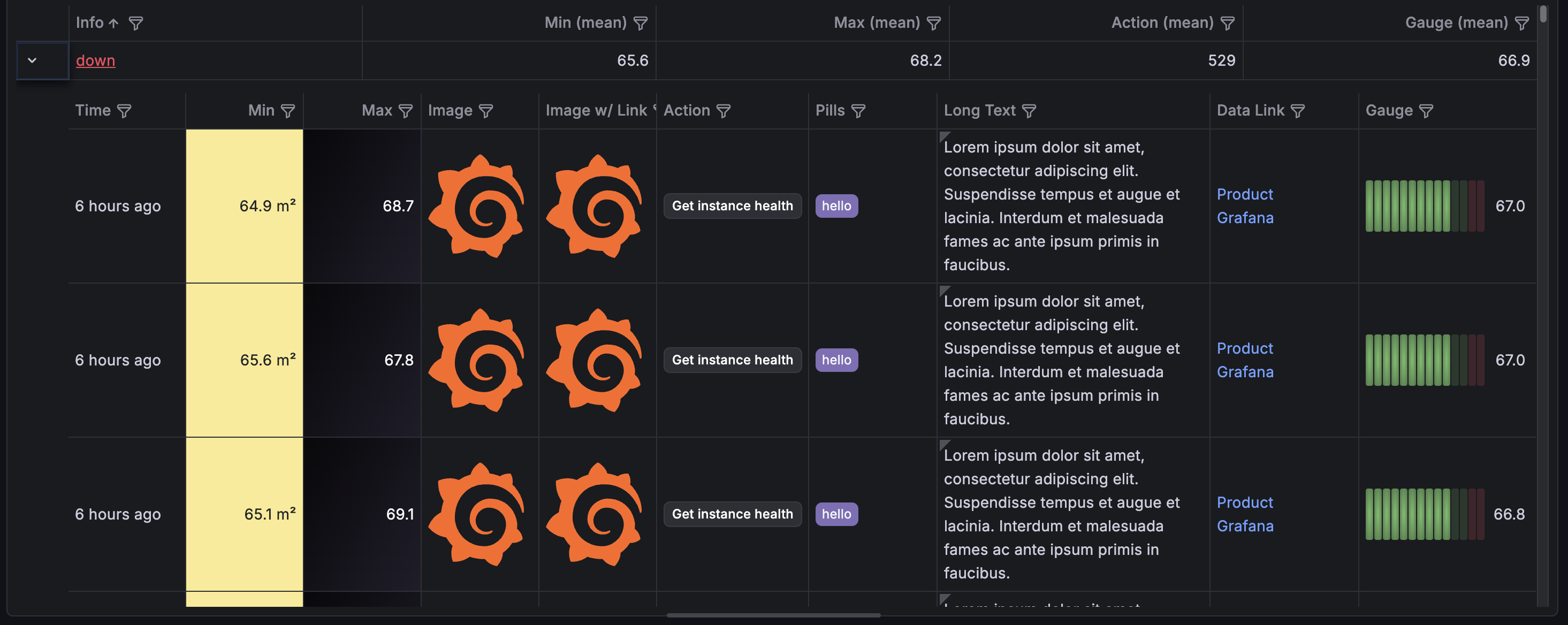
After you’ve configured your nested table, you can style its inner columns using field overrides. A new Nested scope in the target field selector lets you apply formatting, colors, display units, and other overrides to fields inside the expanded rows—not just the top-level columns.
To try out the new transformation editor, enable the groupToNestedTableV2 feature toggle. To try out nested field overrides, enable nestedFramesFieldOverrides.
