
What you'll learn
- How the LGTM stack (Loki, Grafana, Tempo, Mimir) unifies metrics, logs, and traces in Grafana Cloud
- How to connect data sources and build your first Grafana dashboard
- How to correlate observability signals to resolve incidents faster
- What’s new in Grafana 13—including suggested dashboards and faster paths to insight
- How Grafana Assistant helps teams ask natural-language questions and get guided troubleshooting on correlated telemetry
Unify metrics, logs, and traces in Grafana Cloud—and accelerate troubleshooting with Grafana 13 and Grafana Assistant
New to Grafana? Do you have too many monitoring tools and find yourself moving between different tabs or products when troubleshooting?
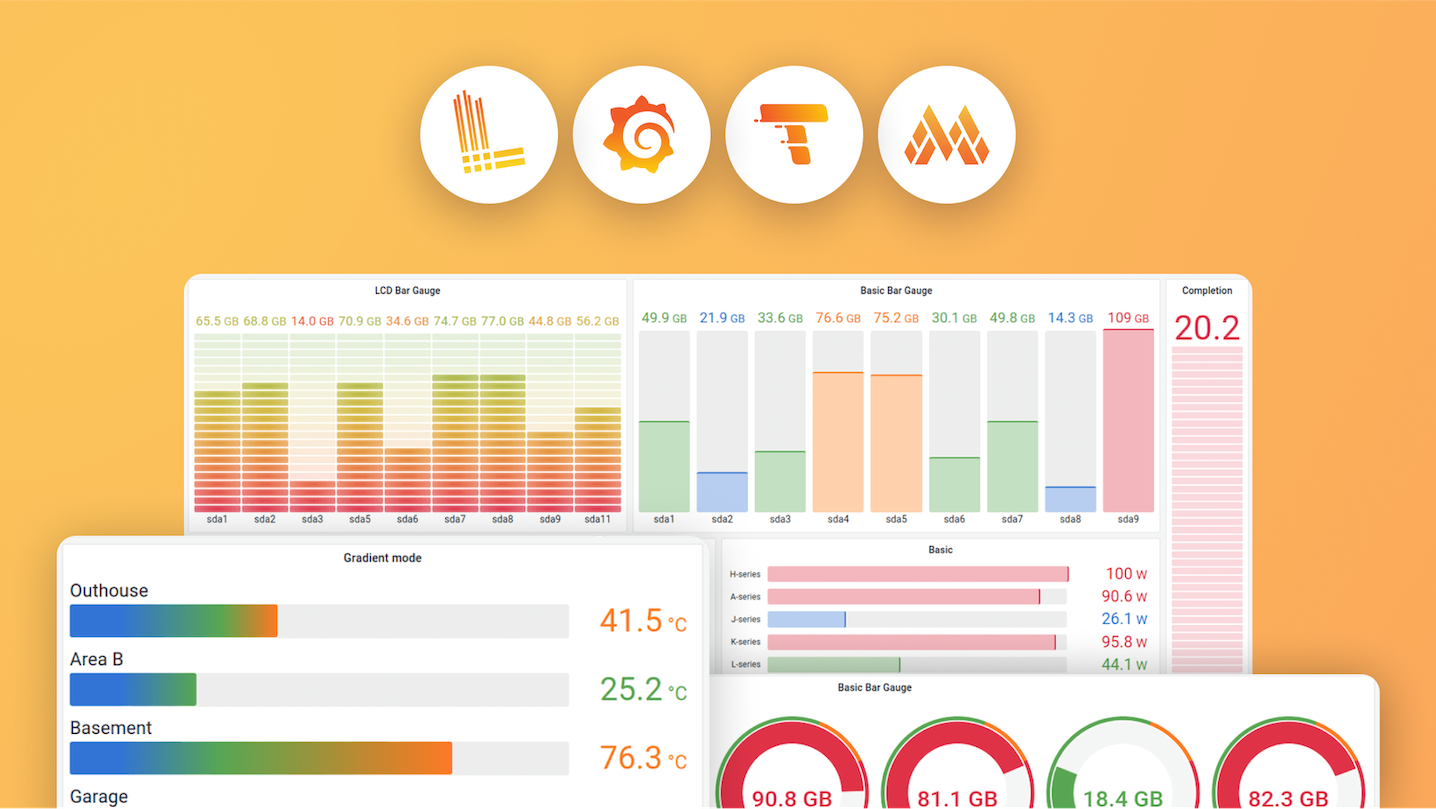
In this webinar, we’ll introduce you to the LGTM stack, Grafana Labs’ opinionated observability stack which includes: Loki-for logs, Grafana - for dashboards and visualization, Tempo - for traces, and Mimir - for metrics. We’ll also give you a sneak peek at what’s new in Grafana 13, the latest major release of your favorite dashboarding tool
Once your LGTM data is connected, Grafana Assistant helps you move from signals to action with natural-language questions, dashboard help, and guided troubleshooting—while the correlation skills we teach in the demo remain how you prove what happened in your stack.
From there, we will show you how to set up monitoring for a web service that uses the Grafana Cloud LGTM stack to seamlessly correlate the data for faster troubleshooting.
This webinar requires no previous experience with Grafana.
Your guide
