
Dashboard integration for logs
Add log visualizations from Logs Drilldown directly to dashboards.
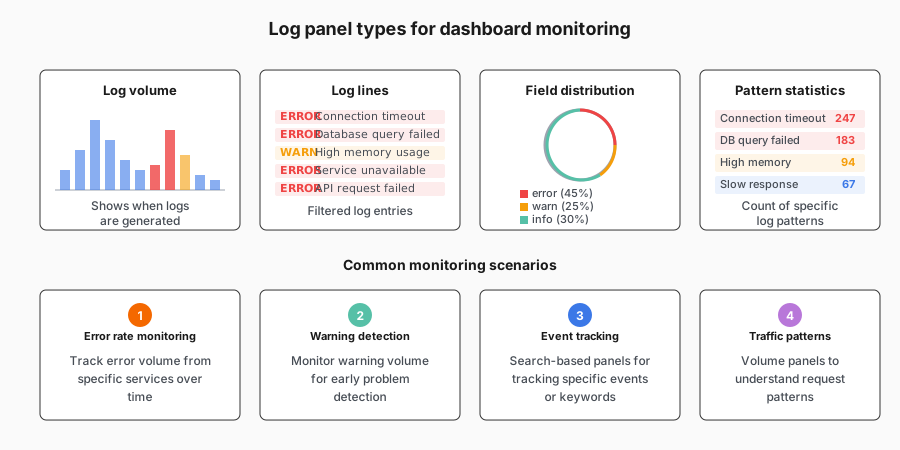
How to add logs to dashboards
From any panel in Logs Drilldown:
- Click the triple-dot menu (⋯) at the top of the panel
- Select “Add to dashboard” to save the current view
- Or select “Create alert” to set up alerting on the logs