

Logs Drilldown JSON viewer
You can easily view and interact with your JSON formatted logs using the Logs Drilldown JSON viewer. This view will help you read your JSON style logs, and filter through them to make your related visualizations more relevant and focused.
Note
To use this feature, you must be running Loki 3.5.0 or later.
Viewing JSON logs
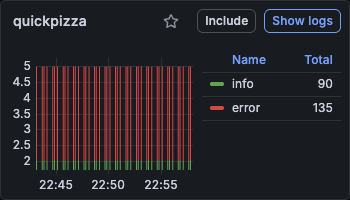
To interact with the JSON view, select Show logs for your service in Logs Drilldown.
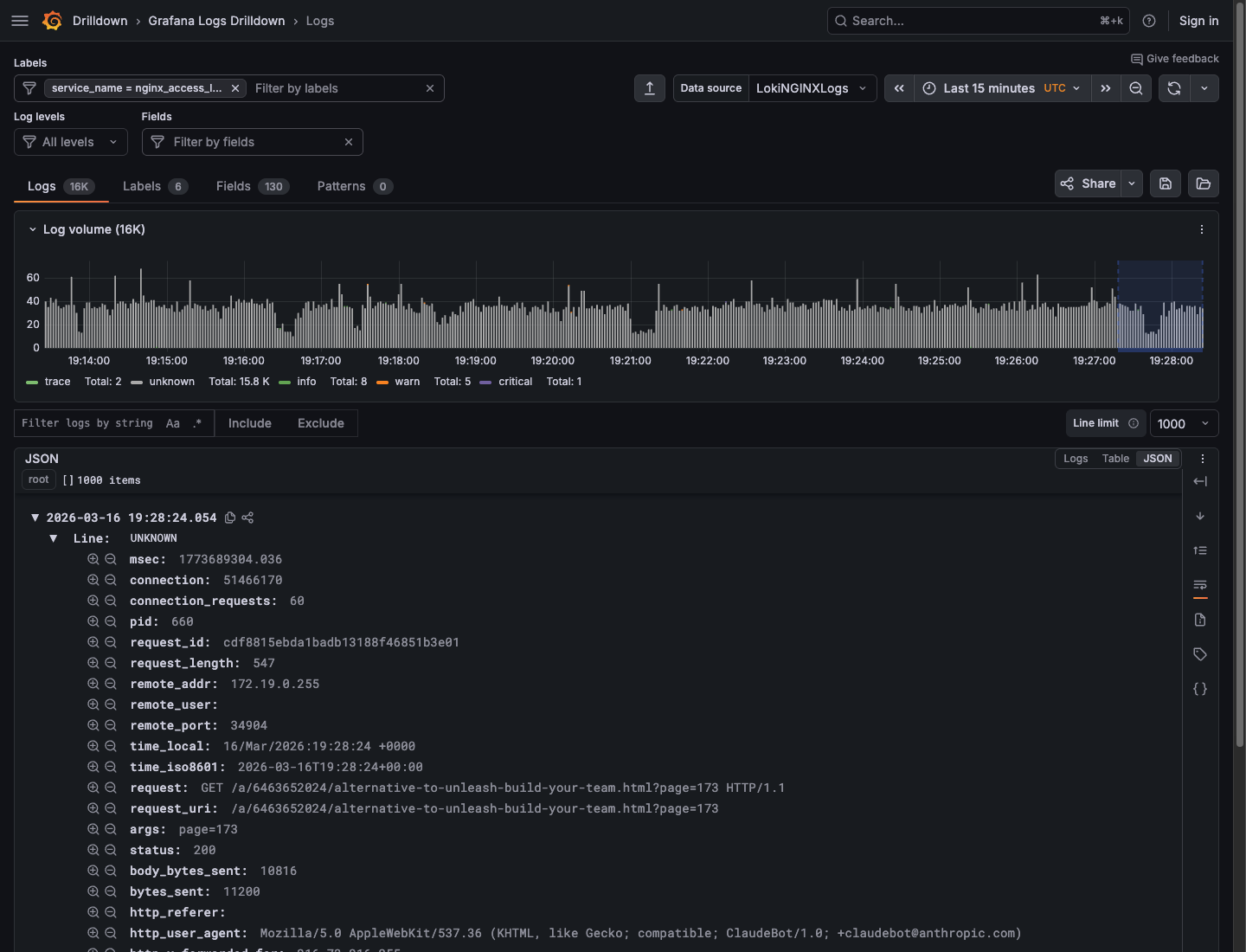
On the Logs tab, select the JSON radio button in the panel header (next to Logs and Table) to switch to the JSON viewer. Your logs are displayed in a structured, collapsible tree view, enabling you to browse, expand, and collapse JSON fields.
The Line wrapping control in the log controls panel also offers an Enabled with JSON formatting option. This pretty-prints JSON within the standard Logs view but does not open the dedicated JSON viewer. For more information about line wrapping, refer to View logs.
Filtering log lines with the JSON view
You can include and exclude specific log data from your visualizations by clicking on individual log lines to open the Log Details panel. Within Log Details, you can:
- Click the Include/Exclude (plus/minus) icons next to fields to add them to your filter.
- Click the eye icon to select specific fields to display in the logs list.
- View field statistics by clicking the stats icon.
For example: Given a set of logs from an API request service, you can click on a log line, then select the Exclude button next to the method field with value “GET”. This will result in the Log Volume visualization showing only requests of other method types (DELETE/PATCH/POST/PUT).
To include filtered log data again, remove the excluded data from the Fields filter above the Log Volume visualization.
Supported JSON log types
Log lines entirely formatted as JSON are supported.
Log lines with only certain fields or metadata structured as JSON are not currently supported.




