Persistent mode
Note
Variable panel supports redirects since version 2.3.1.
This feature applies when you configure the Business Variable panel in the Minimize and Button layouts. You can turn this mode on or off in the Business Variable panel options.
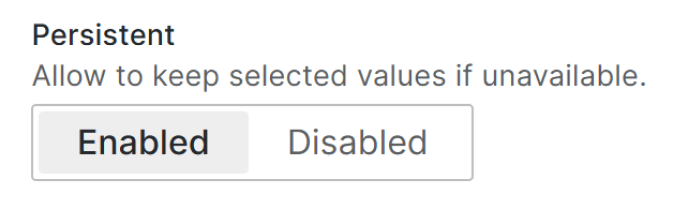
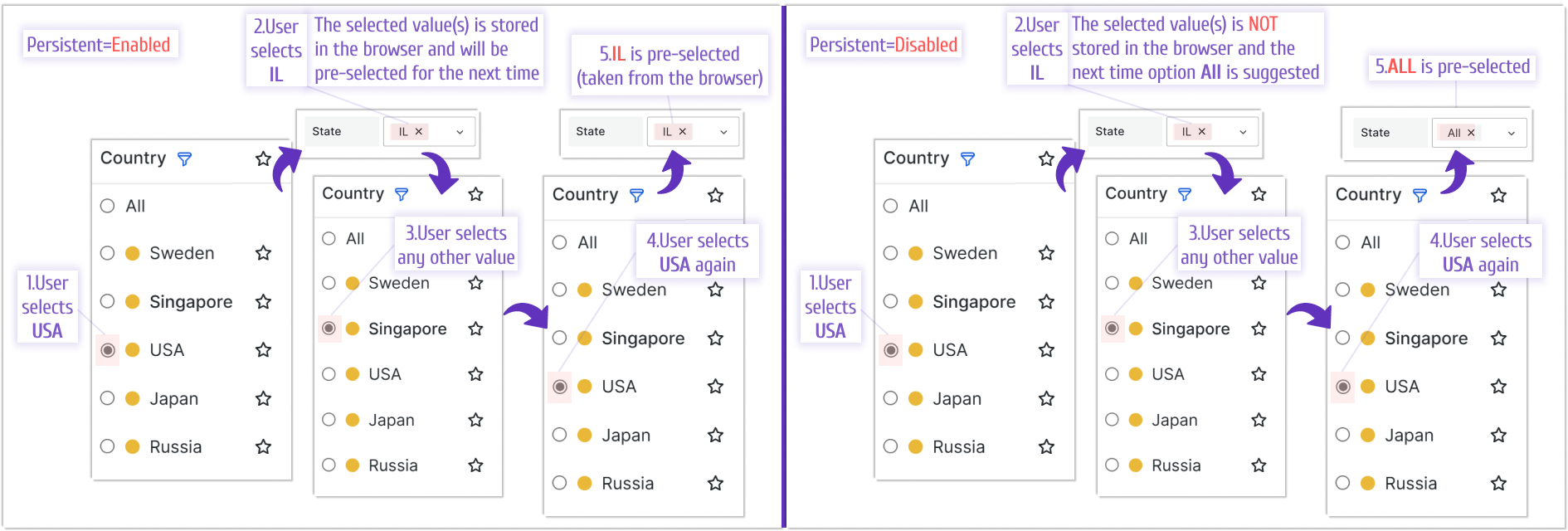
When you enable persistent mode, selected values are stored in the browser’s local storage. This is useful when one Business Variable panel controls another Business Variable panel.
For example, in the following illustration, two variable panels exist. One displays countries and the other displays states within the selected country. The user chose USA in the first panel and then IL in the second panel.
Depending on the Persistent option value set for the State variable panel, the selected value is either saved in the browser for future use or not.