Menu

Grafana Cloud
Enterprise
Open source
Empty value in multi-value
Note
The empty value option was introduced in version 2.0.0.
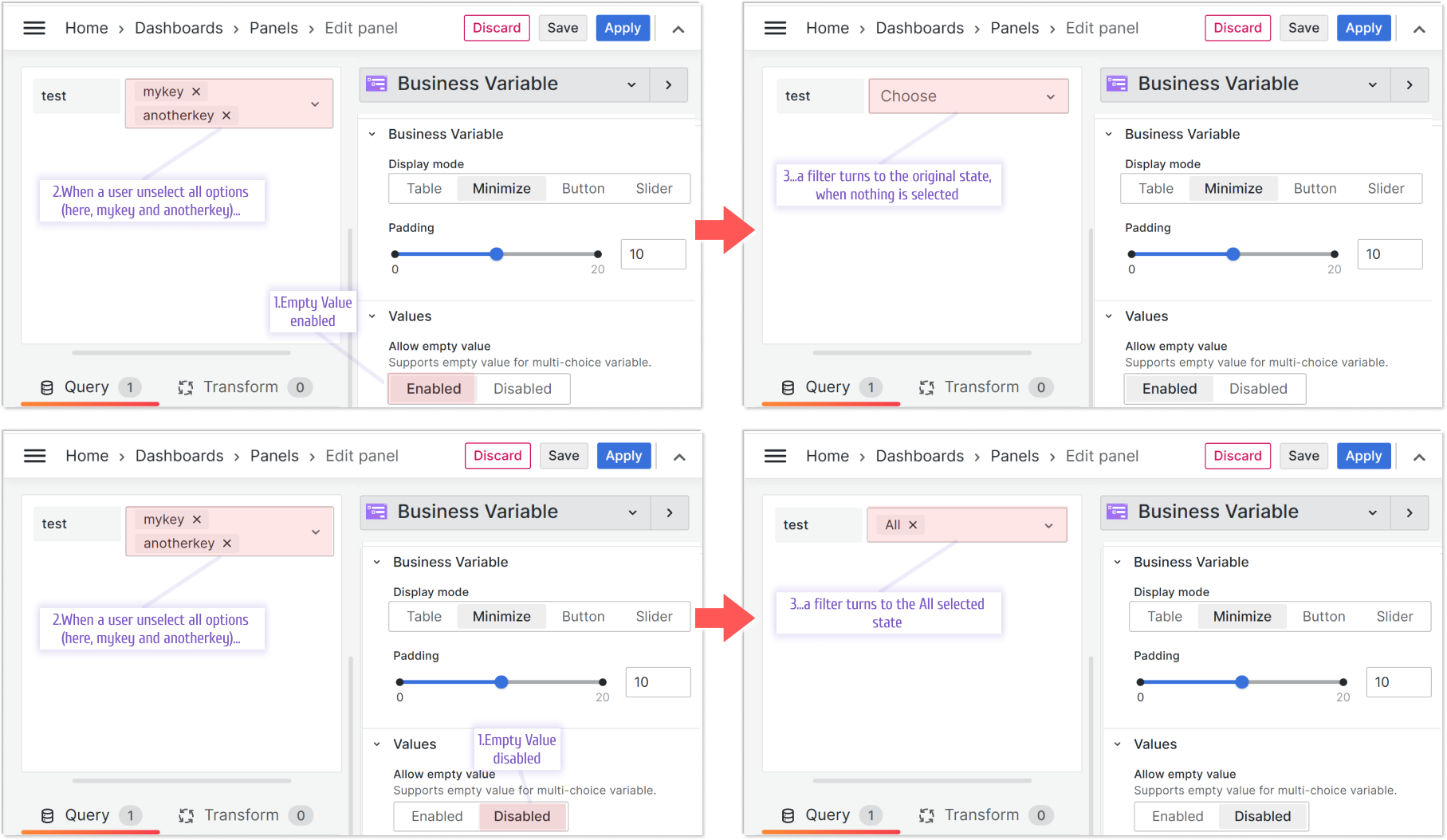
This feature works for the Minimize and Button display modes.
Before this feature was introduced, you couldn’t unselect all values. A user always had to have a value selected after making the first selection.
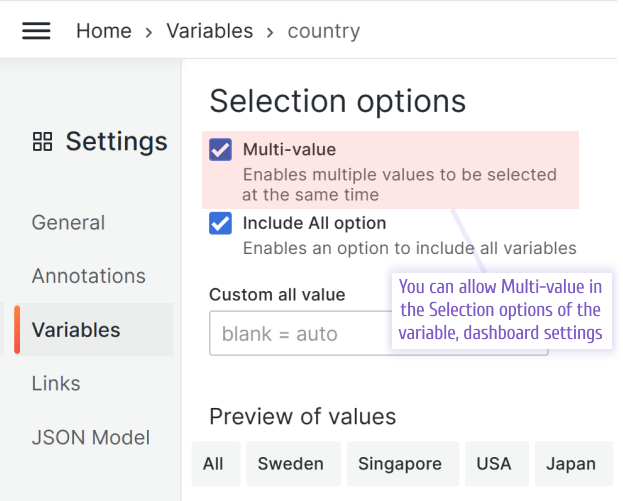
To enable this feature, enable the Allow empty value parameter in the Values category.