
Menu

Grafana Cloud
Enterprise
Open source
Display mode
The Business Variable panel enhances dashboard variables by making them more user-friendly. You can place the panel anywhere on the dashboard.
When you configure the Business Variable panel, start with the Display mode parameter. This parameter determines the style and available configuration options.
Four options are available for the Display mode parameter.
Note
The Business Variable panel supports the Slider display mode starting from version 3.0.0.
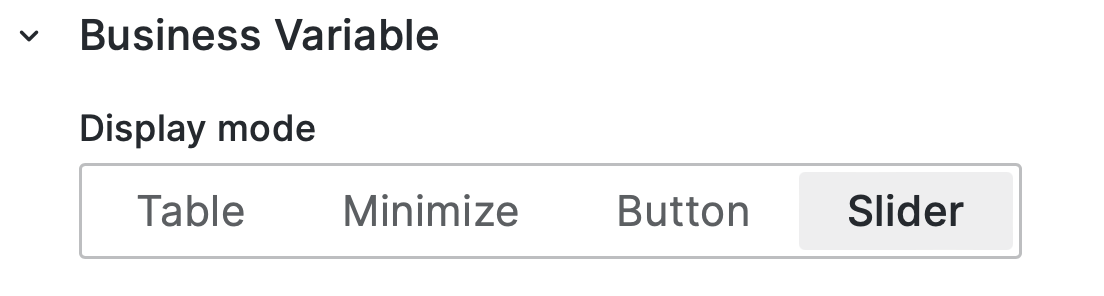
Follow the links below to learn about each display mode.


