































Open in Grafana Cloud
Complete this learning path directly in your Grafana Cloud stack, or in the Grafana Play stack, with an interactive learning experience.
Create interactive dashboards with variables
Welcome to the Create interactive dashboards with variables learning path. This journey teaches you to build interactive dashboards using variables, which lets users filter and customize views without editing queries or needing special permissions.
Using variables in dashboards helps you:
- End dashboard sprawl: Replace dozens of environment-specific dashboards with a single, dynamic version.
- Empower users: Enable self-service analytics so users can find insights without relying on creators.
- Reduce maintenance: Lower the overhead of managing static copies of dashboards while increasing dashboard utility.
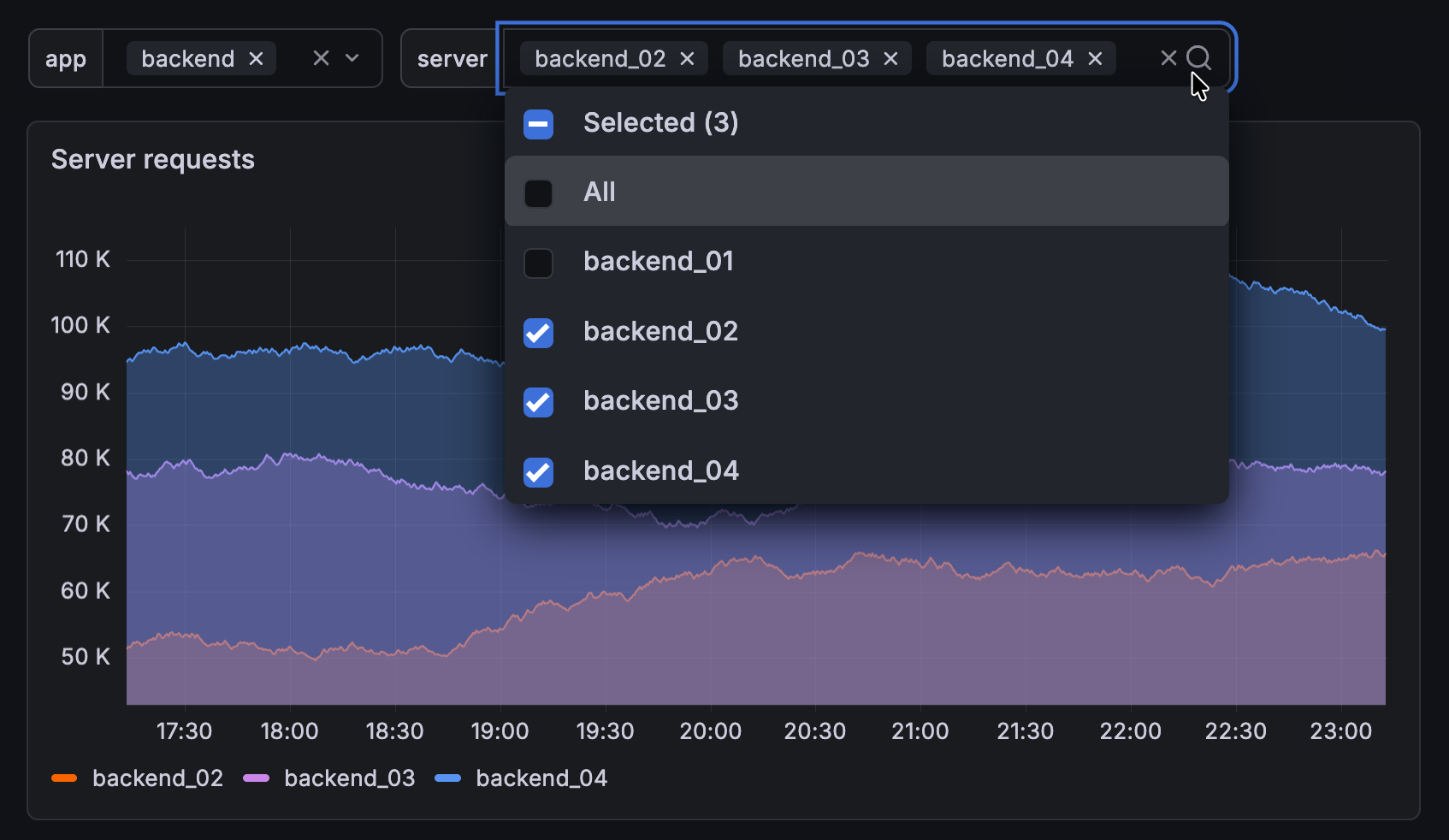
Here’s what to expect
When you complete this journey, you’ll be able to:
- Understand the types, use cases, and benefits of dashboard variables
- Create query-based and custom variables
- Use variables in panel queries to enable dynamic filtering
- Chain variables together to build dependent relationships and cascading filters for hierarchical data
- Configure variable display options and test variable interactions
Troubleshooting
If you get stuck, we’ve got your back! Where appropriate, troubleshooting information is just a click away.
More to explore
We understand you might want to explore other capabilities not strictly on this path. We’ll provide you opportunities where it makes sense. For next steps and related resources:
Before you begin
Before you begin, ensure you have the following:
- Access to Grafana Cloud or a Grafana instance
- Permissions to create and edit dashboards
- At least one Prometheus or metrics data source connected