Open in Grafana Cloud
Complete this learning path directly in your Grafana Cloud stack, or in the Grafana Play stack, with an interactive learning experience.
Work with dashboards using Git Sync
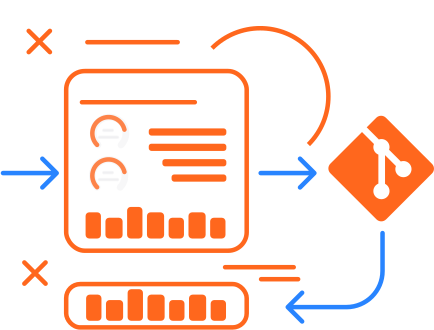
Welcome to the learning journey that shows you how to create, edit, and manage dashboards using Git Sync. Git Sync provides bidirectional synchronization between Grafana and GitHub, enabling you to apply software development workflows to dashboard management. You can create dashboards in Grafana, commit changes directly to the main branch, or create pull requests for team review before merging.
Here’s what to expect
When you complete this journey, you’ll be able to:
- Understand the value of dashboard workflows with Git Sync
- Create new dashboards in Git Sync provisioned folders
- Save dashboards using direct commits or pull requests
- Edit existing synced dashboards
- Choose between committing to main or creating branches
- View and merge pull requests in GitHub
Before you begin
Before you create and manage dashboards with Git Sync, you must have Git Sync configured and a GitHub repository connected to your Grafana instance. This setup enables the bidirectional synchronization that allows you to create dashboards in Grafana and save them to Git.
Before you work with dashboards using Git Sync, ensure that you have:
- A Grafana account and appropriate permissions to manage dashboards in Grafana
- Git Sync configured with a connected GitHub repository. Refer to Set up Git Sync for setup instructions
- A GitHub account with access to the connected repository
- Basic familiarity with Git concepts such as branches, commits, and pull requests
- Understanding of your team’s dashboard change approval process
Troubleshooting
If you get stuck, we’ve got your back! Where appropriate, troubleshooting information is just a click away.
More to explore
We understand you might want to explore other capabilities not strictly on this path. We’ll provide you opportunities where it makes sense.