
Menu
Important: This documentation is about an older version. It's relevant only to the release noted, many of the features and functions have been updated or replaced. Please view the current version.

Open source
IntelliSense
IntelliSense refers to code editing features like intelligent code completion and quick access to documentation. These features can significantly improve the developer experience and productivity when working on k6 scripts in your editor of choice. Notable features are:
- Auto-completion of k6 functions, methods, and classes.
- Auto imports of k6 modules.
- Access to k6 documentation when writing and hovering code.
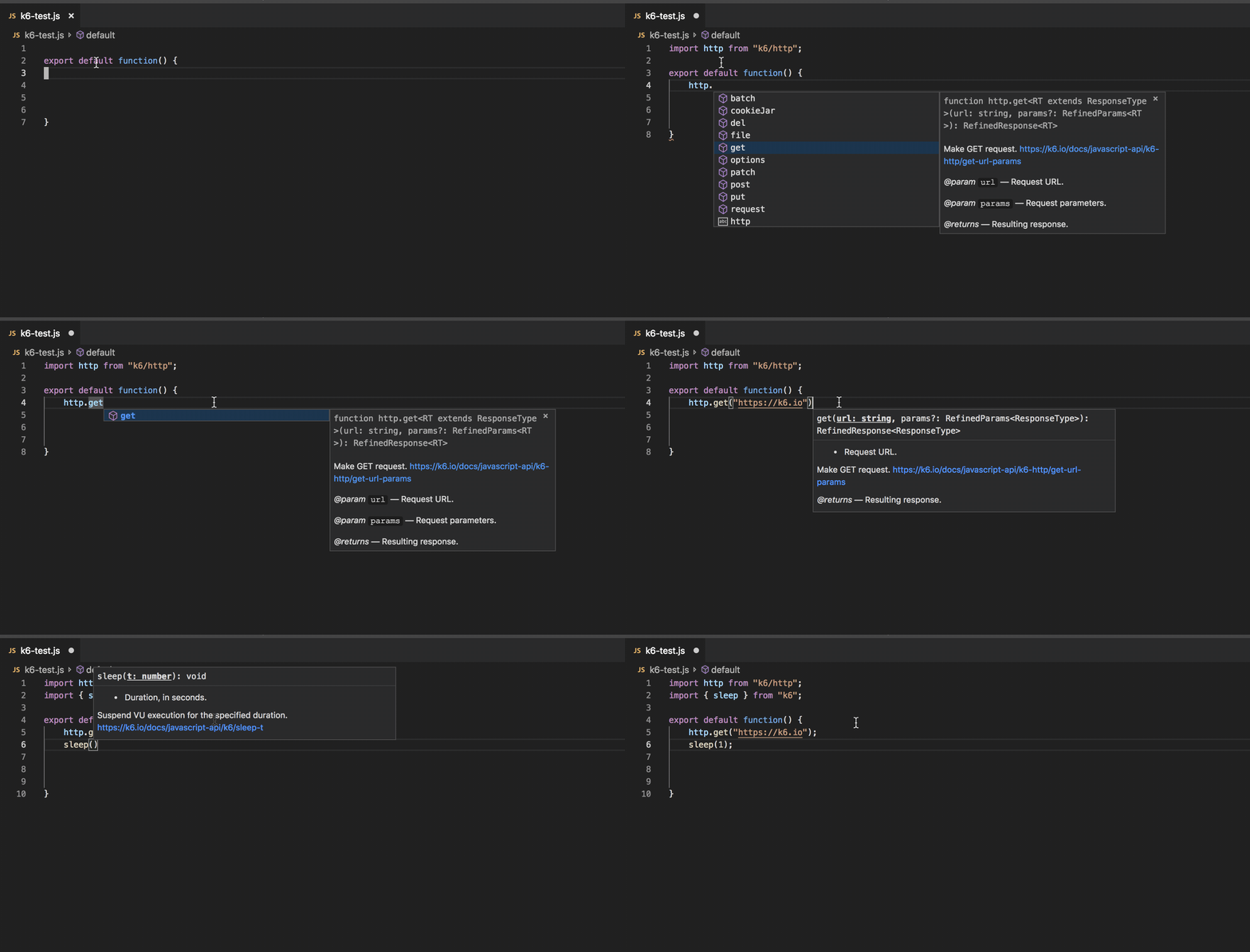
VS Code & IntelliJ
k6 has its TypeScript Type Definition that you can configure with your editor to unlock code editing features.
In Visual Studio Code and IntelliJ IDEA Ultimate, you can configure IntelliSense to recognize the k6 JavaScript API by installing the k6 Types with a package manager.
# create a `package.json` file
$ npm init --yes

# install the k6 types as dev dependency
$ npm install --save-dev @types/k6

