
Menu
Important: This documentation is about an older version. It's relevant only to the release noted, many of the features and functions have been updated or replaced. Please view the current version.
Documentation Grafana documentation
Alerting
Contact points
Message templating
Create message template
Grafana documentation
Alerting
Contact points
Message templating
Create message template
Grafana documentation
Alerting
Contact points
Message templating
Create message templateEnterprise
Open source
Create a message template
You can use message templates to customize notification messages for the contact point types.
To create a message tempplate:
- In the Grafana menu, click the Alerting (bell) icon to open the Alerting page listing existing alerts.
- In the Alerting page, click Contact points to open the page listing existing contact points.
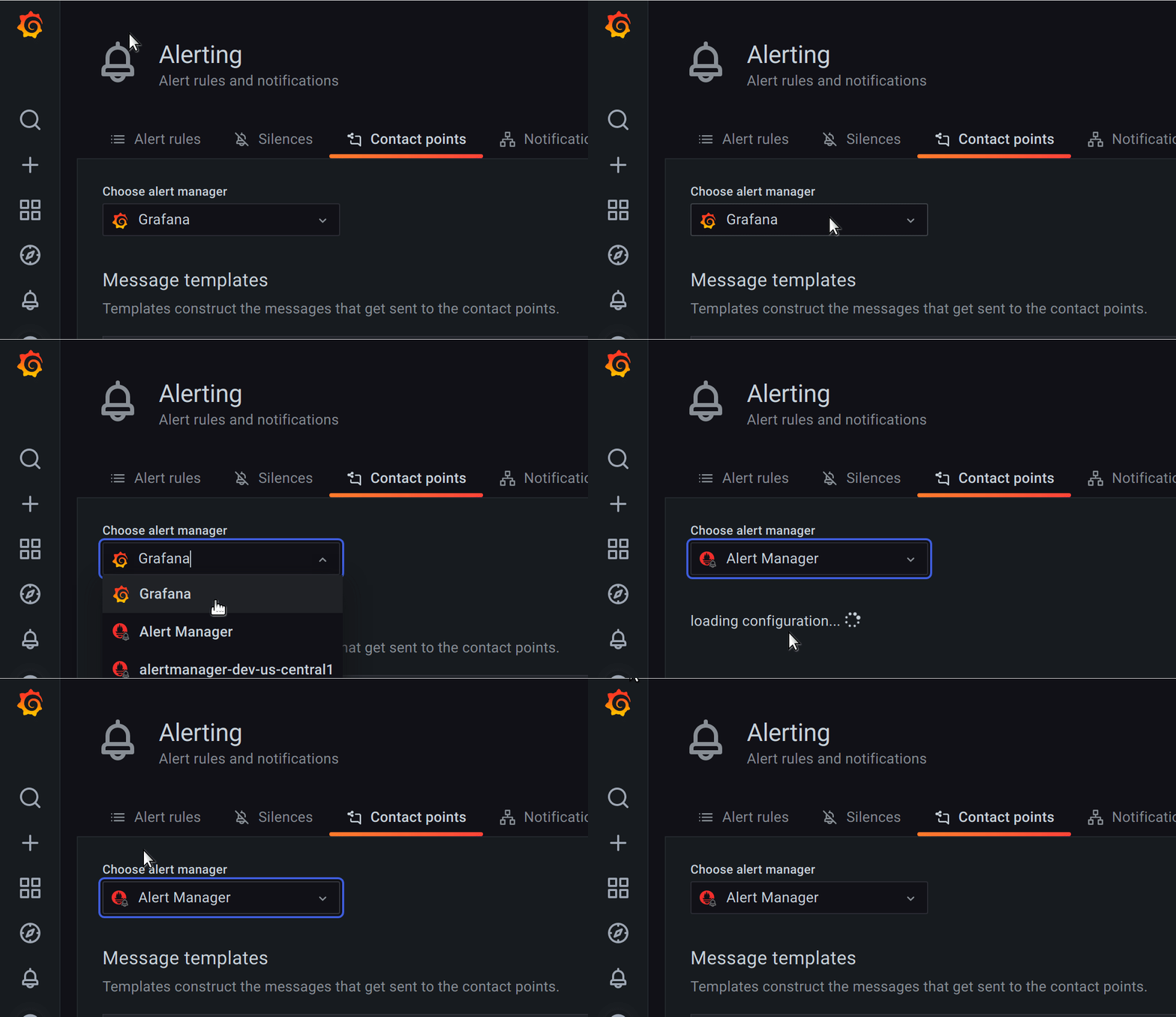
- From Alertmanager drop-down, select an external Alertmanager to create and manage templates for the external data source. Otherwise, keep the default option of Grafana.

Select Alertmanager - Click Add template.
- In Name, add a descriptive name.
- In Content, add the content of the template.
- Click Save template button at the bottom of the page.

The define tag in the Content section assigns the template name. This tag is optional, and when omitted, the template name is derived from the Name field. When both are specified, it is a best practice to ensure that they are the same.




