






























What's new from Grafana Labs Filter query variable values more effectively with regex patterns
Filter query variable values more effectively with regex patternsWhat's new from Grafana Labs

Filter query variable values more effectively with regex patterns
Find the right query variable values to show by applying a regex pattern to the display text instead of the variable value. This is a great shortcut for those times when the text you see in the UI doesn’t match the raw value you need to capture.
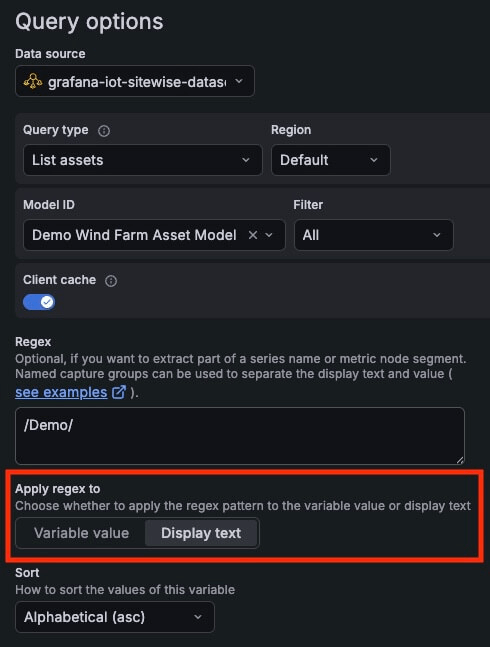
When you configure query variables with regex for data sources like Azure, CloudWatch, and AWS IoT, the regex matches the value. However, this value is often different from the display text, which makes it difficult to match the value you need.
To fix this mismatch, use the Apply regex to option in your query variable settings to select whether the regex applies to the value or the display text.
To learn more, refer to the variable documentation.
Related What's new posts
