






























Cloudflare Magic Transit Analytics
Cloudflare Magic Transit Analytics
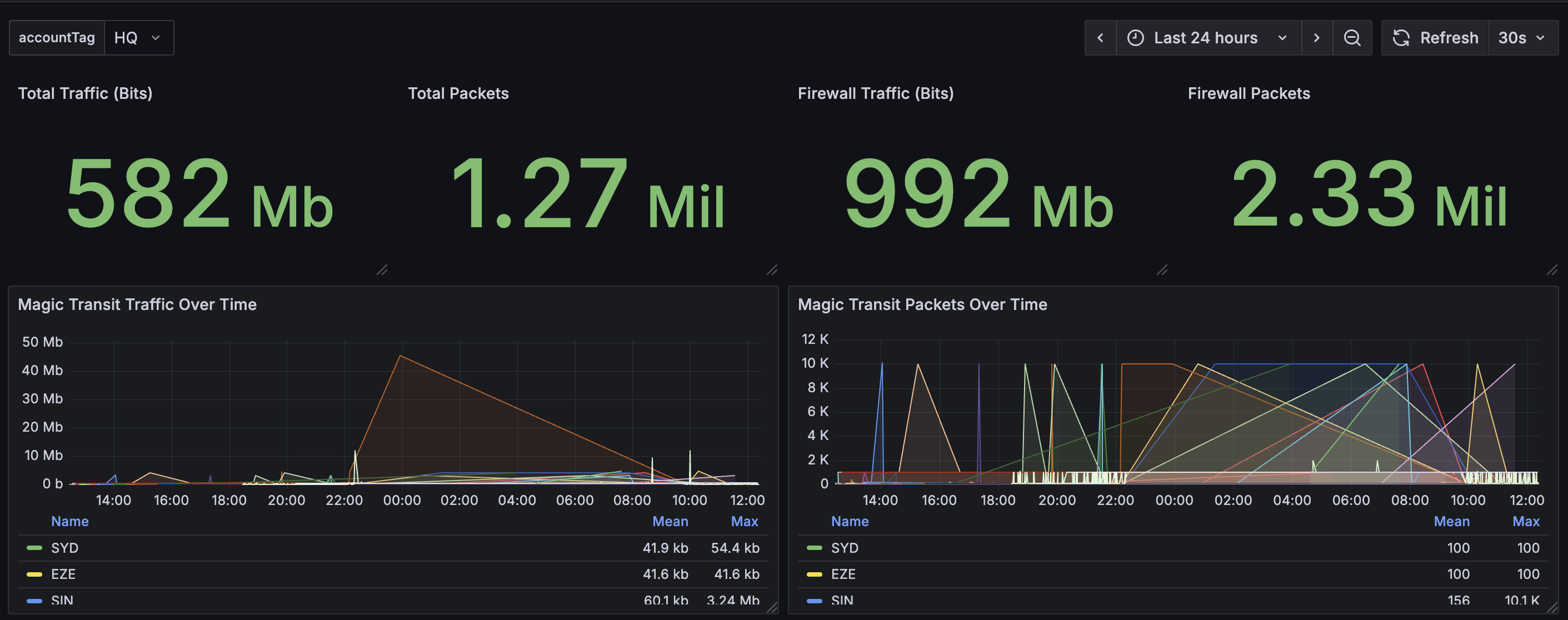
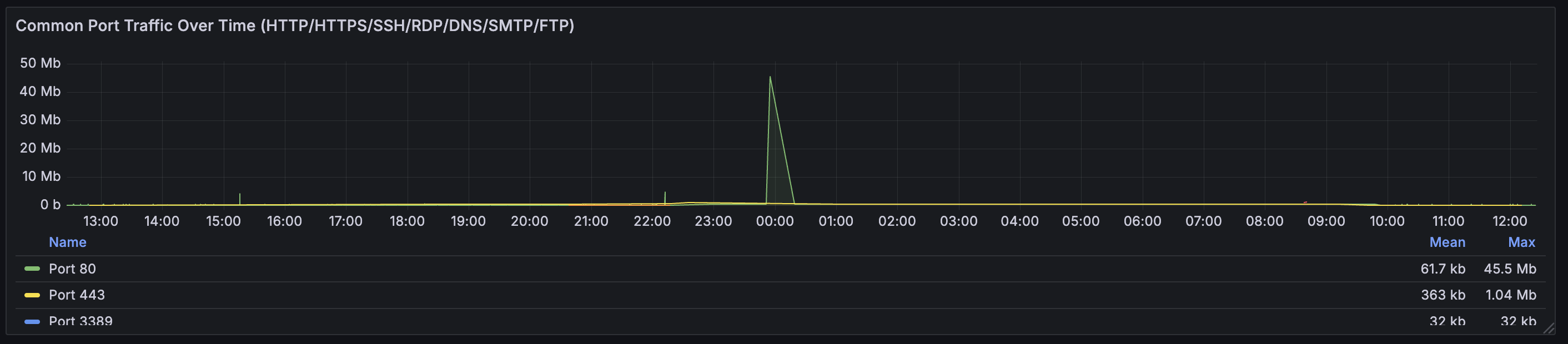
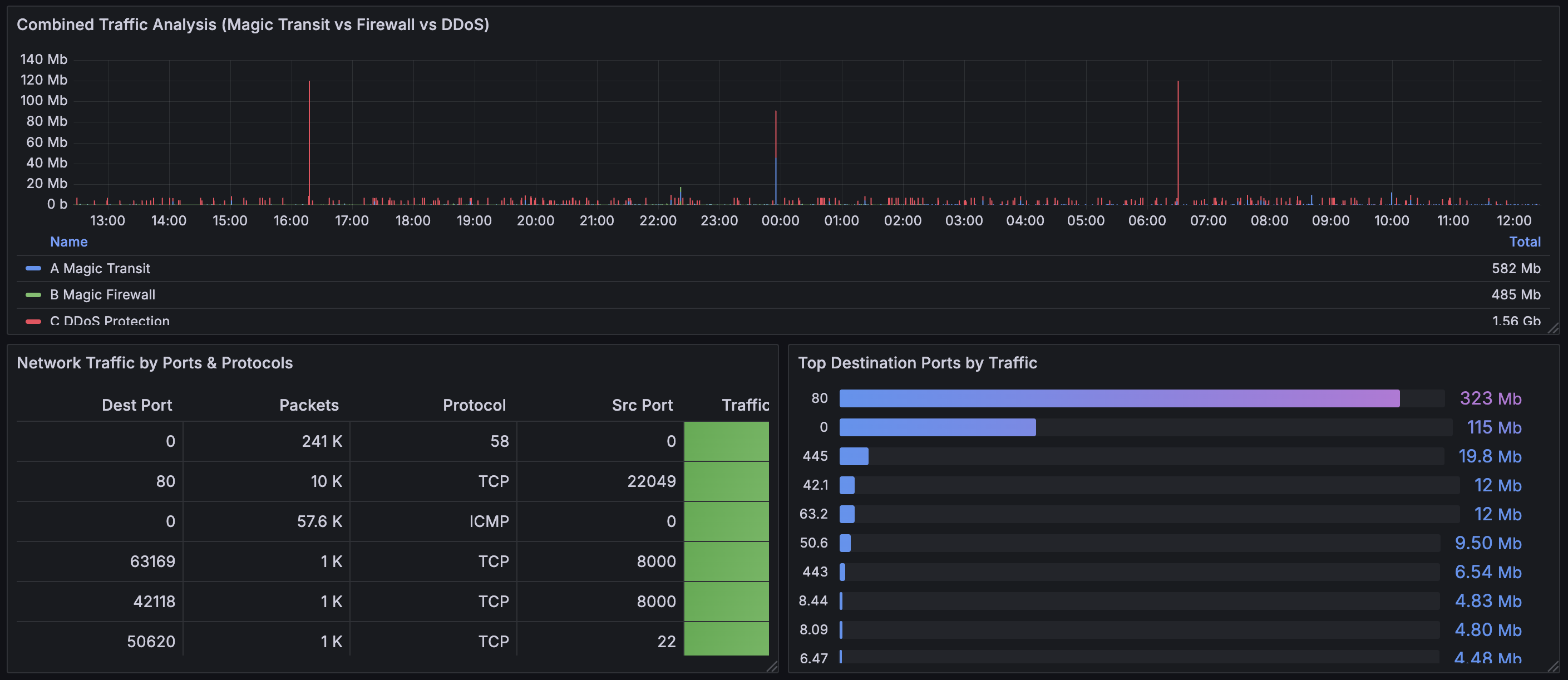
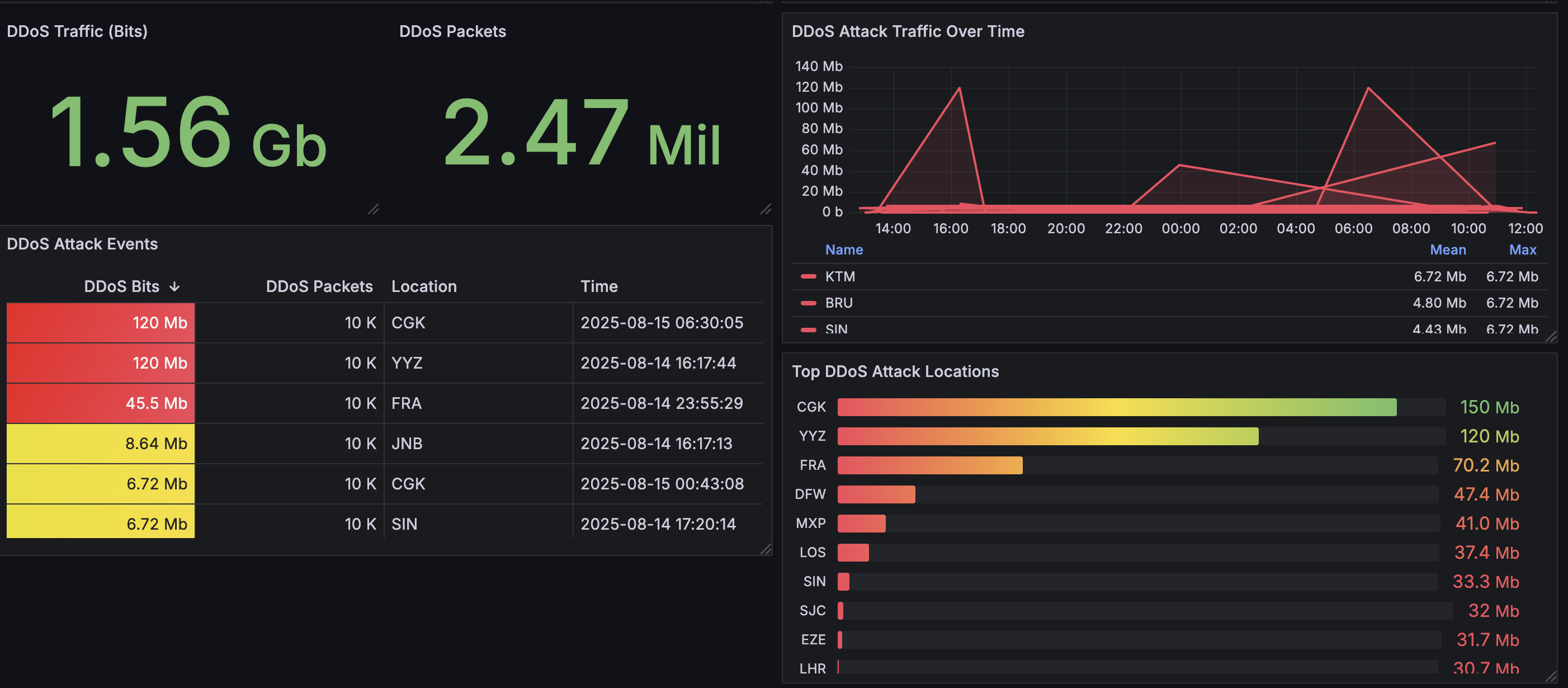
Cloudflare’s Magic Transit Analytics dashboard.
How to use
- Install Infinity Data Source.
- Set X-AUTH-EMAIL and X-AUTH-KEY in the data source header.
- Add allowed hosts (https://api.cloudflare.com/client/v4/graphql) to the security menu.
- Modify Account ID in the dashboard variable.
Data source config
Collector type:
Collector plugins:
Collector config:
Revisions
Upload an updated version of an exported dashboard.json file from Grafana
| Revision | Description | Created | |
|---|---|---|---|
| Download |

Adobe Analytics

With the Grafana plugin for Adobe Analytics, you can quickly visualize and query your Adobe Analytics data from within Grafana.
Learn more