






























Important: This documentation is about an older version. It's relevant only to the release noted, many of the features and functions have been updated or replaced. Please view the current version.

TraceQL query editor
You can use the TraceQL viewer and query editor in the Tempo data source to build queries and drill-down into result sets. The editor is available in Grafana’s Explore interface.
Note
To use the TraceQL query editor in Grafana, you need to enable the
traceqlEditorfeature flag. This feature is available starting in Grafana 9.3.2. The query editory is available automatically in Grafana Cloud.
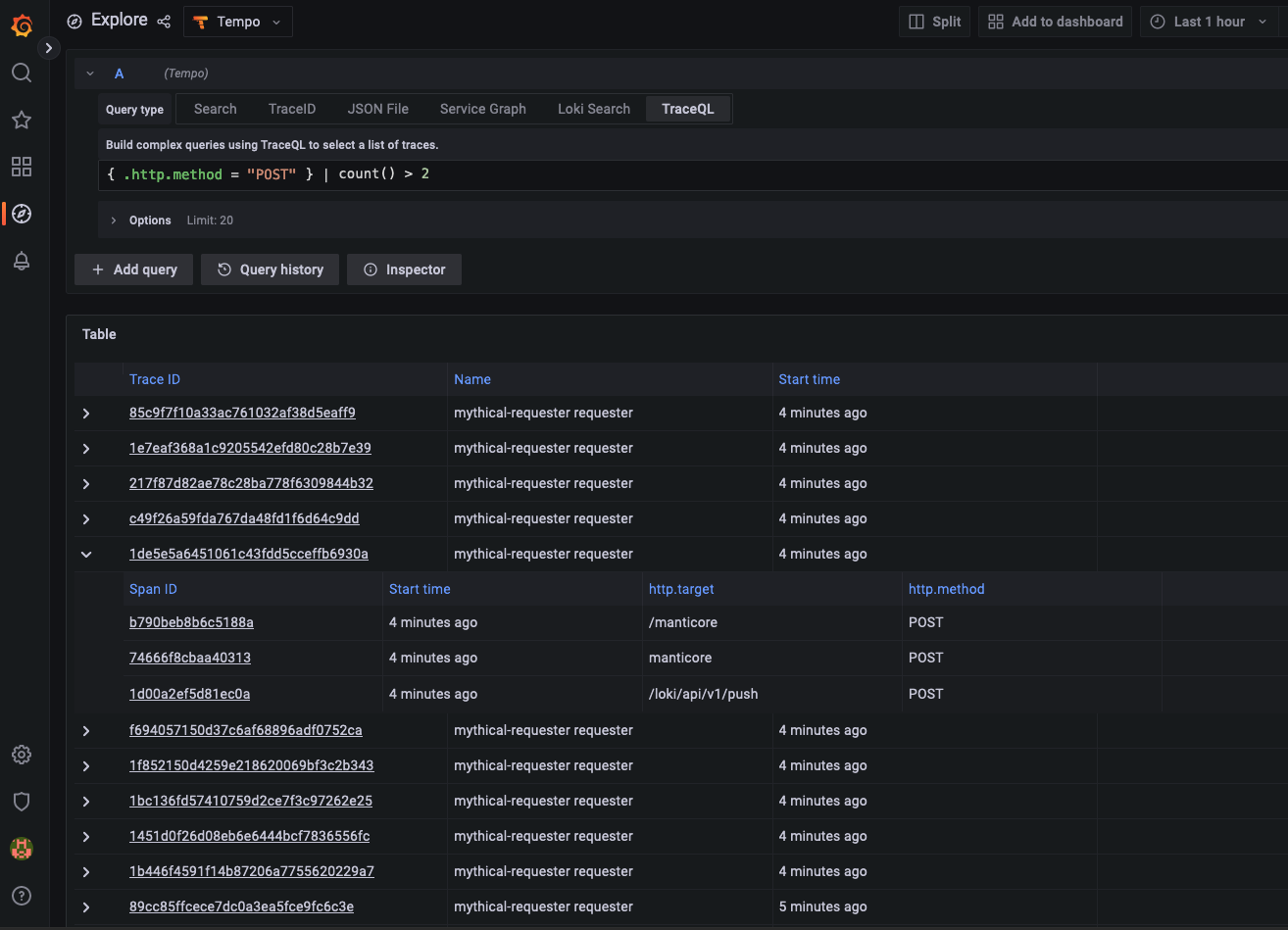
Using the query editor, you can use the editor’s autocomplete suggestions to write queries. The editor detects span sets to provide relevant autocomplete options. It uses regular expressions (regex) to detect where it is inside a spanset and provide attribute names, scopes, intrinsic names, logic operators, or attribute values from Tempo’s API, depending on what is expected for the current situation.
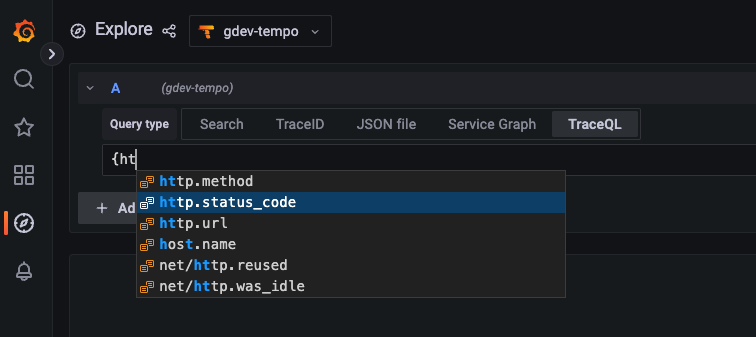
Query results are returned in a table. Selecting the Trace ID or Span ID provides more detailed information.
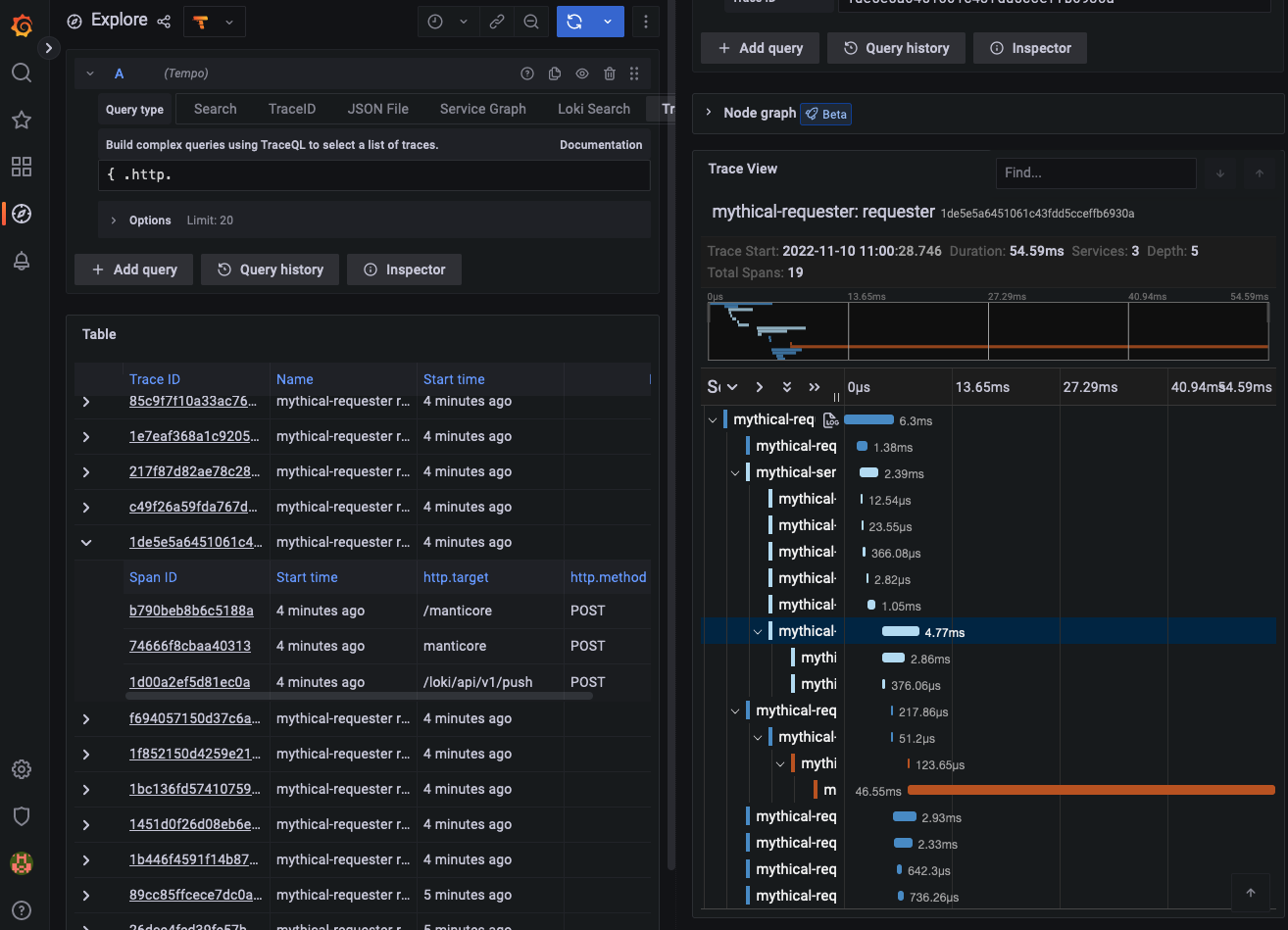
Selecting the trace ID from the returned results will open a trace diagram. Selecting a span from the returned results opens a trace diagram and reveals the relevant span in the trace diagram (above, the highlighted blue line).


