

Provisioning
Grafana supports managing data sources by adding one or more YAML config files in the provisioning/datasources folder.
Example
The following example shows how to provision the Business News data source.
datasources:
  - name: Bitcoin
    type: volkovlabs-rss-datasource
    access: proxy
    orgId: 1
    uid: rZAdZdf7k
    version: 1
    editable: true
    jsonData:
      feed: https://news.bitcoin.com/feed/
Data sources
When provisioned, the Business News data source appears in the data sources list.
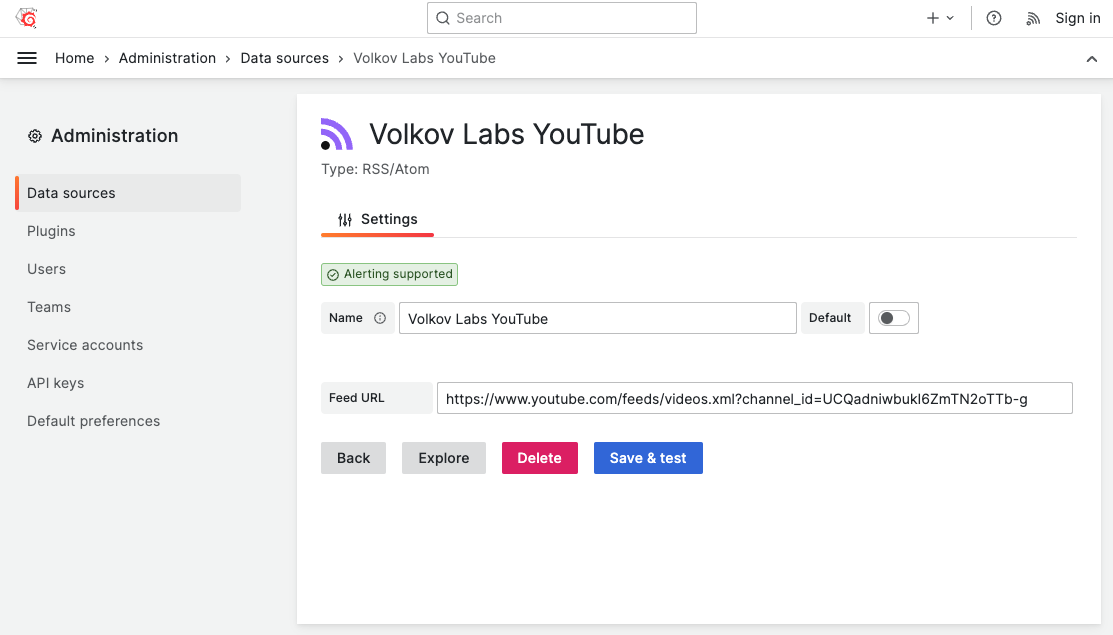
Feed URL
The URL must contain all necessary characters (such as / at the end) to avoid redirects.
During testing, you might see the following error.
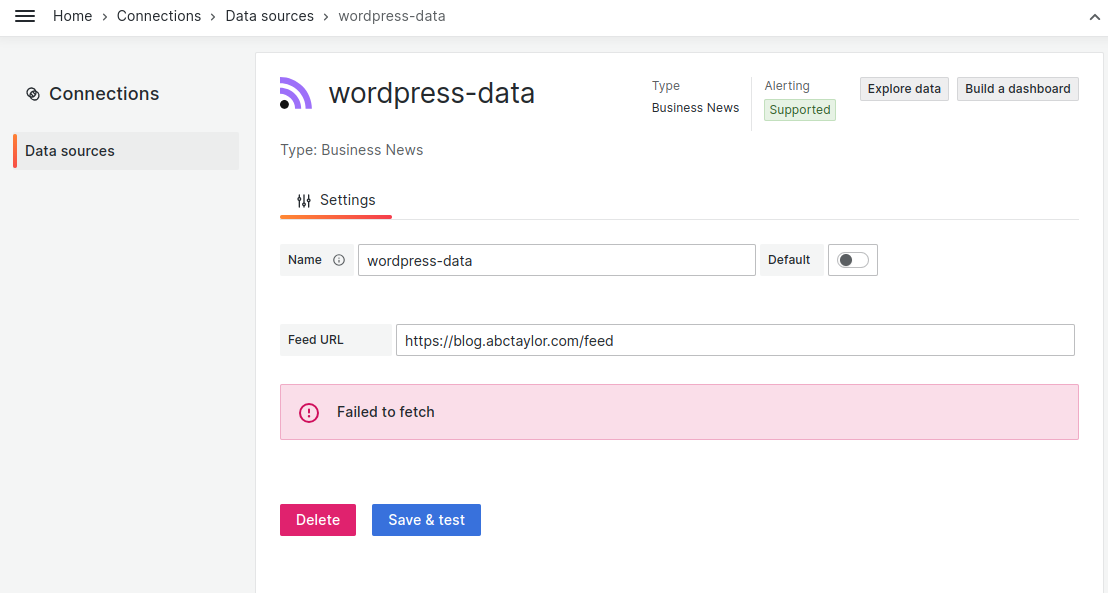
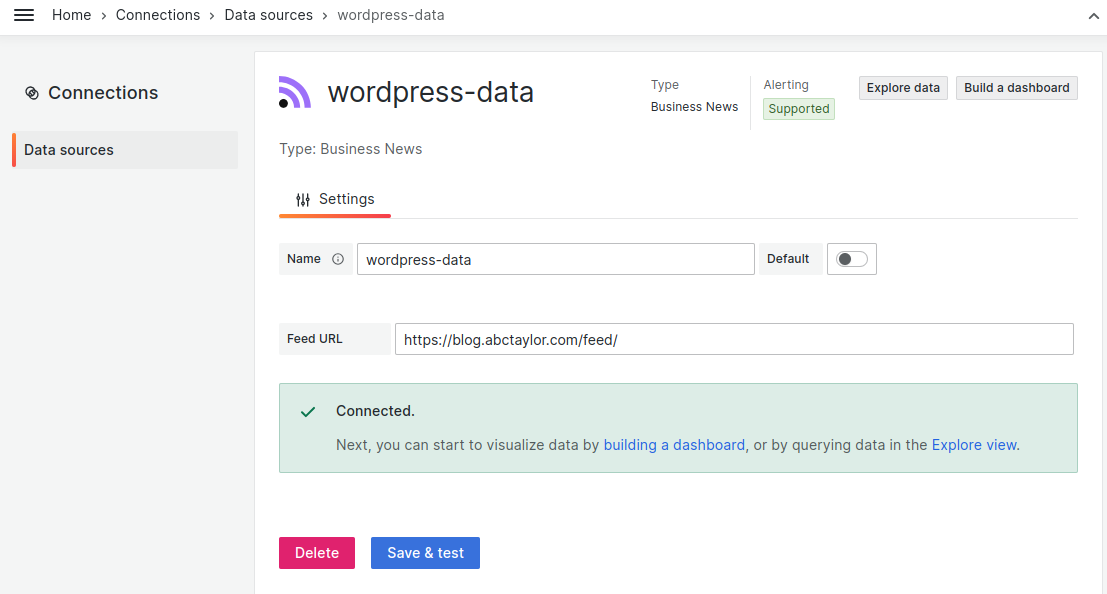
If the URL is correct and returns data but also returns an error, add / to the end of the URL to avoid a redirect blocked by CORS policy.
For example, use https://sitename/feed/ instead of https://sitename/feed.
Note
If you already tried a data source with
https://sitename/feedand added/but still see an error, clear your cache and perform a hard reload.


