
Menu

Enterprise
Open source
Grafana Cloud
Business Forms
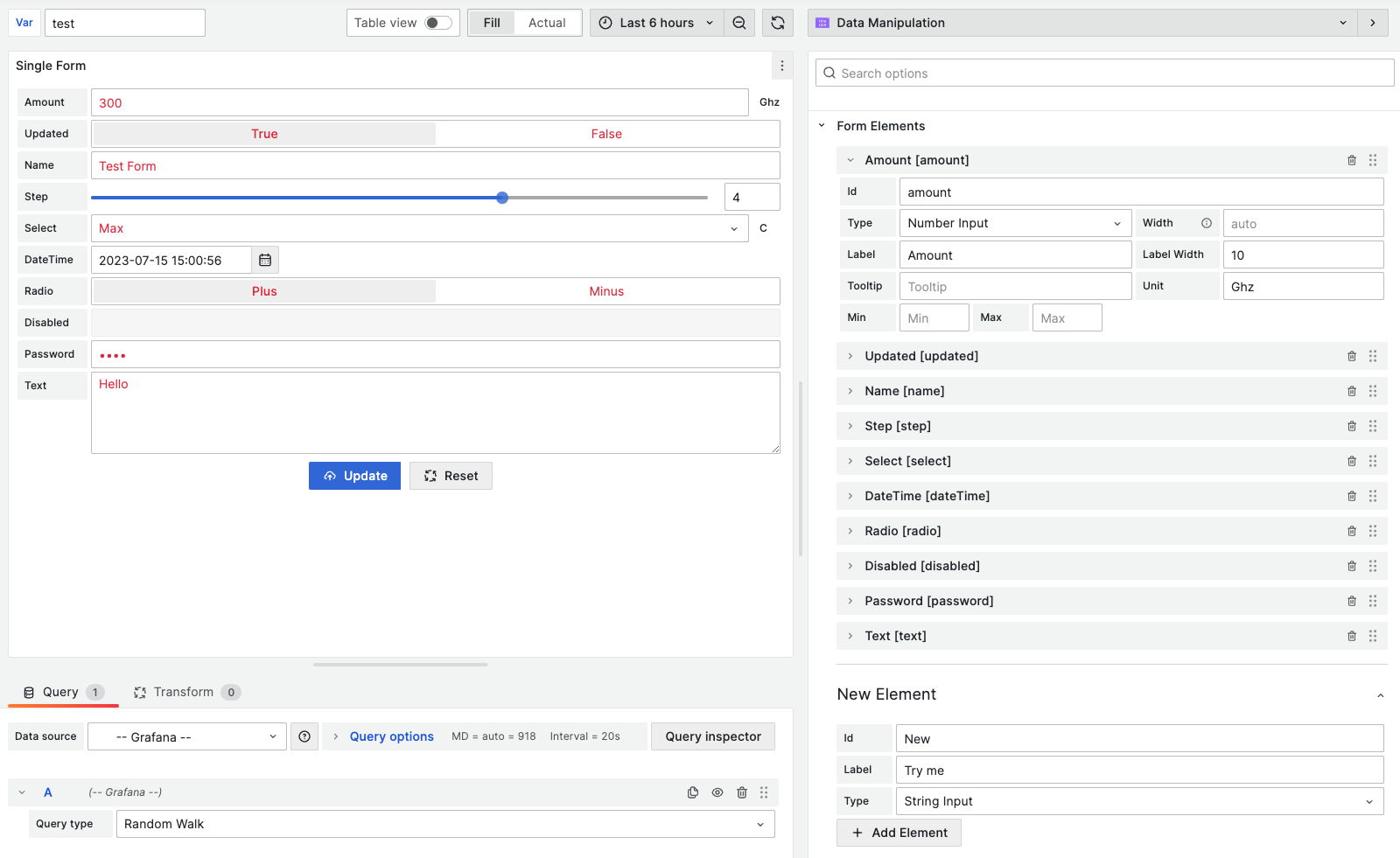
The Business Forms panel is a conceptually new plugin for Grafana. It is the first plugin that allows inserting and updating application data, as well as modifying configuration directly from your Grafana dashboard.
Requirements
- Business Forms panel 6.X requires Grafana 11 or Grafana 12.
- Business Forms panel 4.X, 5.X requires Grafana 10 or Grafana 11.
- Data Manipulation panel 3.X requires Grafana 9 or Grafana 10.
- Data Manipulation panel 2.X requires Grafana 9 or Grafana 8.5.
- Data Manipulation panel 1.X requires Grafana 8.
Getting started
You can install the Business Forms panel from the Grafana Plugins catalog or use the Grafana command line tool.
For the latter, use the following command:
grafana cli plugins install volkovlabs-form-panelHighlights
- Provides functionality to create customizable forms.
- Supports custom code for initial and update requests.
- Supports API requests, including the
GETrequest to get initial values and theDELETE,PATCH,POST, andPUTrequests to send values updated in the form. - Adds request headers to initial and update requests.
- Customizes the Submit and Reset buttons and the form layout.
- Splits form elements into sections.
- Requests user confirmation before running an update request.
- Sends all or only updated elements in the request payload.
- Displays success and error notifications through custom code.
- Provides suggestions for available parameters when writing program code in the code editor.
Tutorial
This video provides two examples of what the Business Forms plugin can do, along with an outline of their configuration steps. The video also shows how to create the Business Forms panel dynamically using code, with a reference where you can get copy-paste examples.
For more tutorials, see Tutorials.
Documentation
License
Apache License Version 2.0, refer to the LICENSE.


