Menu

Grafana Cloud
Enterprise
Open source
Variables
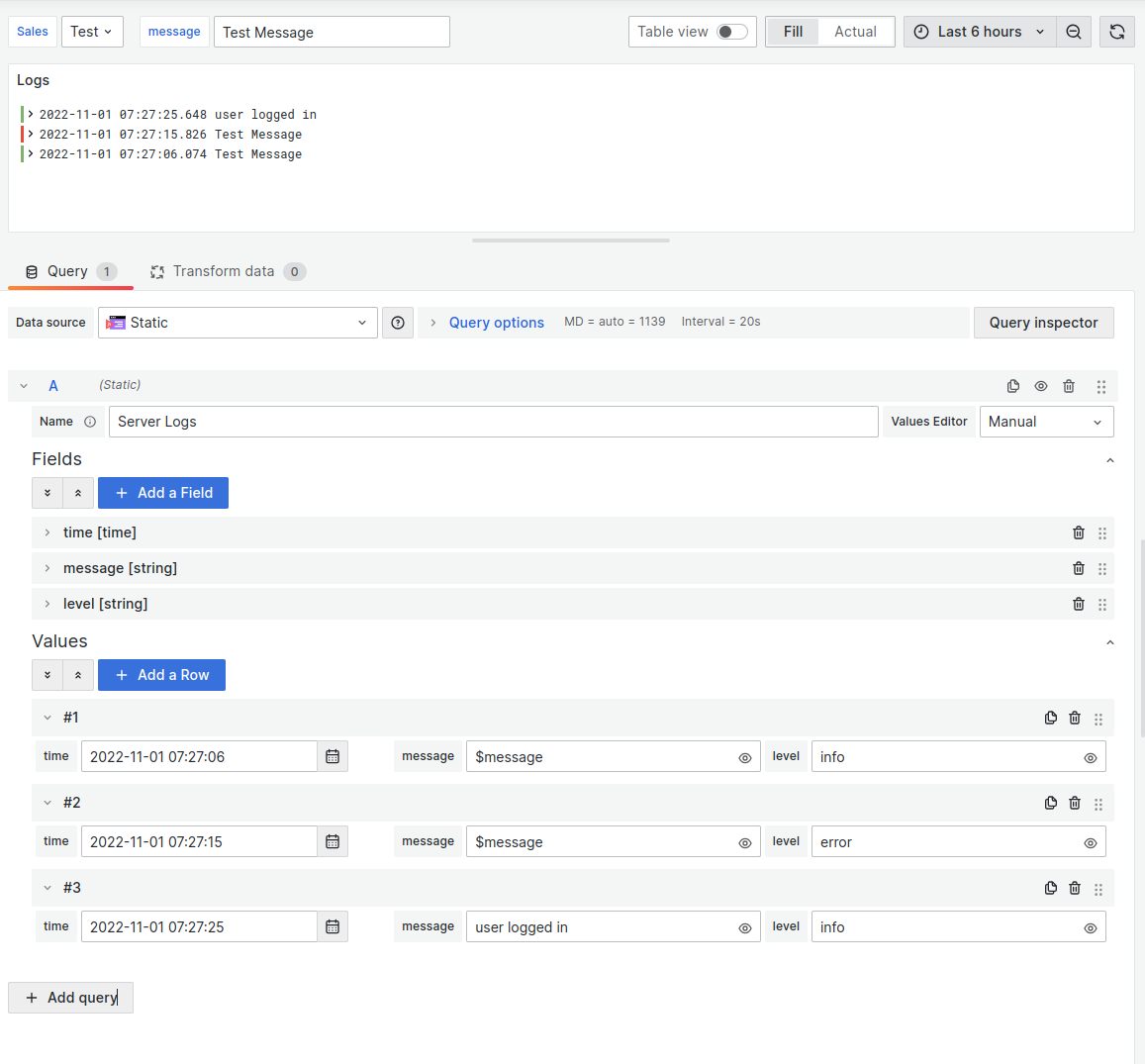
The Business Input data source supports dashboard and global variables in String fields.
The Grafana Crash Course discusses three types of variables.
Code editor
To get started, create a new custom variable:
2022-02-10T00:00:00.000Z,
2022-03-10T00:00:00.000Z,
2022-04-10T00:00:00.000Z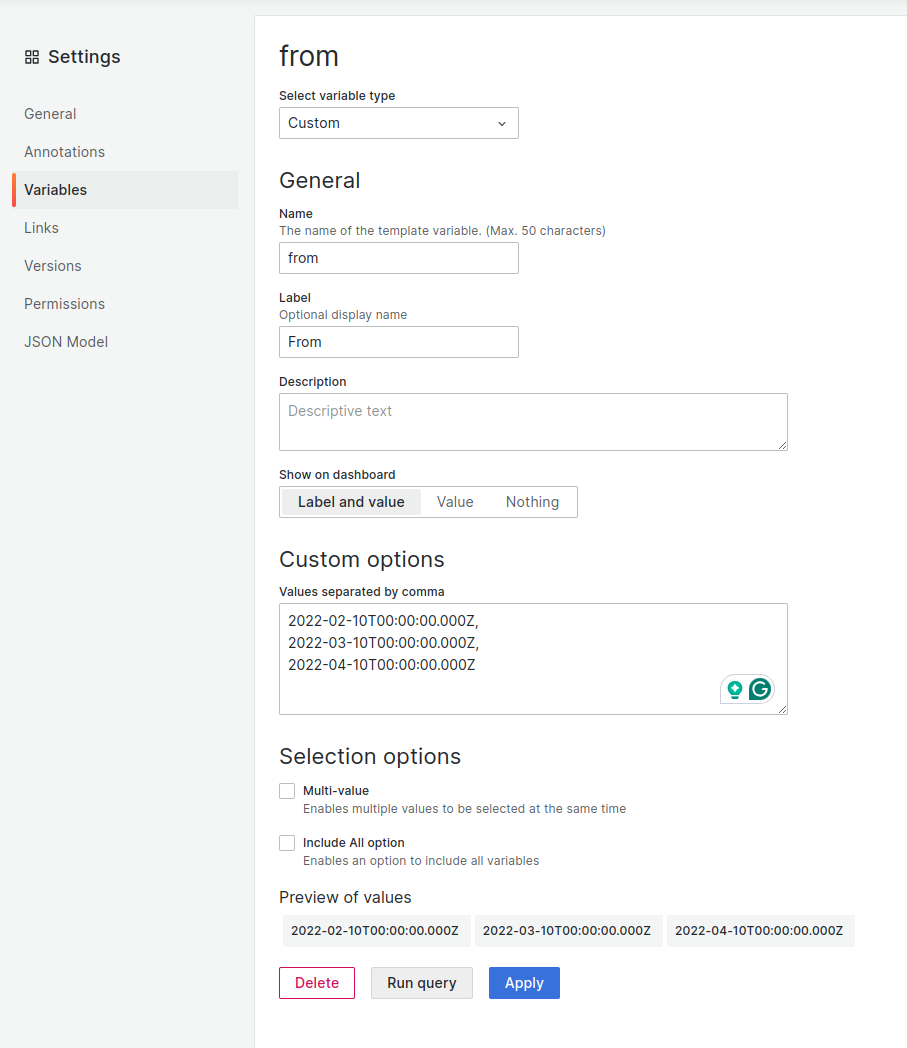
- Create another variable that relates to the first variable. Use the
Business Input Data Sourceand set the variable type toQuerywith theCode editor. - In Query options, set the Data source to
Static. - In the code, take the value of the
fromvariable and add 7 days to it for each iteration. - Use the
${variable_name}syntax to reference your variable in code.
Code
const array = Array.from({ length: 3 }, (v, i) => `${i + 1}`);

const result = {
  ...frame,
  fields: frame.fields.map((field) => ({
    ...field,
    values: array.map((item) => {
      const currentFrom = `${from}`;
      const date = new Date(currentFrom);
      const newTo = new Date(date.getTime() + item * 7 * 24 * 60 * 60 * 1000);
      return newTo.toISOString();
    }),
  })),
};

return Promise.resolve(result);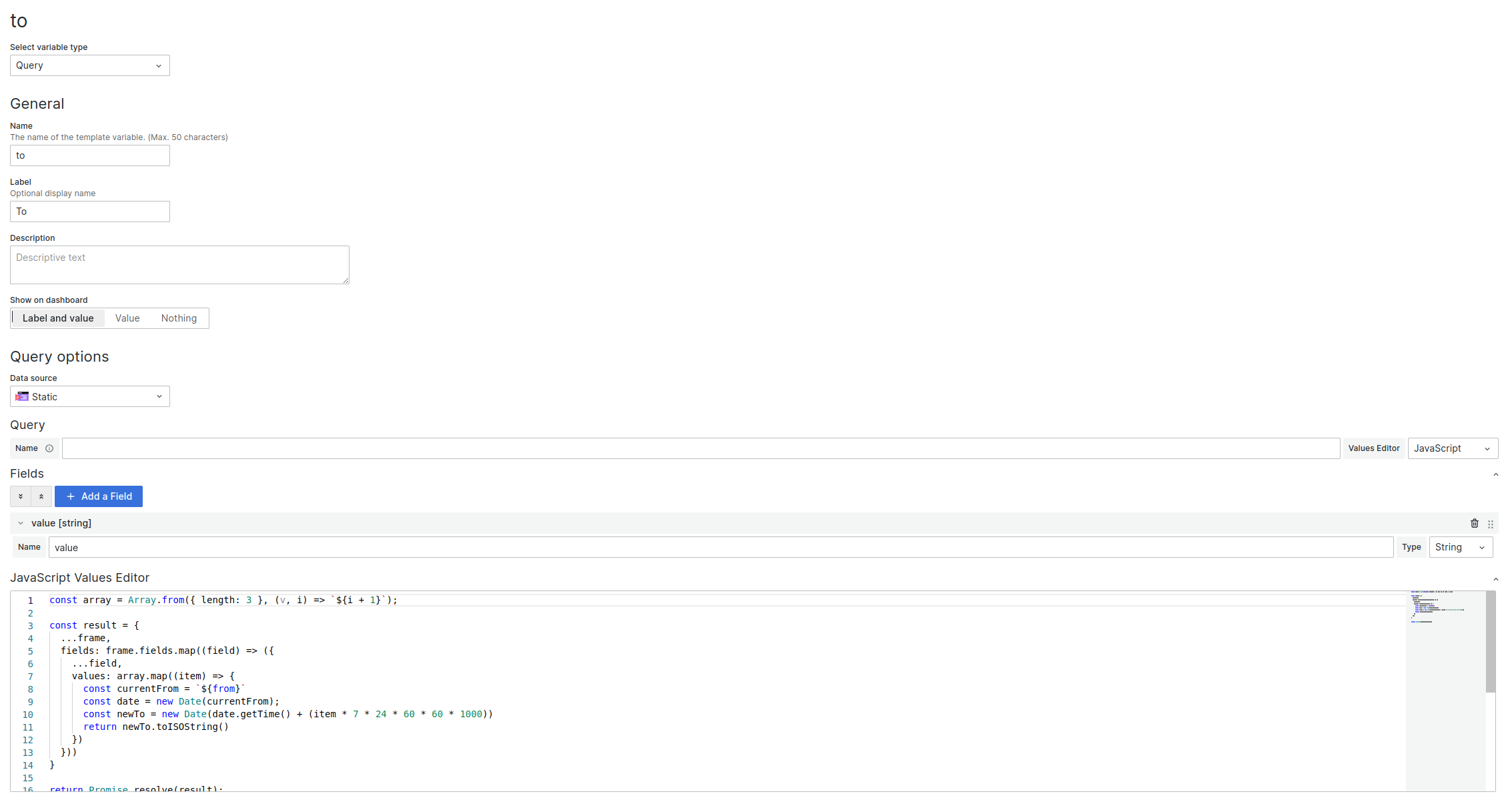
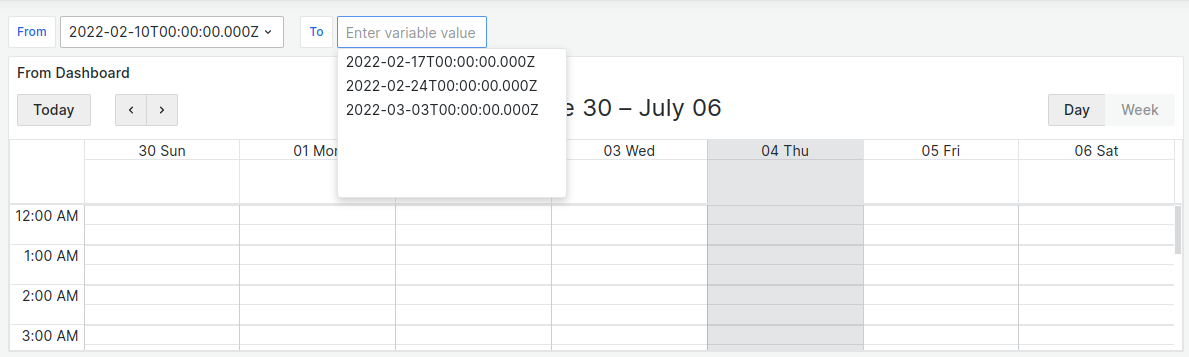
The to variable will have the following values:
2022-02-17T00:00:00.000Z
2022-02-24T00:00:00.000Z
2022-03-03T00:00:00.000Z
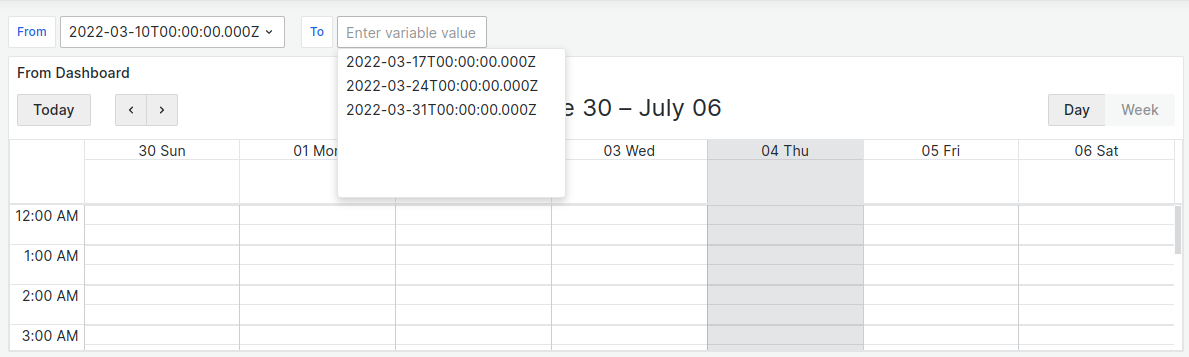
When you change the value of the from variable, the values of the to variable also change:
Manual editor
You can use variables in the Manual editor. Use the $variable_name syntax in the input field.