
Menu

Grafana Cloud
Enterprise
Open source
Business Input
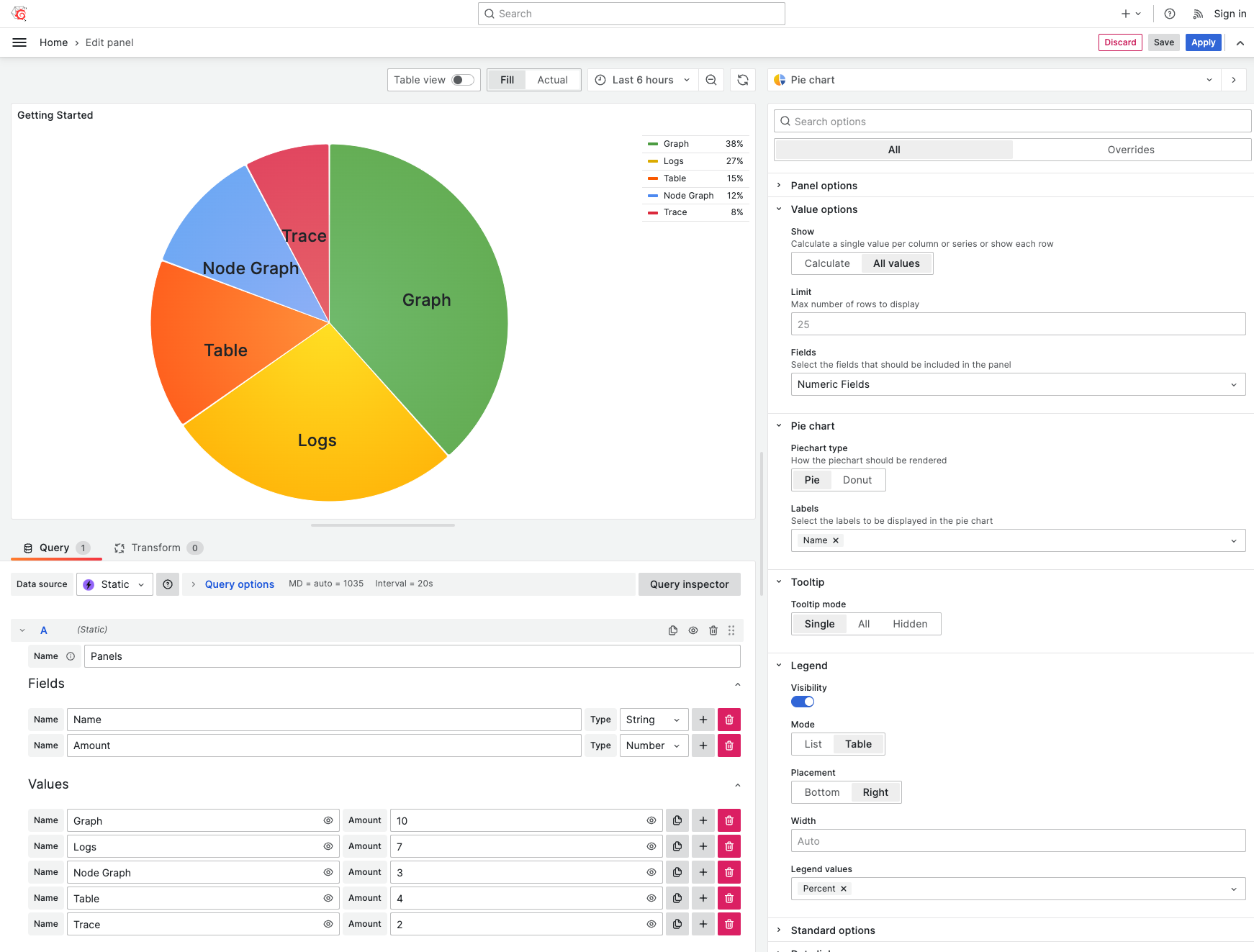
The Business Input data source is a plugin for Grafana that allows storing and emulating your data.
Requirements
- Business Input data source version 5.X requires Grafana 11 or Grafana 12.
- Business Input data source version 4.X requires Grafana 10.2 or Grafana 11.
- Static data source version 3.X requires Grafana 9.2 or Grafana 10.
- Static data source version 2.X requires Grafana 8.5 or Grafana 9.
- Static data source version 1.X requires Grafana 7.3.
Getting started
You can install the Business Input data source from the Grafana Catalog or by using the Grafana command line tool.
To install using the command line tool, run the following command:
grafana cli plugins install marcusolsson-static-datasourceHighlights
- Create static visualizations that do not depend on a specific data source.
- Specify values manually or by using the JavaScript Values Editor.
- Generate data with OpenAI and LLM App.
- Build custom query responses for testing or developing panel plugins.
- Store data and images directly in the dashboard.
- Use variables in text fields.
- Use the Number input for Number fields and the Date Time Picker for Time fields.
- Use the Text Area for String inputs with more than 100 characters.
Tutorial
This six-minute tutorial explains what the plugin does and demonstrates how to work with its parameters. You can use the plugin for visualization panel discovery, data storage, and troubleshooting.
Note
The video references the plugin using its old name.
Documentation
License
Apache License Version 2.0, see LICENSE.


