Business Calendar
The Business Calendar category includes the following parameters:
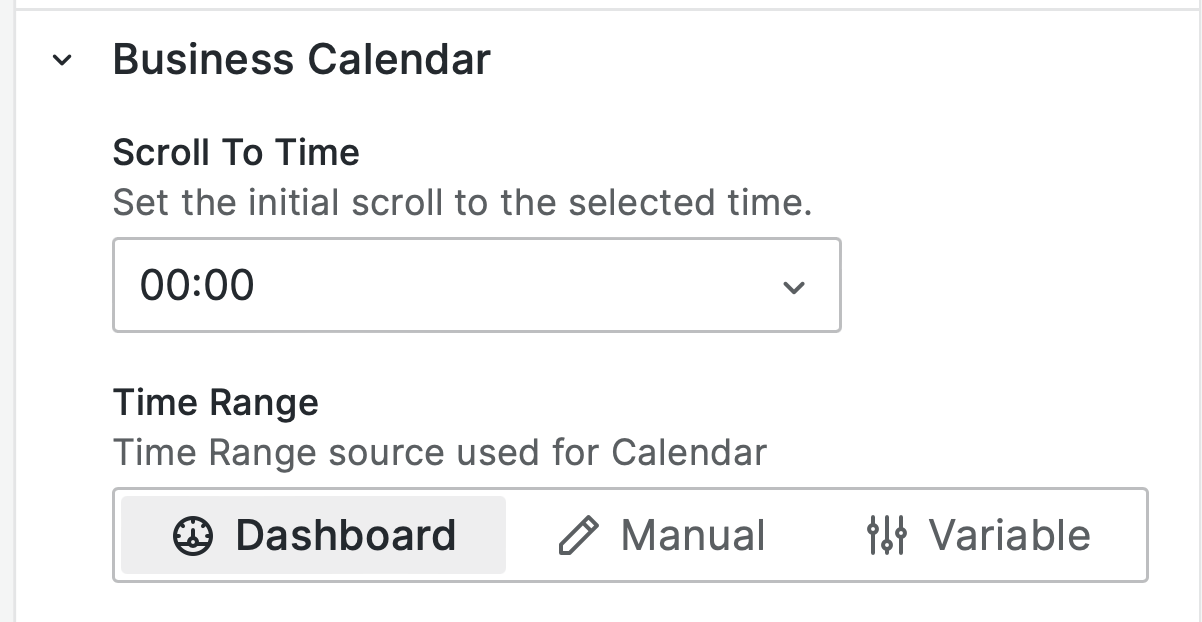
Scroll to Time
This setting applies to the Day and Week views. The Business Calendar panel ensures that the time specified in this option is always visible.
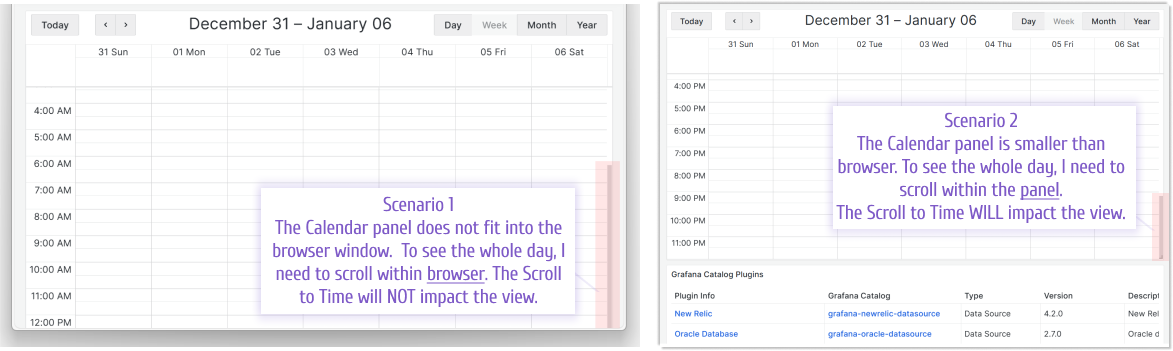
Note that there are two visibility scenarios:
Scenario 1: When the Calendar panel is stretched to a size larger than your browser window, the panel might consider the specified time visible even when it’s not visible to you. In this scenario, scrolling affects the browser window.
Scenario 2: When the Calendar panel is fully visible in your browser window, but the calendar must be scrolled within the panel. In this scenario, the Scroll to Time option takes effect.
Extended date formats
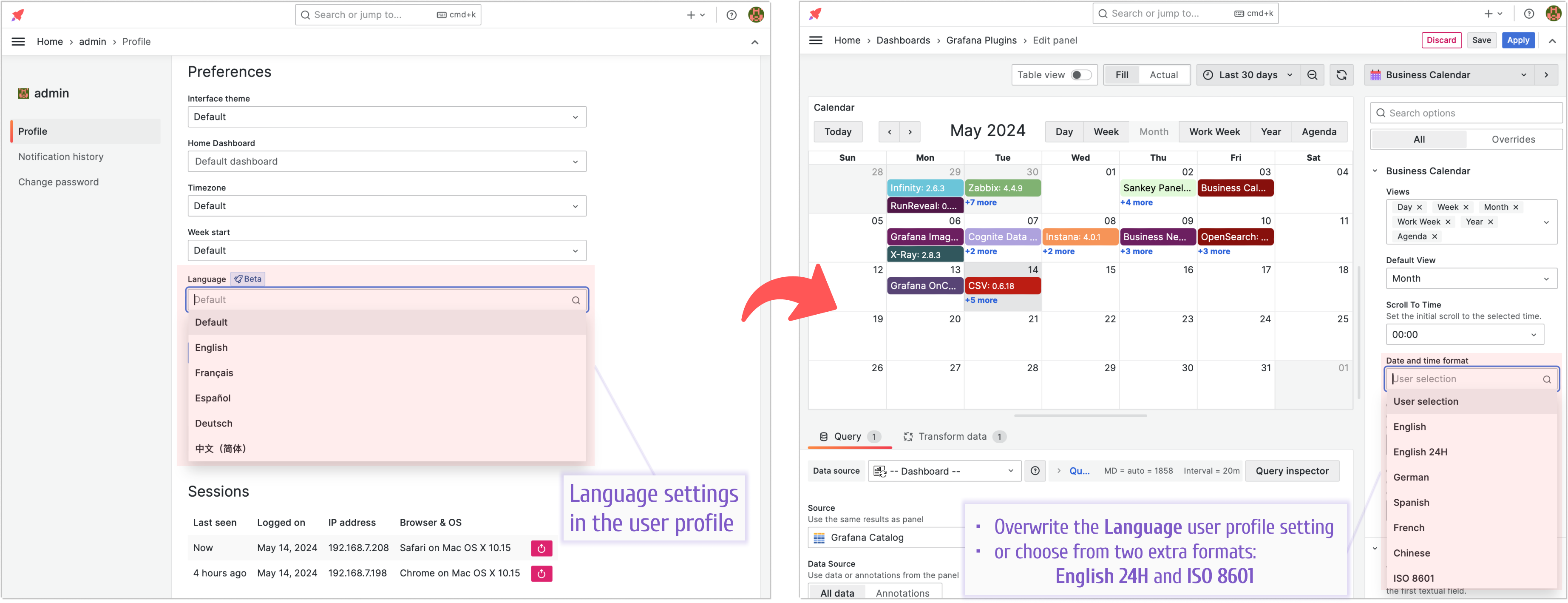
The Language setting in the user profile preference affects both the language and the displayed date formats.
The existing choices weren’t sufficient for all use cases, so the English 24 and ISO 8601 formats were added.