Send Grafana IRM alerts to the device you choose
Send Grafana IRM alerts to the device you choose
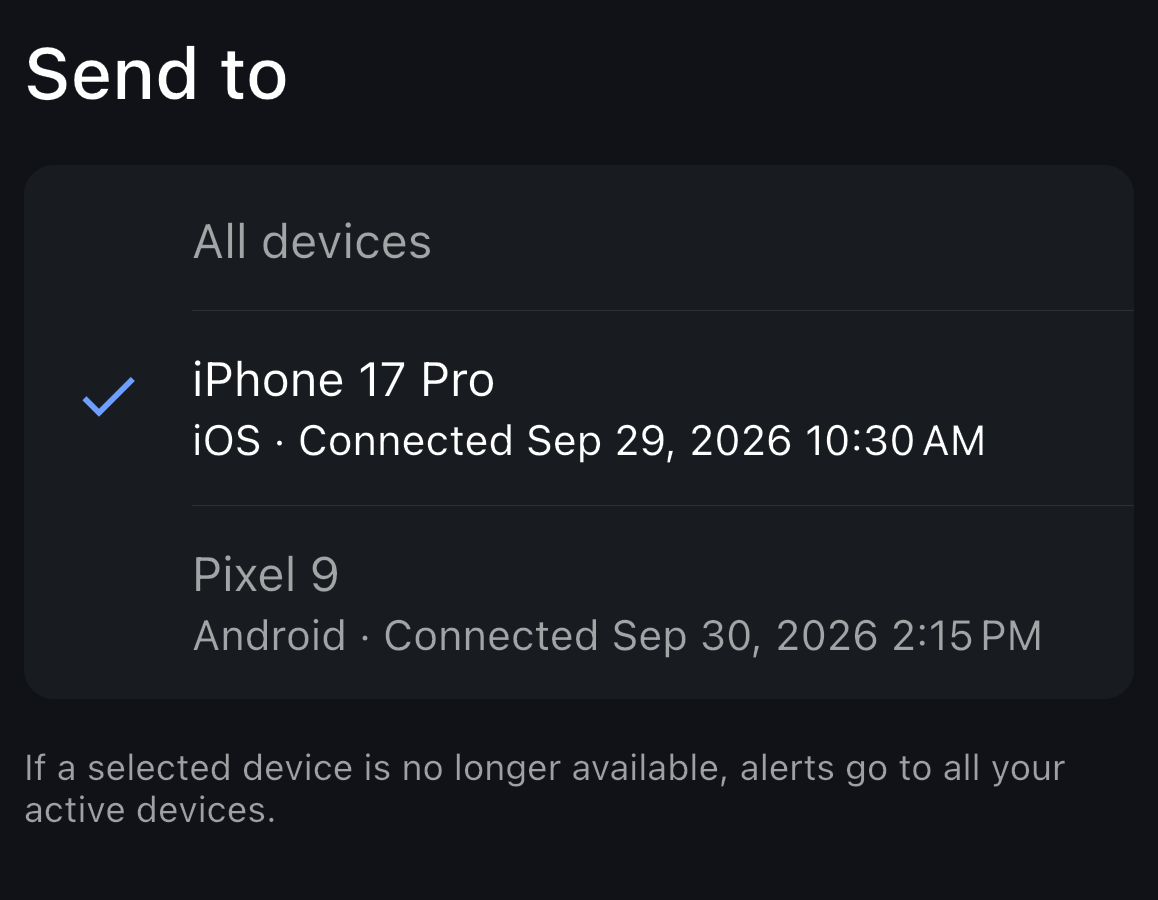
When you use the Grafana mobile app on more than one device, you might want alerts on the phone you carry while your other devices stay quiet. For each mobile push notification step, you can now choose which paired device receives alerts, or keep sending them to all your active devices. You can manage this in the Grafana mobile app or on the Mobile app tab of your Grafana user profile.
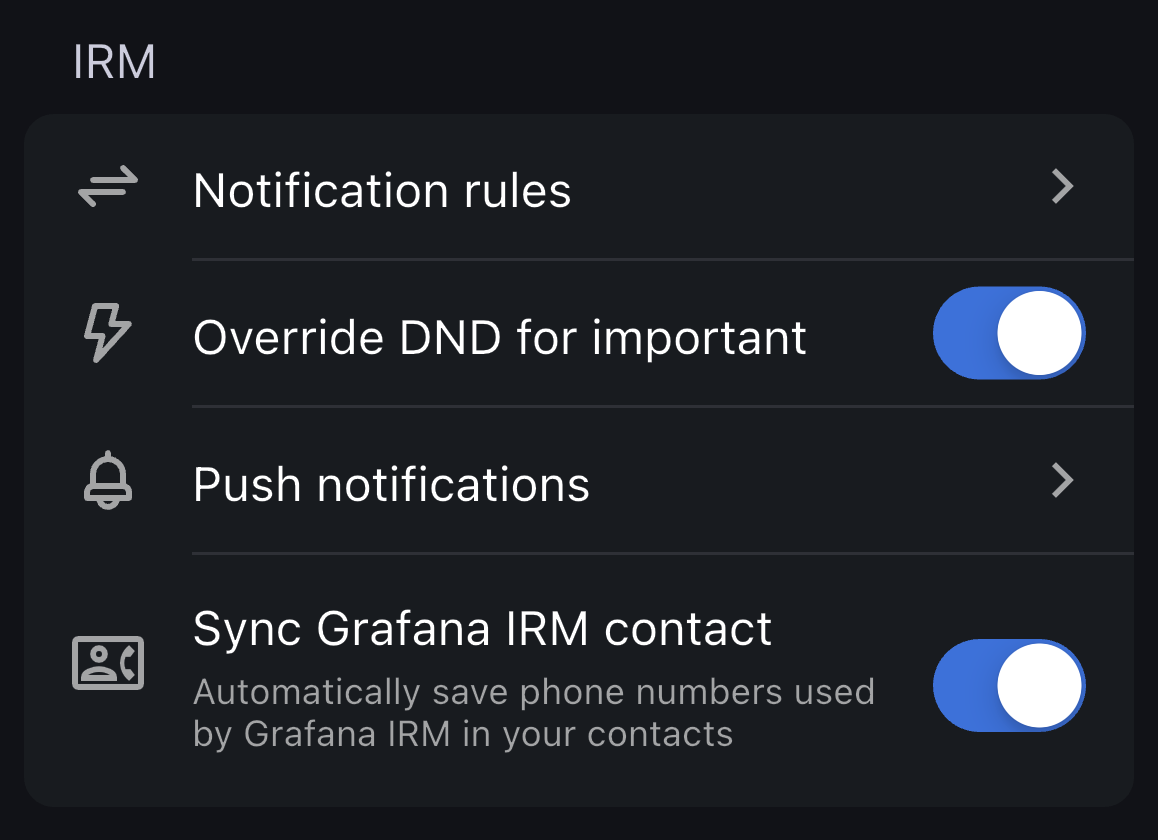
To set it up in the mobile app, go to Settings > Notification rules, tap a mobile push notification step, and then tap Send to. If the device you selected is no longer available, then IRM sends alerts to all your active devices.
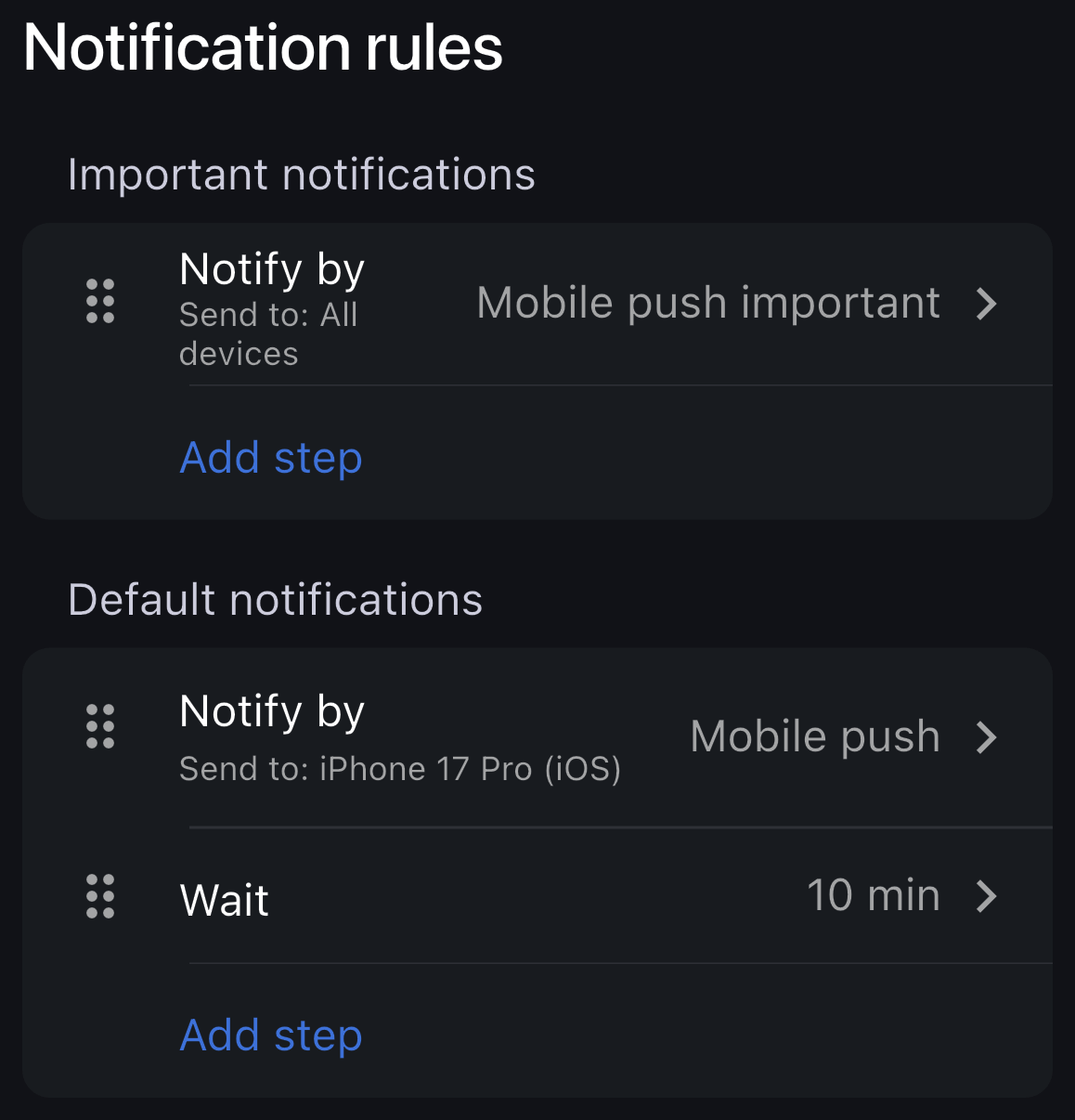
Each mobile push step shows its destination, so you can see where your alerts arrive.
Want to recognize Grafana IRM calls and text messages instead of seeing an unfamiliar number? Enable Sync Grafana IRM contact in Settings to save your stack’s IRM phone numbers in your contacts. The app keeps those numbers up to date automatically.