
 Fill in incident custom fields without leaving Slack
Fill in incident custom fields without leaving Slack
Incident custom fields in Grafana IRM work in the Grafana Cloud app for Slack. Responders can record the details your team tracks without switching to the browser.
Declare an incident
The Declare incident dialog box includes your organization’s mandatory custom fields. Fill them in when you declare the incident, or leave them for later.
Update fields at any time
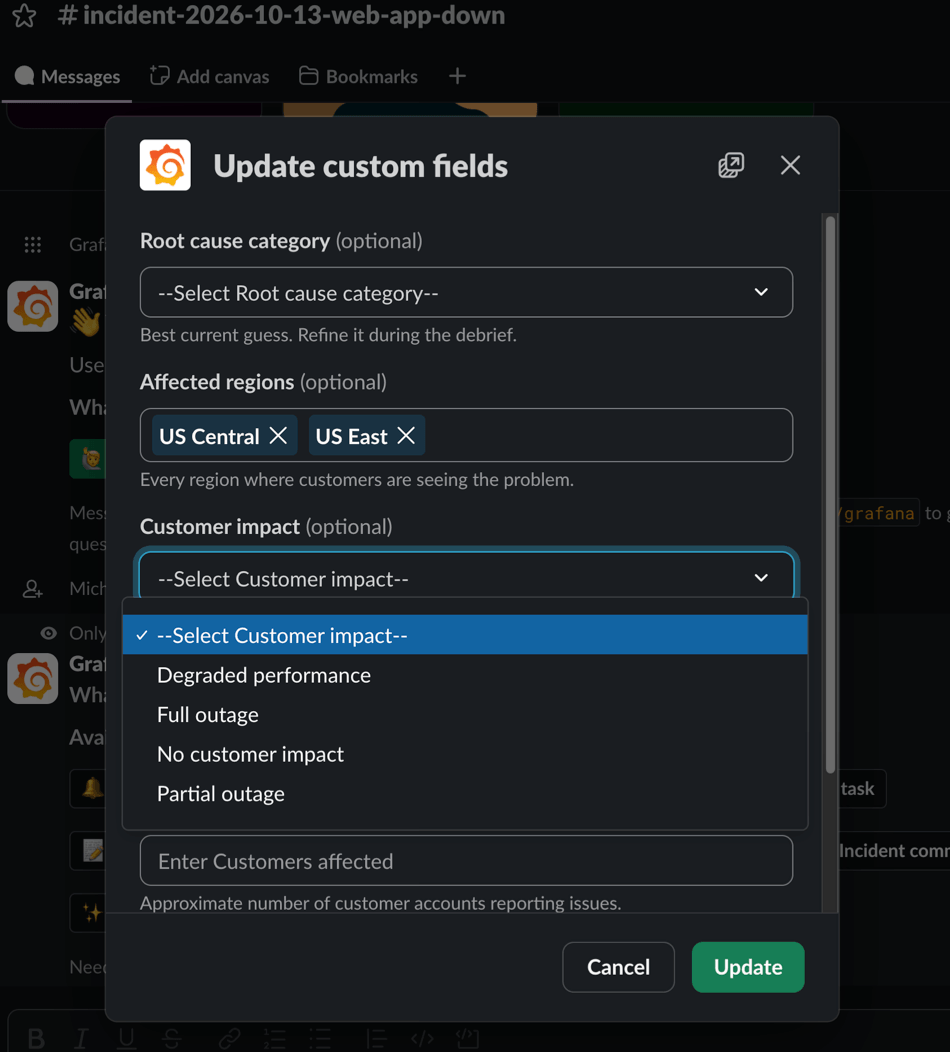
To view and edit all of the incident’s custom fields, click Update custom fields in the incident channel or run /grafana incident fields. Only the fields you change are saved, and the confirmation is visible only to you.
Resolve an incident
The Resolve incident dialog box lists every mandatory custom field, filled in with its current value. As in the IRM web app, you can’t resolve the incident until each one has a value. If a mandatory field isn’t set when you run /grafana incident resolve, the dialog box opens so you can fill it in.
