
 Define variables once, use them across dashboards
Define variables once, use them across dashboards
When multiple dashboards use the same variable, creating and maintaining it separately in each dashboard can lead to duplicated work and inconsistent configuration. Cross-dashboard variables let you define a variable once and reuse it across multiple dashboards in your Grafana organization.
Create and manage cross-dashboard variables from Dashboards > Variables. You can scope a variable in either of two ways:
- Global: Available to all dashboards in the organization.
- Folder: Available only to dashboards in the same folder.
When you edit a dashboard, click the Add new element icon in the sidebar and select Variable. Then select Global or folder variable. Grafana shows only the variables available to that dashboard’s scope. Add variables individually, or select All global or All folder to add every variable available at that scope:
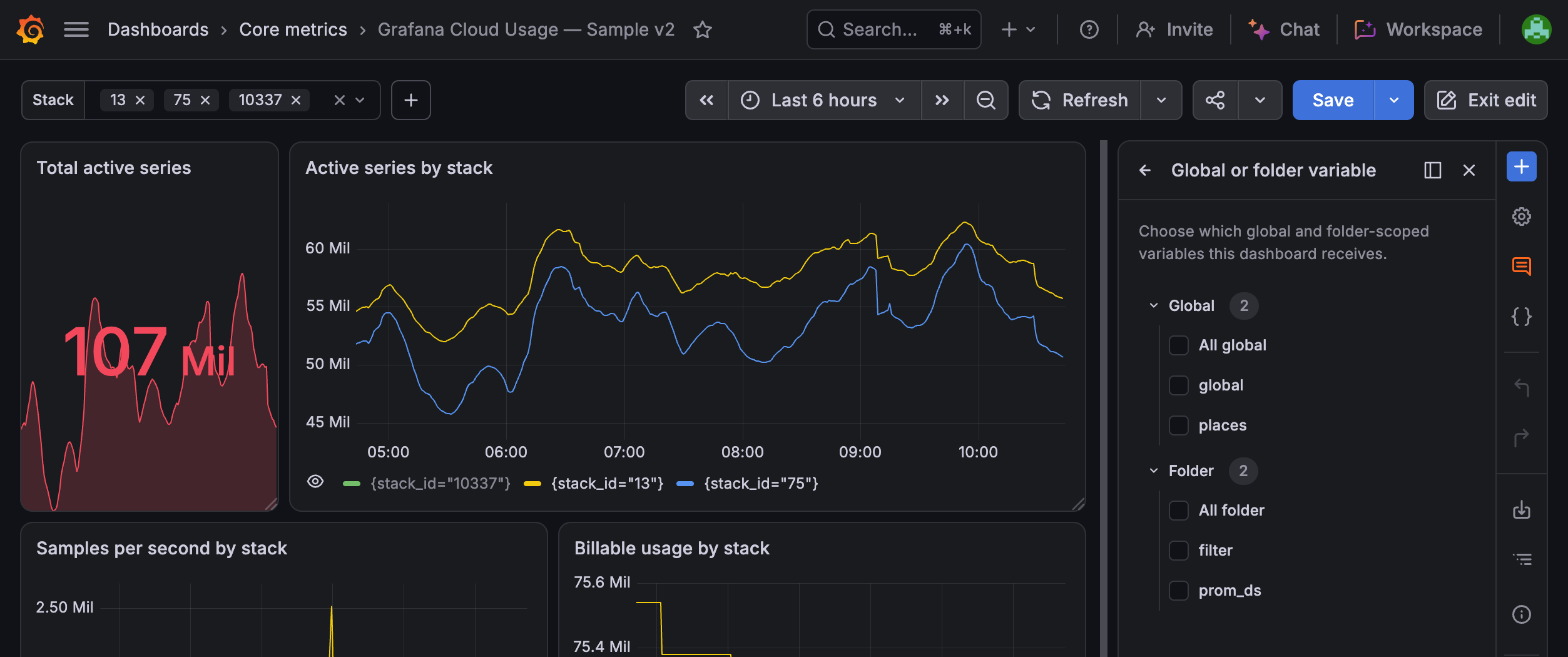
After you add a cross-dashboard variable, you can update its value from the dashboard. To change its configuration, update it centrally from Dashboards > Variables:
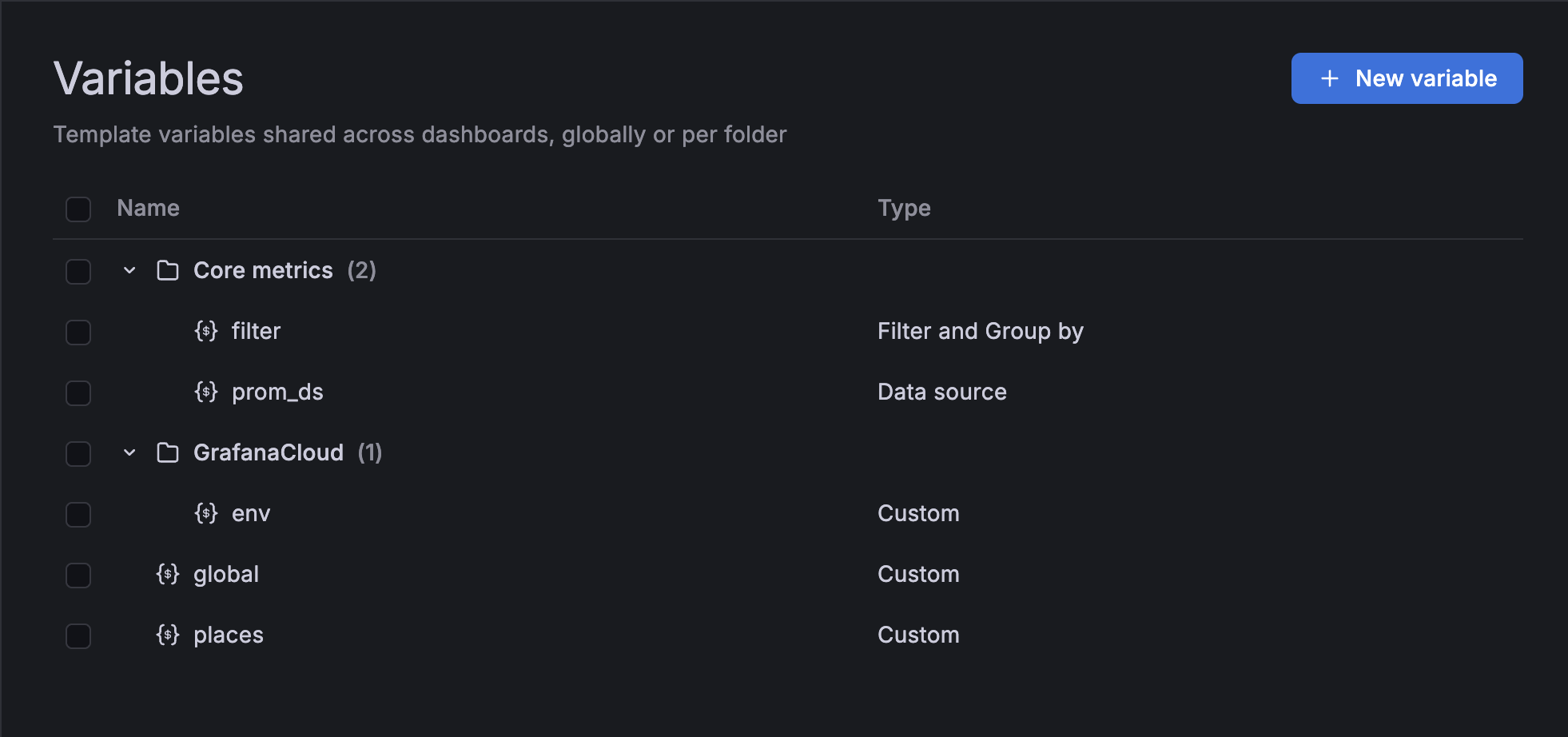
This makes it easier to keep shared dashboard controls consistent without editing every dashboard that uses them
Cross-dashboard variables are available in public preview. To try them in self-managed Grafana, enable the grafana.dashboardGlobalVariables feature toggle.
