
 Adaptive Metrics auto-apply is generally available in Grafana Cloud
Adaptive Metrics auto-apply is generally available in Grafana Cloud
Auto-apply is now generally available! By enabling auto-apply, Grafana Cloud Adaptive Metrics automatically applies recommendations for segments, so you don’t have to review the list after every analysis.
To get started, enable auto-apply for the Default segment if you haven’t created any segments yet. If you already have segments, enable it for multiple segments or for an individual segment, and choose Coverage-first or Cost-first.
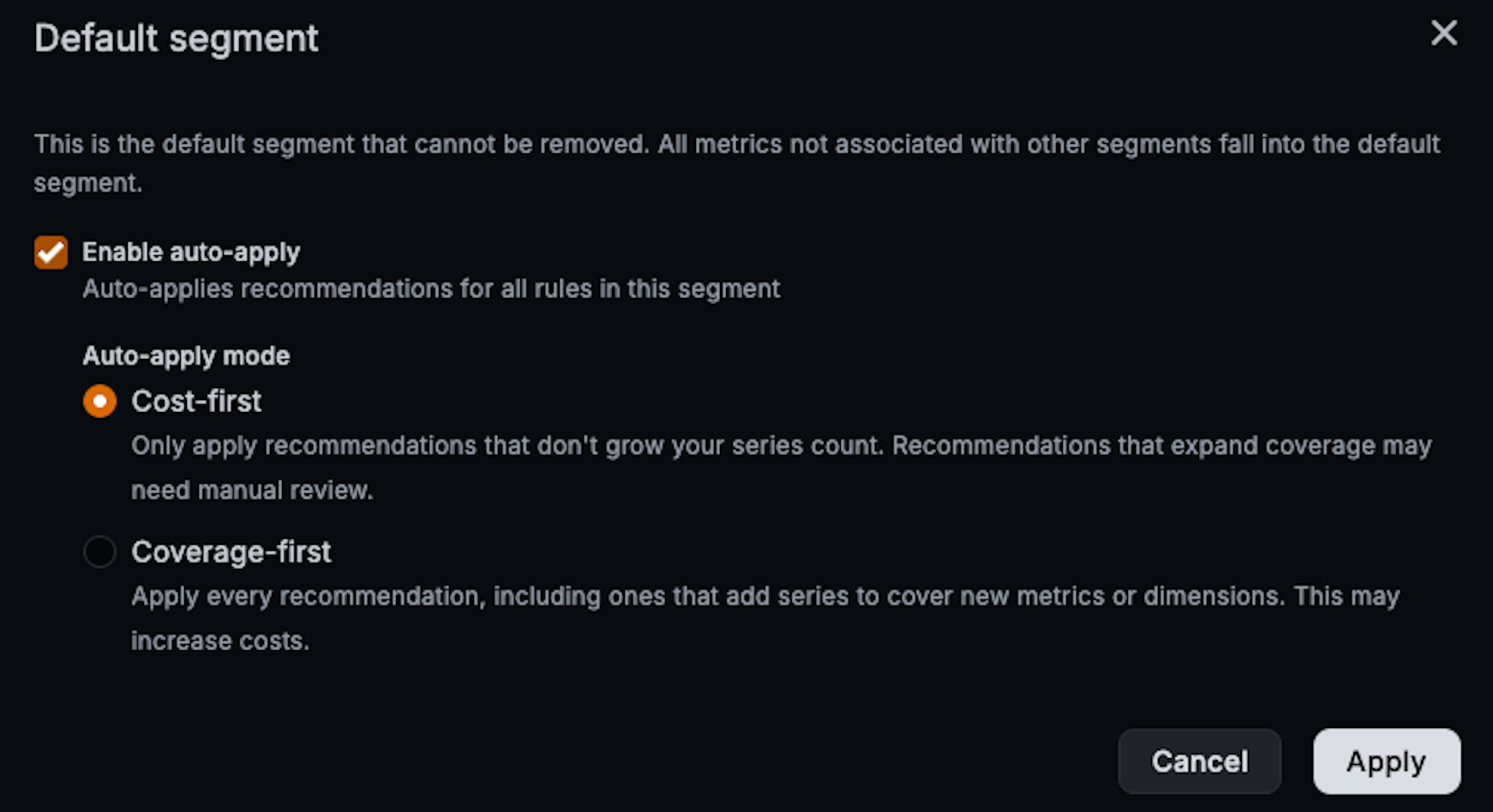
On Overview, click Enable auto-apply, select one or more segments, choose a mode, and click Apply. That mode applies to every segment you select.
On Segments, click Edit segment or Edit default segment. Select Enable auto-apply and a mode, then click Apply for Default or Save for a named segment.
After Apply all recommendations on Metrics, click Enable auto-apply for this segment and choose a mode. That prompt offers the same modes as Overview and Segments.
You can set the mode in the UI, the API, or Terraform.
Coverage-first applies every recommendation, so the segment keeps up with new usage.
Cost-first limits estimated series growth, and applies increases only up to the budget from reductions in the same cycle.
Create exemptions for metrics you can’t afford to lose before you turn auto-apply on.
Cost-first in more detail
Cost-first uses estimates from the last analysis, not a live before-and-after guarantee.
Recommendations past that budget stay unapplied while auto-apply is on. You can review and apply them manually as needed.
For the public preview announcement, refer to Auto-apply for Adaptive Metrics.
