
What's new from Grafana Labs Try dashboard changes confidently with Grafana Assistant undo
Try dashboard changes confidently with Grafana Assistant undoWhat's new from Grafana Labs

Try dashboard changes confidently with Grafana Assistant undo
You can now undo Grafana Assistant’s latest dashboard changes with a click. If you try a different layout or visualization and prefer what you had before, you can restore it and keep experimenting.
After the Assistant finishes editing your dashboard, click Undo turn beneath its response to return the dashboard to its state before that request:
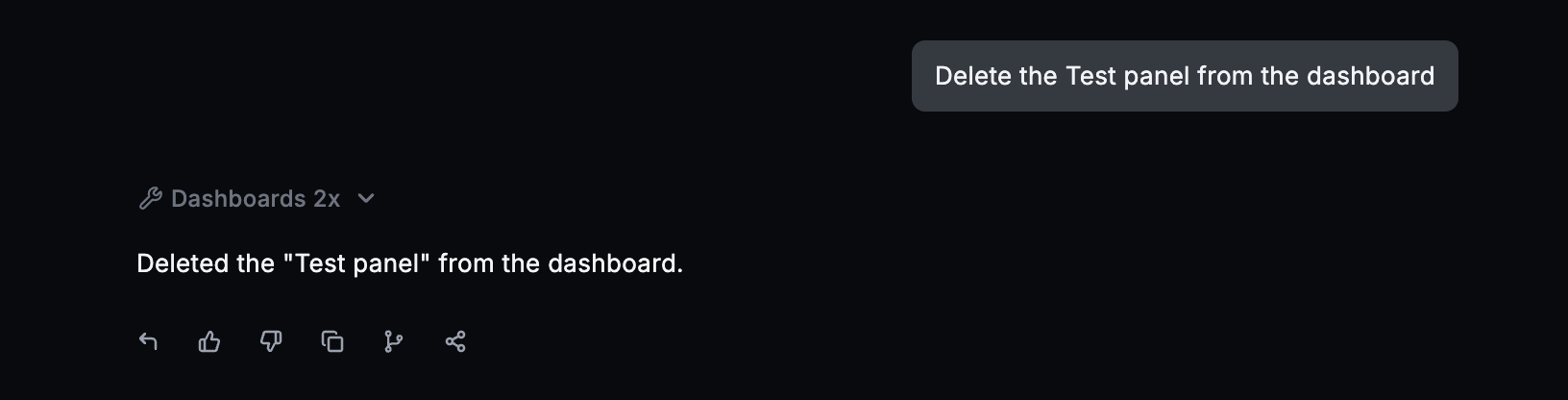
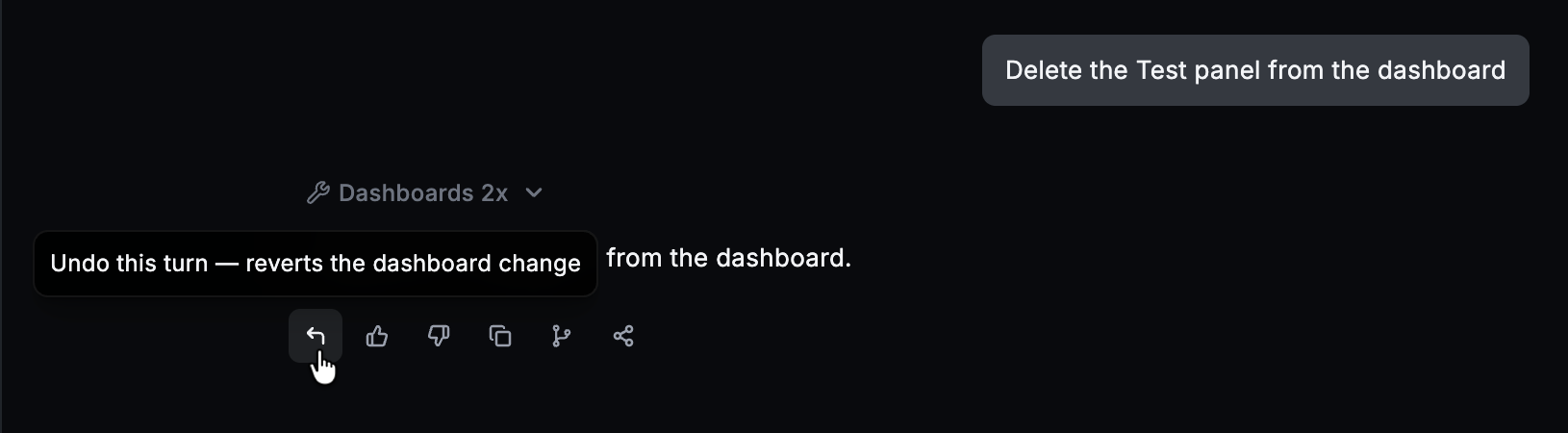
If the request changed several panels, undo reverts those changes together.
Undo covers your most recent dashboard editing request while the page stays open. If you’ve manually edited the dashboard since that request, the Assistant lets you know it can’t undo, protecting those newer edits.
Related What's new posts
