
What's new from Grafana Labs Make panels easier to understand with subtitles
Make panels easier to understand with subtitlesWhat's new from Grafana Labs

Make panels easier to understand with subtitles
When a panel title needs more explanation, you can now display its description as a subtitle directly beneath it. This keeps context visible as you read the dashboard, helping you understand what a metric measures or how to interpret a chart.
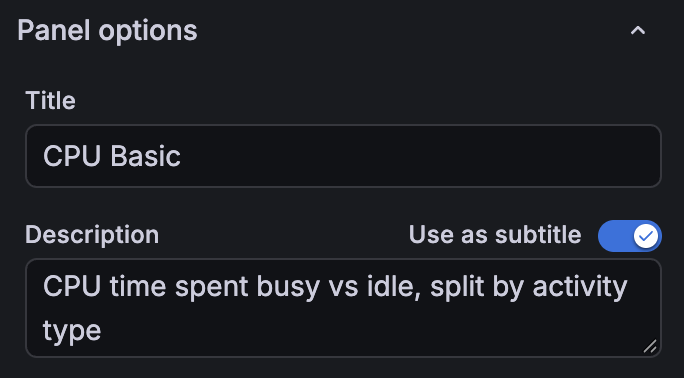
In Panel options, enter your Description and enable Use as subtitle. You can switch the setting off to display the description in a tooltip again.
Related What's new posts
