
 Create query variables more easily with the redesigned editor
Create query variables more easily with the redesigned editor
We redesigned the query variable editor with a new editing experience that makes working with query variables easier.
The new experience uses a dialog box with the values preview at the top and a tabbed editor below, so you can review results while you edit. The wider dialog box also provides plenty of space to work without so that you don’t have to do as much scrolling to see all the query settings.
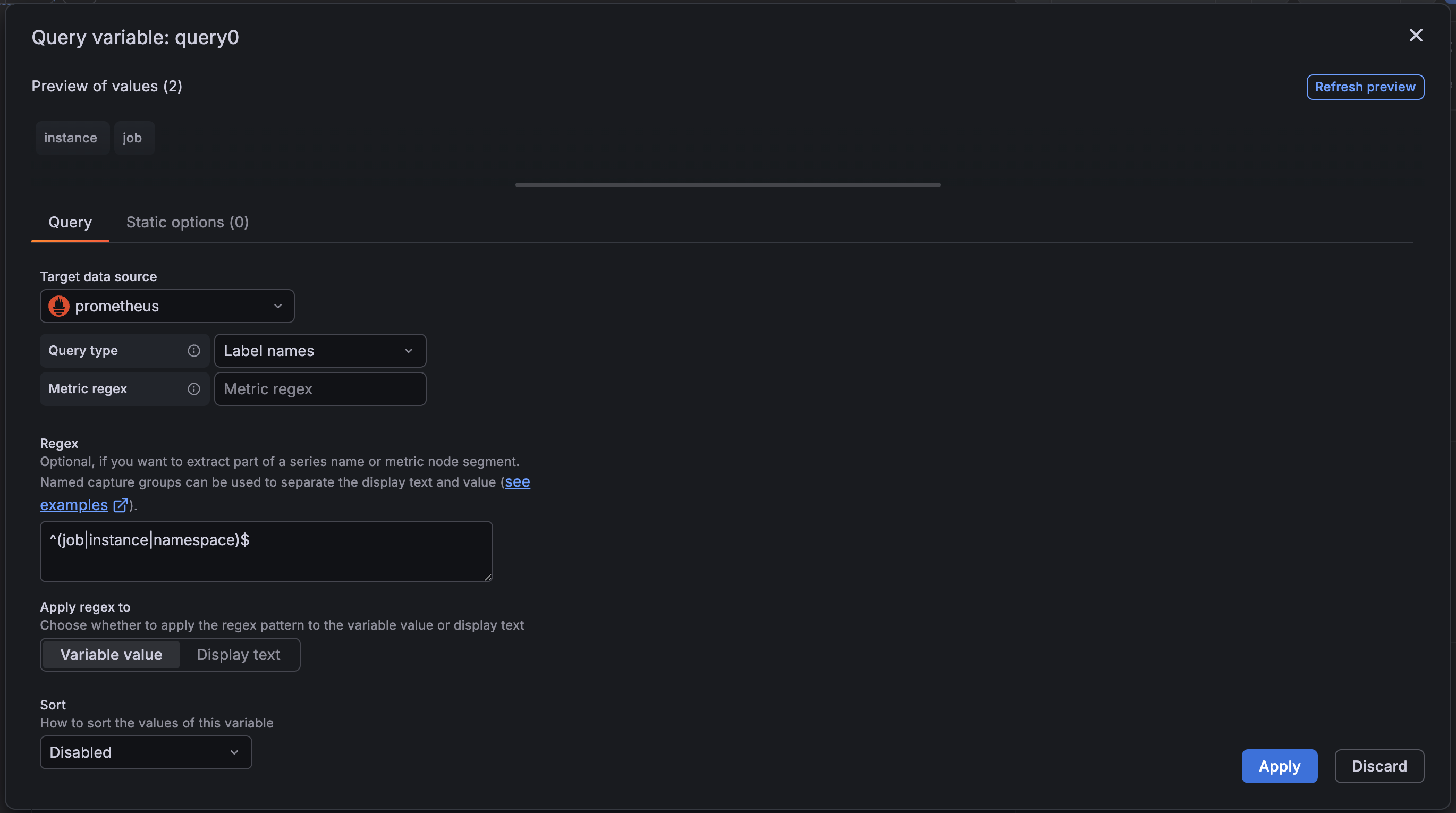
The editor has two tabs: Query and Static options. Static options use a spreadsheet-style editor with keyboard navigation, drag-and-drop reordering, and paste support for CSV, TSV, and JSON:
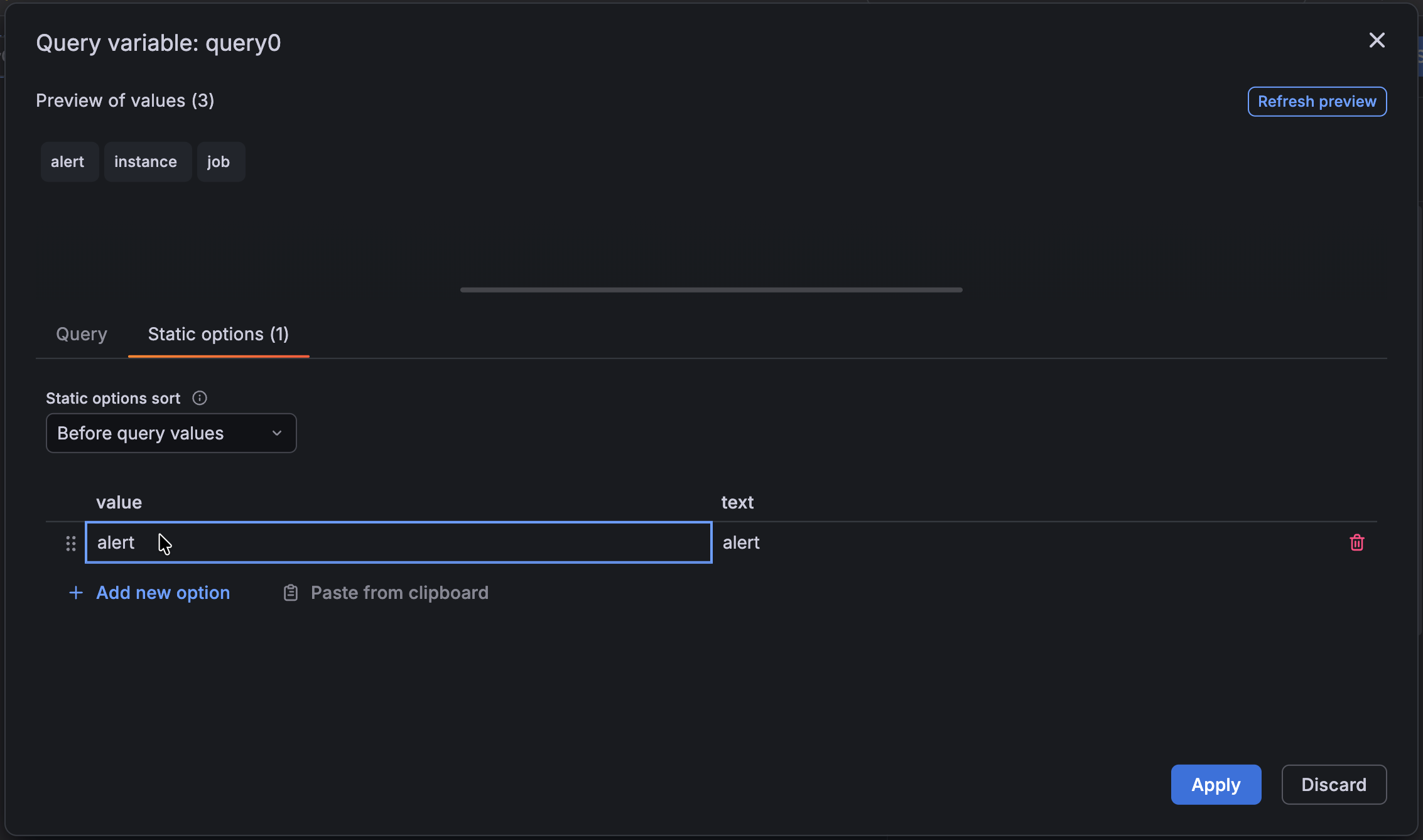
When you make changes, they remain in a draft state and are only applied when you click Apply, with a Discard option available if you want to abandon your edits.
We also moved the Refresh option into the sidebar for quicker access.
Together, these changes make it faster to edit, preview, and manage query variables.
