
 Revamped query editor: now in public preview with multi-select and stacked view
Revamped query editor: now in public preview with multi-select and stacked view
The revamped query editor experience is now in public preview. Since the initial private preview release, we’ve continued to refine the experience and added two new capabilities to help you work with complex panels even faster: multi-select with bulk actions and a stacked view.
To try out the new query editor, enable the queryEditorNext feature toggle or contact Support to have it enabled in Grafana Cloud.
Multi-select and bulk actions
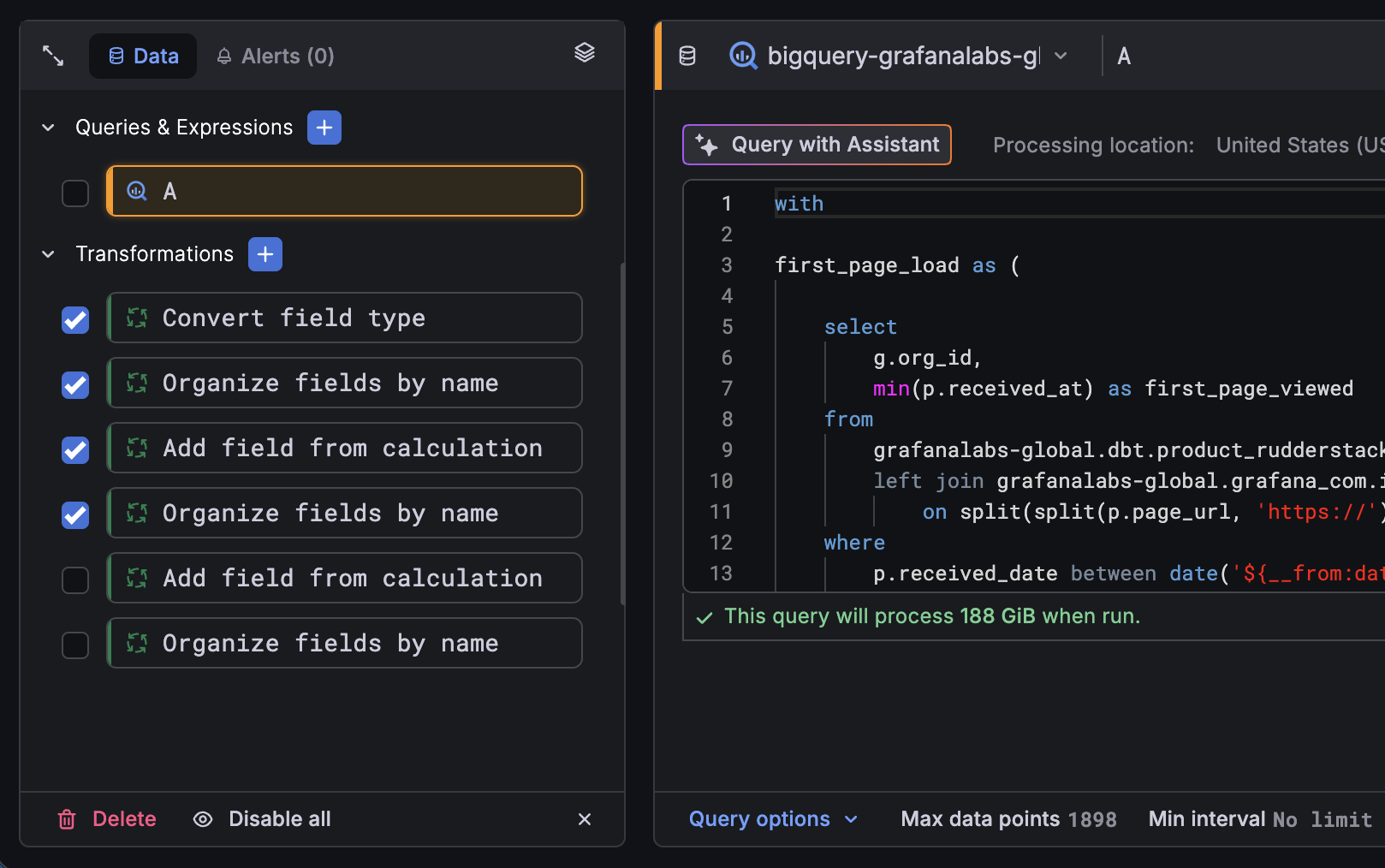
You no longer need to manage queries, expressions, and transformations one at a time. Click Select… in the sidebar footer to enter multi-select mode, then check the items you want to work with, or use Shift+Click, to select a range. A new bulk actions bar lets you delete, hide, or show several queries at once, change the data source for multiple queries in one step, and enable or disable transformations in bulk:
Stacked view
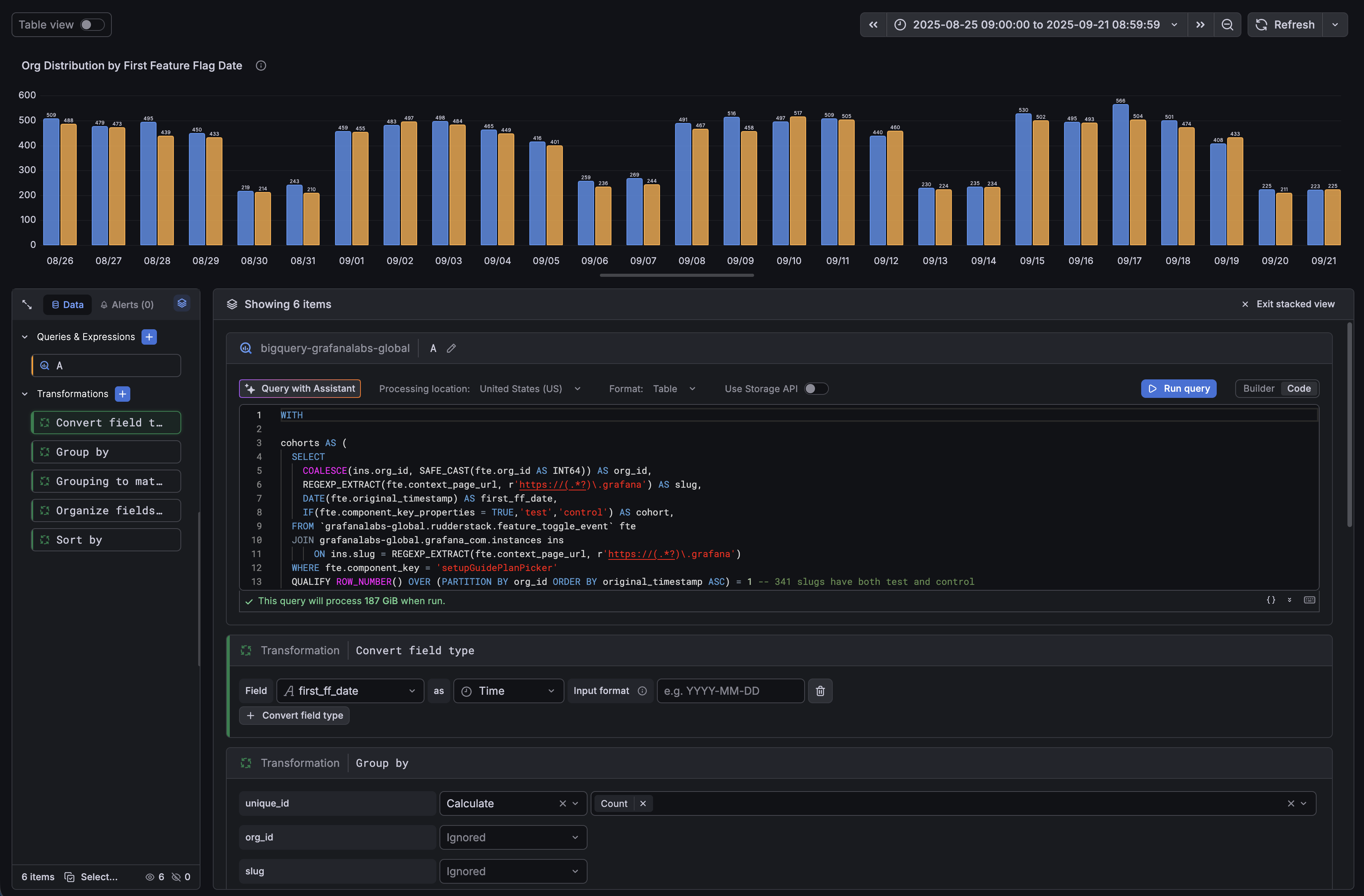
For times when you want to see your whole pipeline at once, the new stacked view displays all of your queries, expressions, and transformations in a single scrollable list.
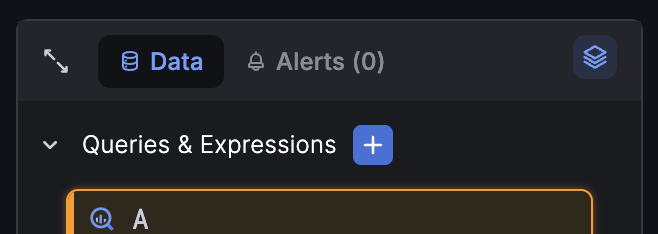
Click the stack icon in the sidebar header to toggle on the function, scroll through your items, and the sidebar selection stays in sync with where you are in the editor. Exit at any time to return to the focused, one-item-at-a-time, view.
For a full overview of the revamped query editor—including the sidebar, per-query data source selection, inline alert visibility, and the query options footer—refer to the original What’s new post.