
What's new from Grafana Labs Find projects and create tests faster in Grafana Cloud k6
Find projects and create tests faster in Grafana Cloud k6What's new from Grafana Labs

Find projects and create tests faster in Grafana Cloud k6
When you open Testing & synthetics > Performance, it can be hard to know where to start: which project to use, what tests are running now, and what you are allowed to do in your role.
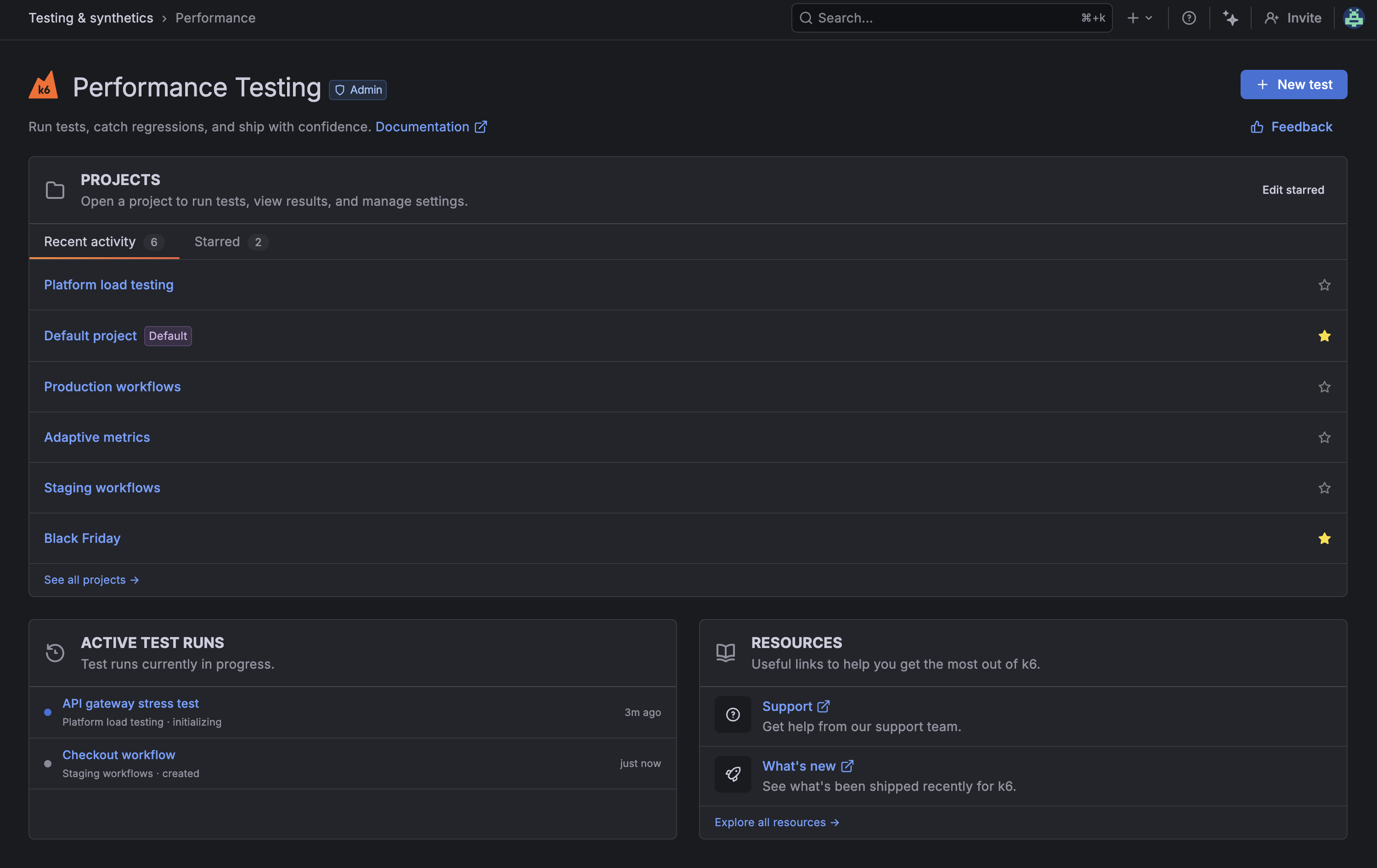
The redesigned Performance home page puts those answers on one screen.
- A full-width Projects section uses Recent activity and Starred tabs so you can open common workspaces quickly, star projects you use often, and see your Default project when you are getting started.
- New test sits in the header for faster test creation, and a role badge shows whether you are an Admin, Editor, or Viewer.
- Active test runs lists which tests are still running and lets you open their results from the list.
- Resources groups support, What’s new, and other guidance in one place.
Use Feedback on the page to share what is working and what to improve.
To learn more, refer to Get Started with Grafana Cloud k6.
Related What's new posts
