What's new from Grafana Labs
Grafana Labs products, projects, and features can go through multiple release stages before becoming generally available. These stages in the release life cycle can present varying degrees of stability and support. For more information, refer to release life cycle for Grafana Labs.


Loading...
Area of interest:
Cloud availability:
Cloud editions:
Self-managed availability:
Self-managed editions:
No results found. Please adjust your filters or search criteria.
There was an error with your request.
Grafana Alerting includes notification history, so you can review notifications Grafana sent for your Grafana-managed alert rules from one place. On the History page, you can open the Notifications tab to see each delivery attempt, including firing and resolved notifications, the contact point that received it, and whether delivery succeeded or failed. Filter by labels, status, contact point, and time range, or expand a row to inspect the alerts included in a notification.
Building a realistic performance test usually means writing selectors by hand, hunting down session tokens that break your script on playback, and tuning configuration before you can run anything. The latest Grafana k6 Studio release takes that work off your plate, with browser test authoring and autocorrelation now generally available.
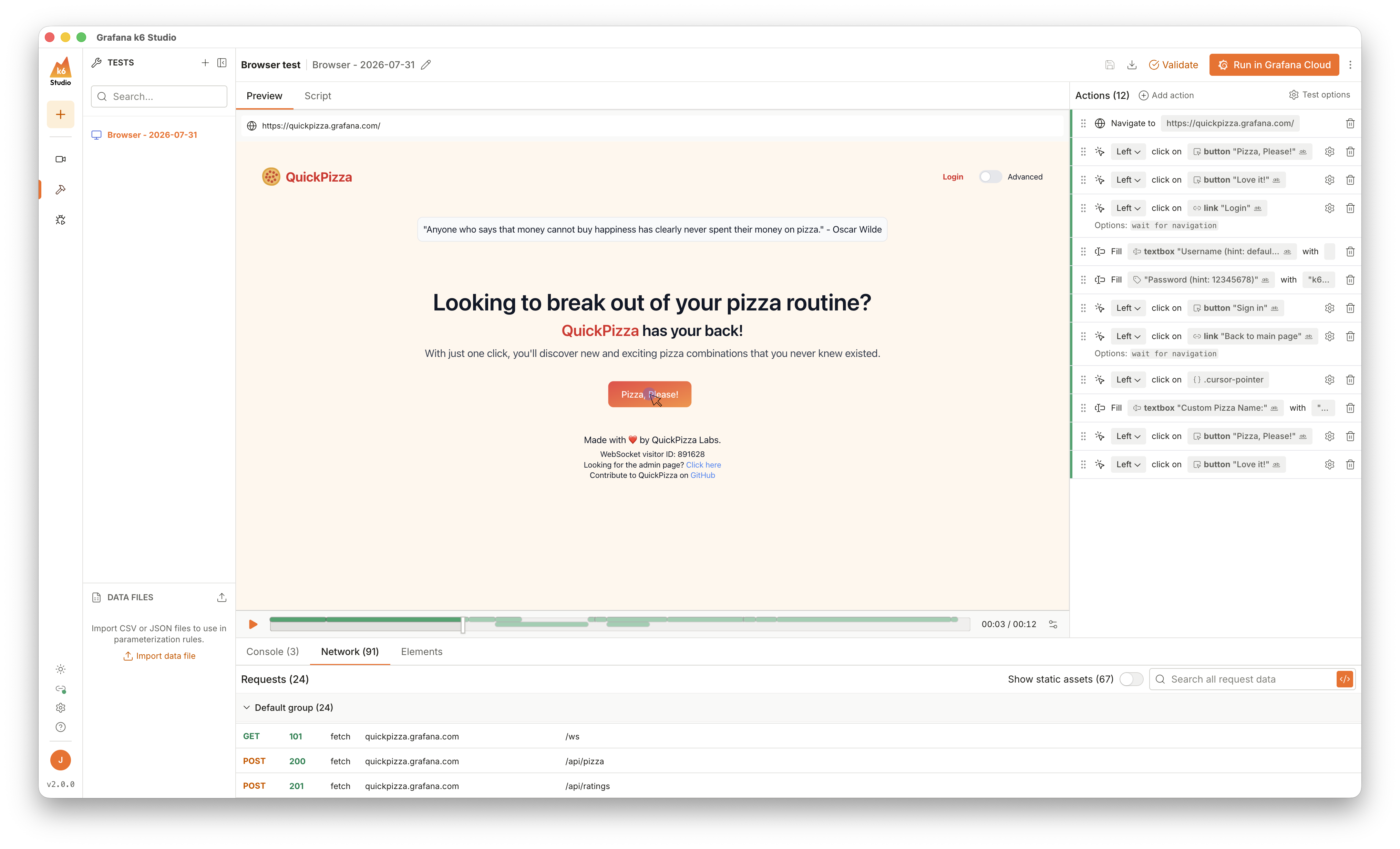
Realize even more savings by optimizing data you don’t need.
Adaptive Metrics now lets you choose to ignore unused dashboards or ad hoc queries when creating usage based optimization recommendations. You can exclude unqueried dashboards if you have lost of stale dashboards, or ignore ad hoc queries if your users frequently issue wide queries - whatever works best for your organization!
Starting in Grafana 13.2.0, you can include authoring information to your commits.
If you don’t enable commit signing, you can use author override to author commits. If you don’t select author override, the signed-in Grafana user name and email will be used as the commit author.
Starting in Grafana 13.2.0, you can include authoring information to your commits.
If you don’t enable commit signing, you can use author override to author commits. If you don’t select author override, the signed-in Grafana user name and email will be used as the commit author.
Git Sync now supports GitHub Enterprise, both Server and Cloud versions.
You can now provision your dashboards as JSON files and your folders in your GitHub enterprise instance using Git Sync. If you make any changes in your synchronized Git repositories, they will be updated in the Grafana database as well, and vice-versa. This allows you to manage your resources as code, so you and your team can version control, collaborate, and automate deployments efficiently.
Application services and the Kubernetes workloads they run on are now separate entities, connected by a relationship, instead of a single merged entity. This follows the model most teams already work with: an application runs on infrastructure, and in Kubernetes that infrastructure is a workload.
In Grafana OSS/Enterprise, Git Sync uses webhooks to enable real-time updates from GitHub public repositories, or to enable pull request integrations. Webhooks are now available for GitLab and BitBucket.
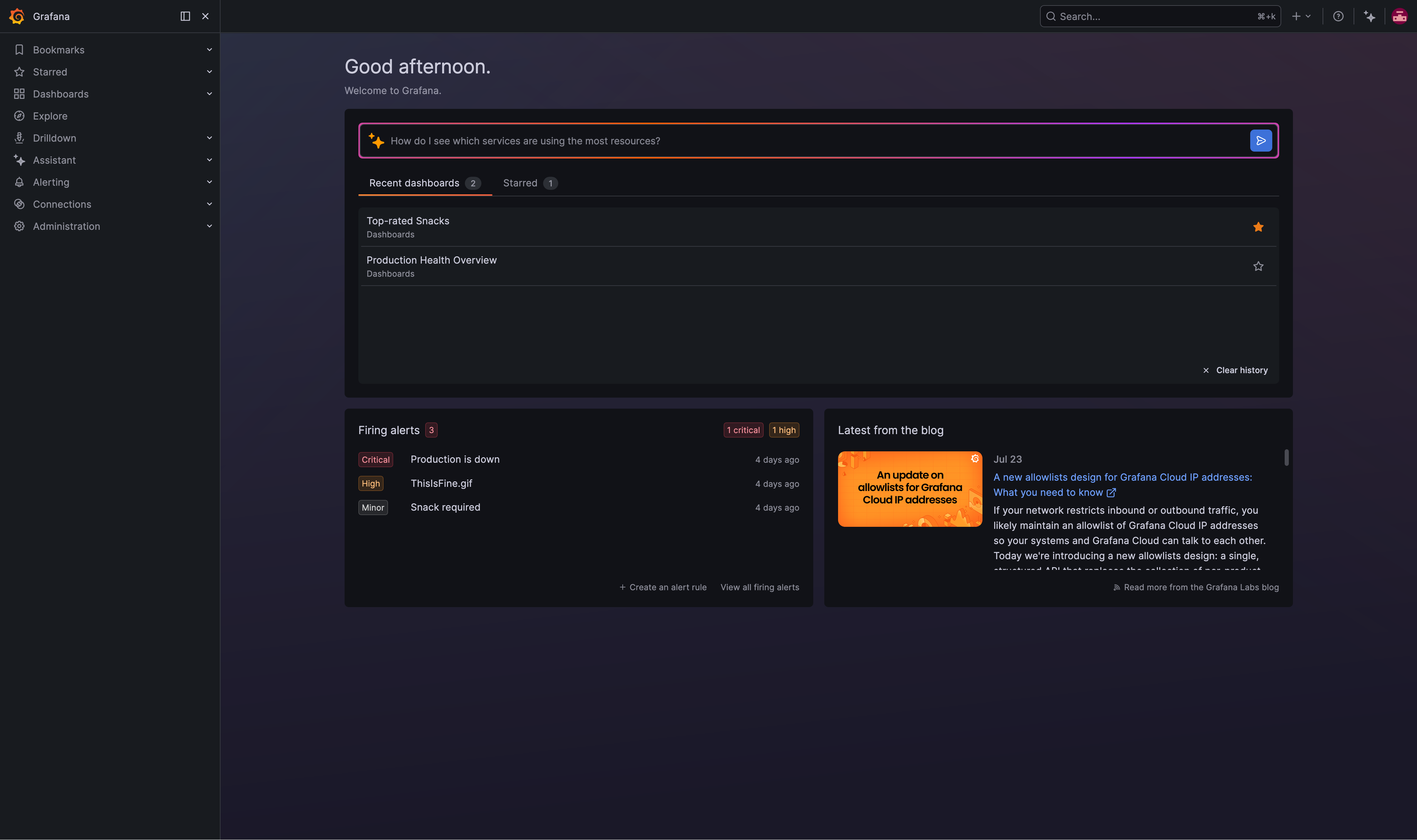
We’ve applied a fresh coat of paint to the Grafana homepage and added a couple of new features while we’re there.
When you operate Grafana yourself and have to troubleshoot performance issues, distributed traces are often the quickest way to see what’s going on under the hood. Until now, collecting them meant standing up an OpenTelemetry Collector and a tracing backend just to investigate a single issue.
The Azure Monitor data source now supports the Azure Monitor Metrics Batch API. Instead of sending one request per resource, Grafana groups eligible metric queries and sends them together. This means fewer calls to Azure, faster queries, and less chance of throttling on dashboards that query many resources.
See how Adaptive Telemetry is reducing your Grafana Cloud costs directly in the Cost Management and Billing App!
You can now view estimated cost savings from Adaptive Telemetry alongside your organization’s cost and usage data. The updated Usage overview brings monthly cost, contract burndown, and Adaptive Telemetry savings together, making it easier to understand both what you’re spending and the impact of your optimization efforts.
Scripted dashboards will be removed in Grafana 14. Scripted dashboards are a legacy mechanism that we deprecated years ago and are now retiring. If you use them, plan to migrate before you upgrade to Grafana 14, after which they’ll stop working entirely.
Grafana now offers dynamic dashboards and robust as-code solutions for managing dashboards at scale. Learn more about the latest dashboard capabilities and dashboards as code.
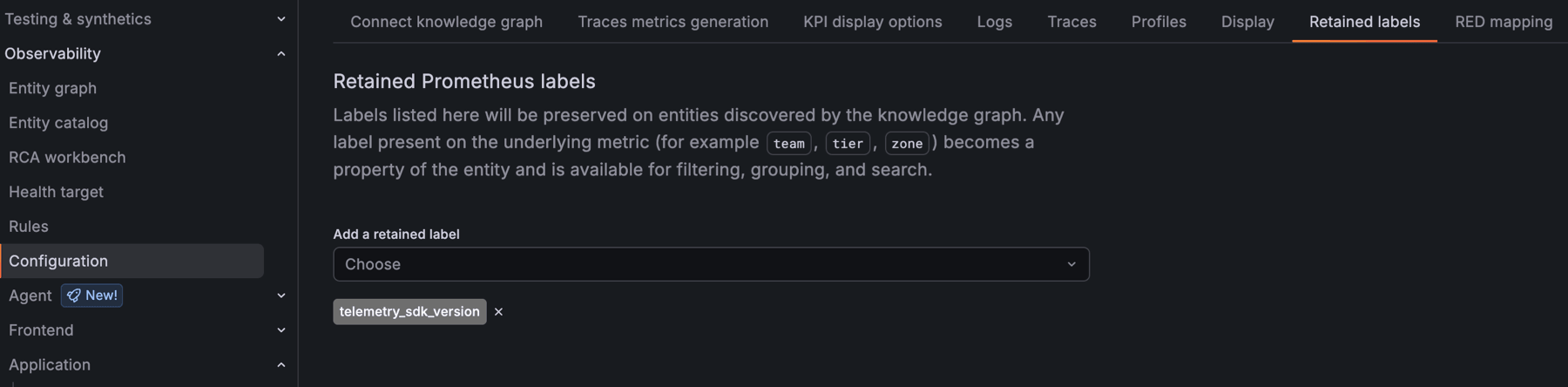
Grafana Cloud Knowledge Graph normalizes your telemetry into a fixed set of well-known labels, which means organization-specific labels like team, region, or cost_center are dropped during processing. With custom label retention, you can choose which of your own labels to keep on knowledge graph entities and recording rules.
Retained labels let you filter, group, and drill down on your own dimensions across the entity catalog, entity graph, and RCA workbench. They also propagate to the knowledge graph’s recording rules in Mimir, so you can use them in dashboards and alerting.
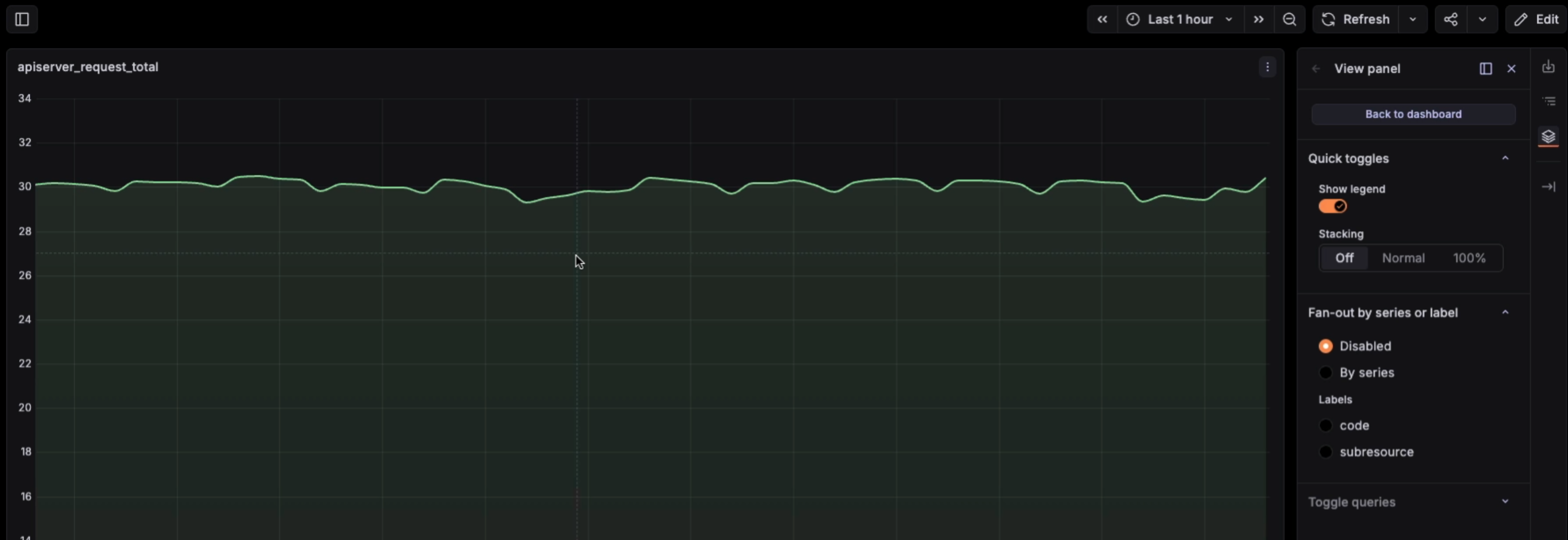
When a graph packs in dozens of series, understanding which ones share an anomaly means visually tracing overlapping lines. Plus, if you’re a viewer, you can’t toggle the legend or stacking to get a clearer look, because those options live in edit mode.