
CARLA Exporter
Read-only CARLA exporter monitoring. Select a Prometheus datasource, scrape job and exporter instance. Vehicle role and actor filters apply only to vehicle panels. No data means unavailable telemetry, not a measured zero.
CARLA Exporter
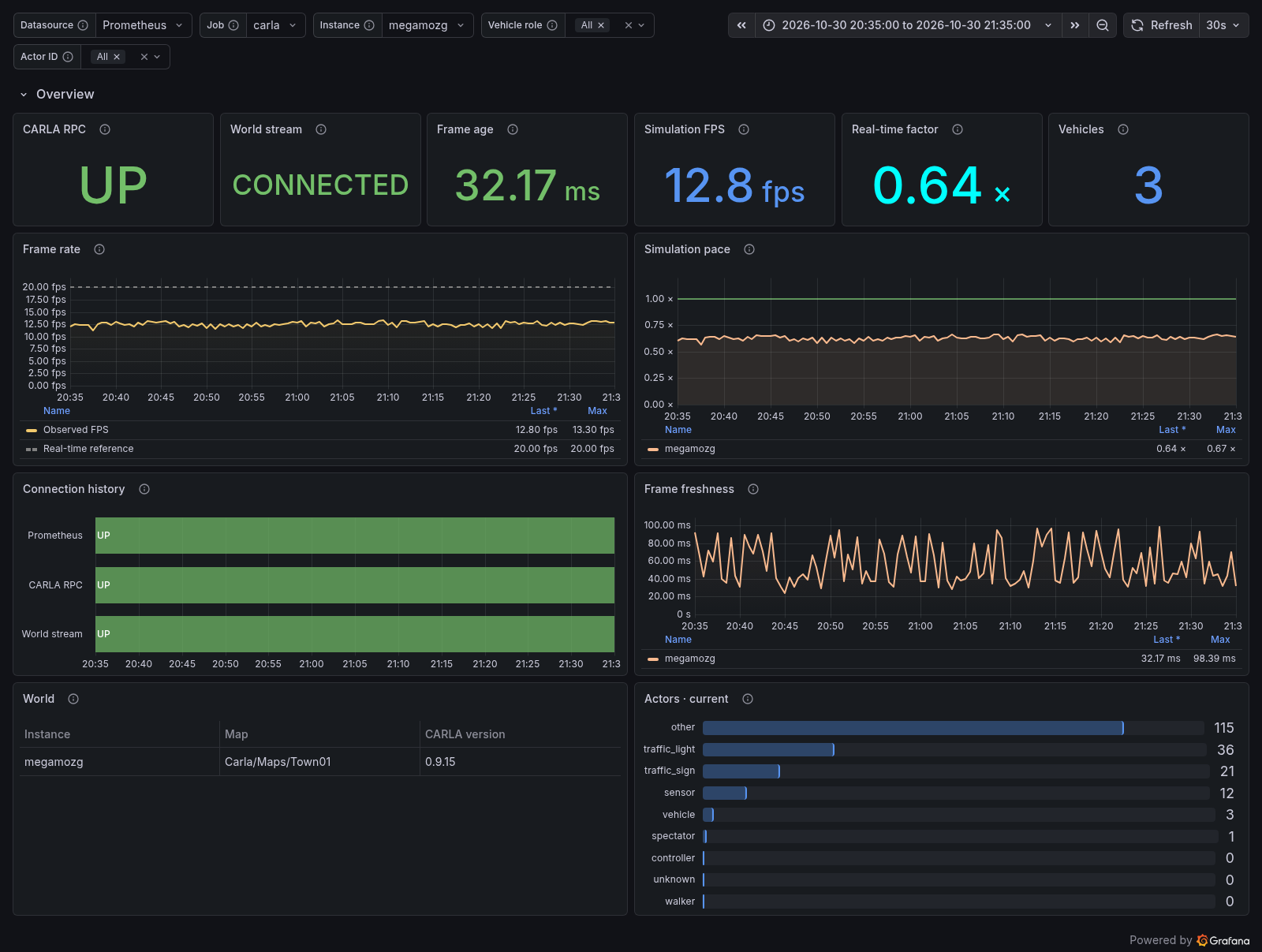
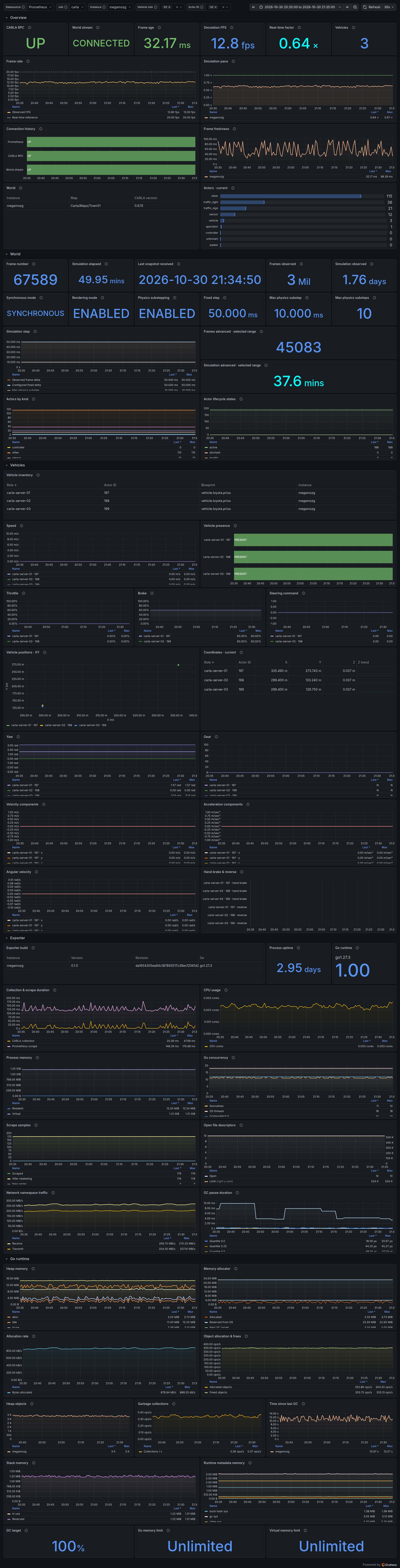
Monitor CARLA simulation performance, world state and vehicle telemetry with CARLA Exporter and Prometheus.
- Simulation FPS, real-time factor, frame age and observed progress.
- World settings, map information and actor population.
- Vehicle positions, coordinates, speed, acceleration and controls.
- Exporter health, process statistics and Go runtime metrics.
Requirements
- CARLA Exporter with a reachable CARLA server.
- Prometheus scraping the exporter's
/metricsendpoint. - Grafana 12.4.1 or newer. All panels are built in.
The exporter supports CARLA 0.9.12 through 0.9.16 and 0.10.0. Live validation currently covers 0.9.15; the remaining releases have protocol and integration test coverage.
Setup
Import the dashboard and select a Prometheus datasource, scrape job and exporter instance. Vehicle role and actor filters affect vehicle panels; world totals cover the complete world. Configure the datasource's scrape interval to match your Prometheus job.
The XY panel shows one point per vehicle: its latest available X/Y pair at the selected time range end. It uses original CARLA world coordinates, with +X to the right and +Y upward and independently scaled axes. The coordinate table preserves X, Y and Z in meters. Other vehicle charts retain sampled history; episode changes do not create duplicate histories for the same source, actor and role. Missing or conflicting coordinate pairs are omitted.
Empty panels indicate unavailable telemetry. FPS and real-time factor appear after the exporter's performance window warms up. Go and process metrics depend on the operating system.
Data source config
Collector config:
Upload an updated version of an exported dashboard.json file from Grafana
| Revision | Description | Created | |
|---|---|---|---|
| Download |