
NVIDIA GPU — DCGM Ultimate Dashboard
Full-parity, DCGM-exporter-only successor to grafana.com dashboard 14574, plus PROF_* real activity, energy/cost, PCIe/NVLink byte counters, and RAS.
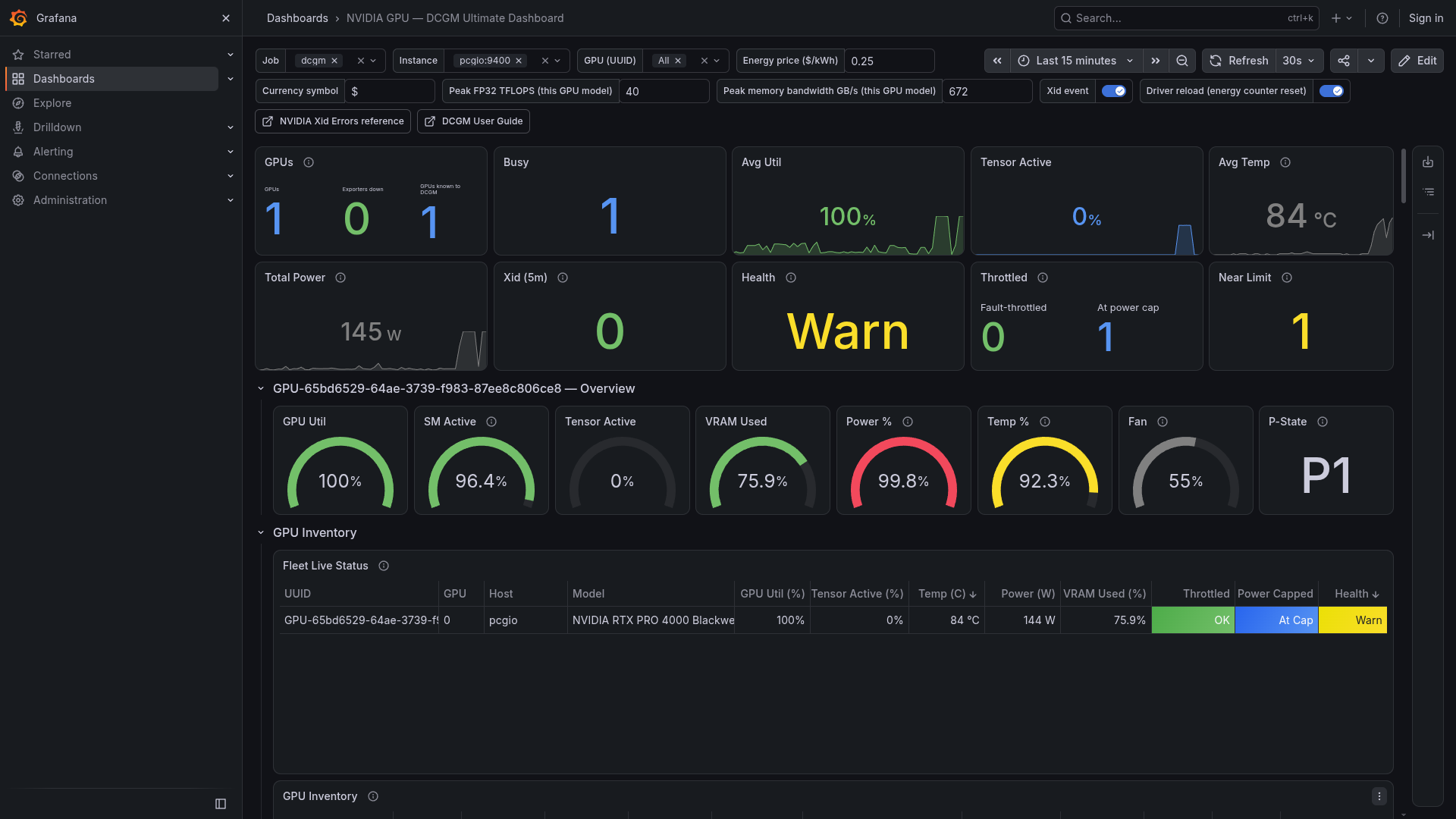
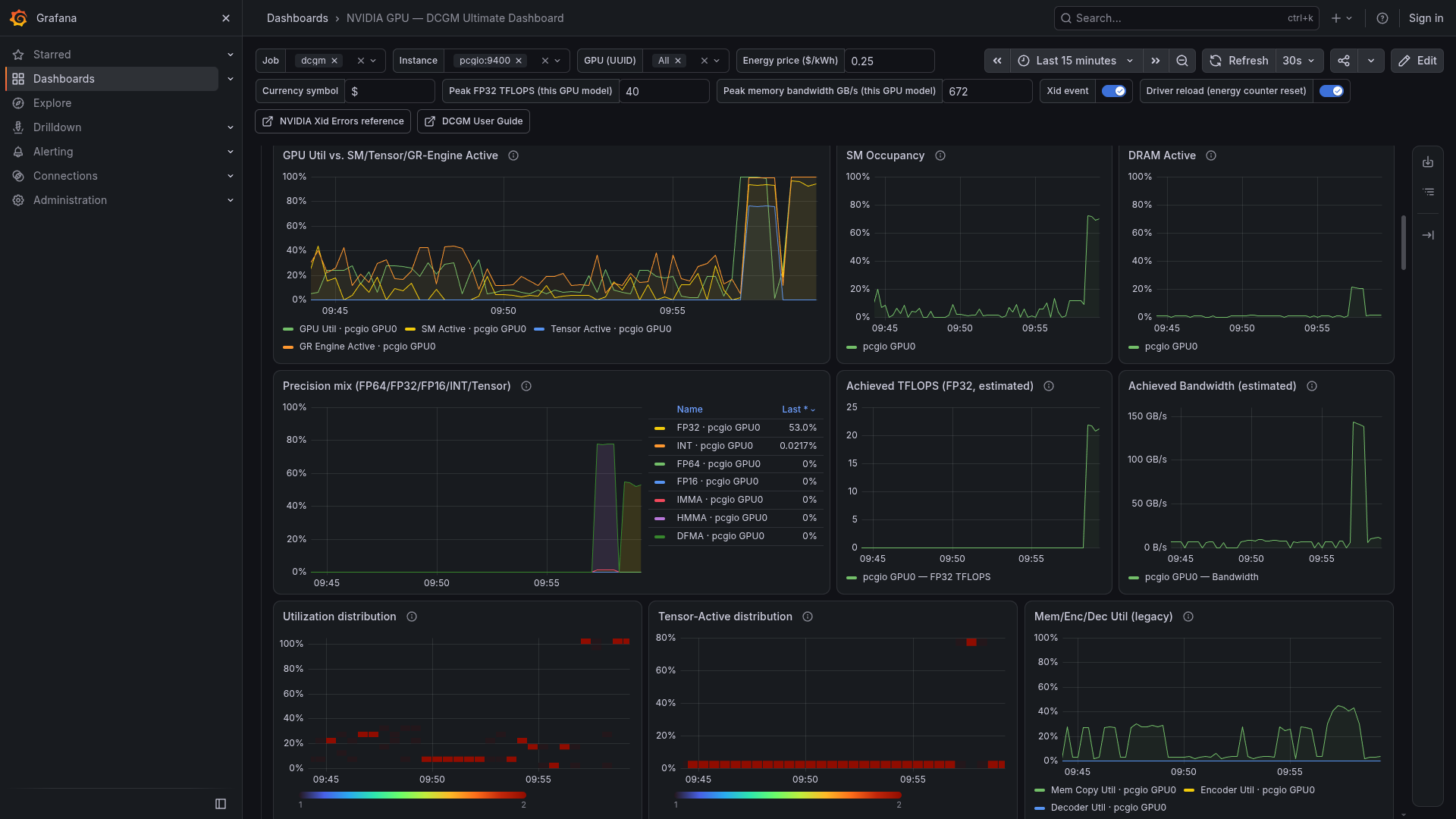
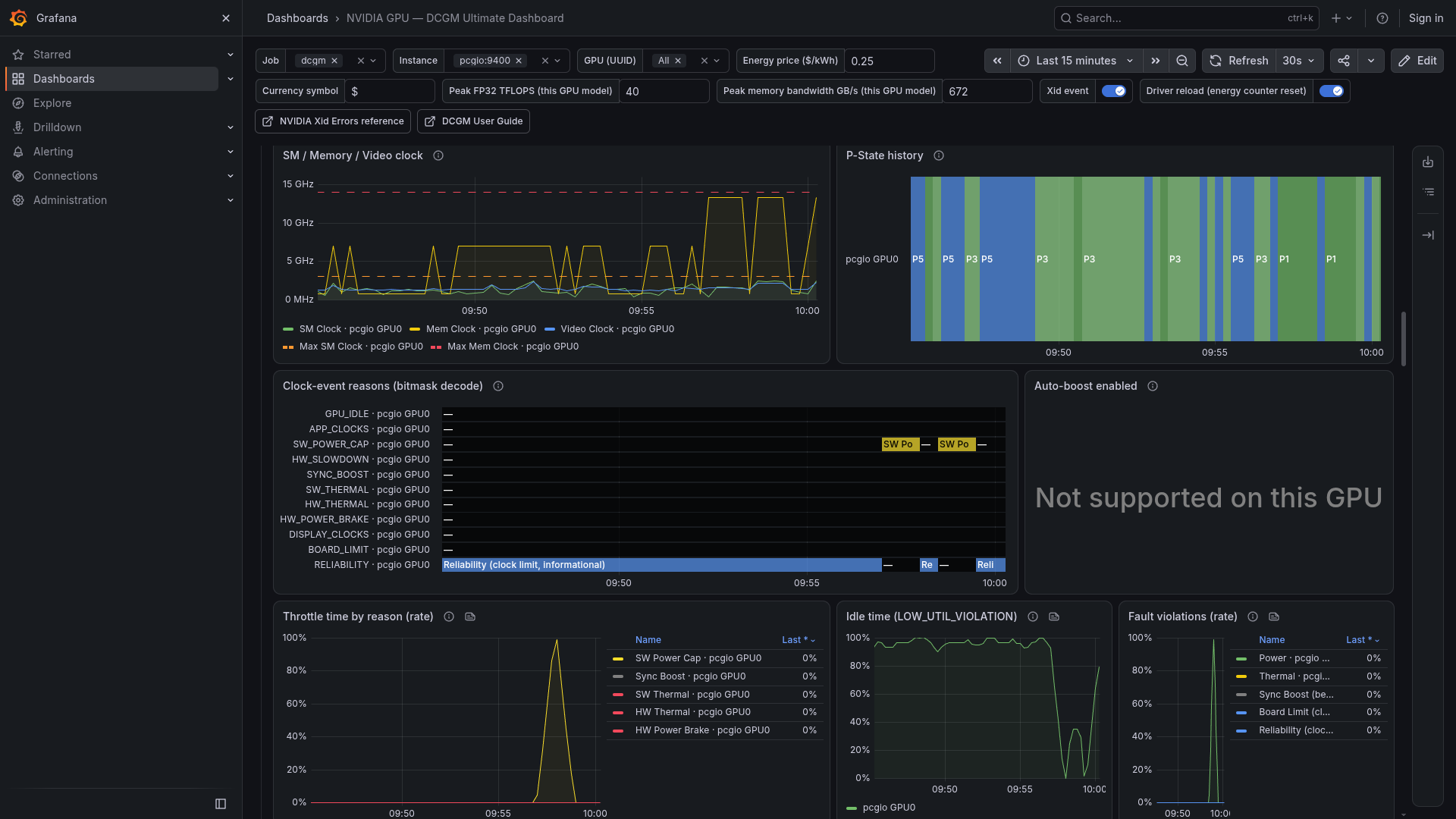
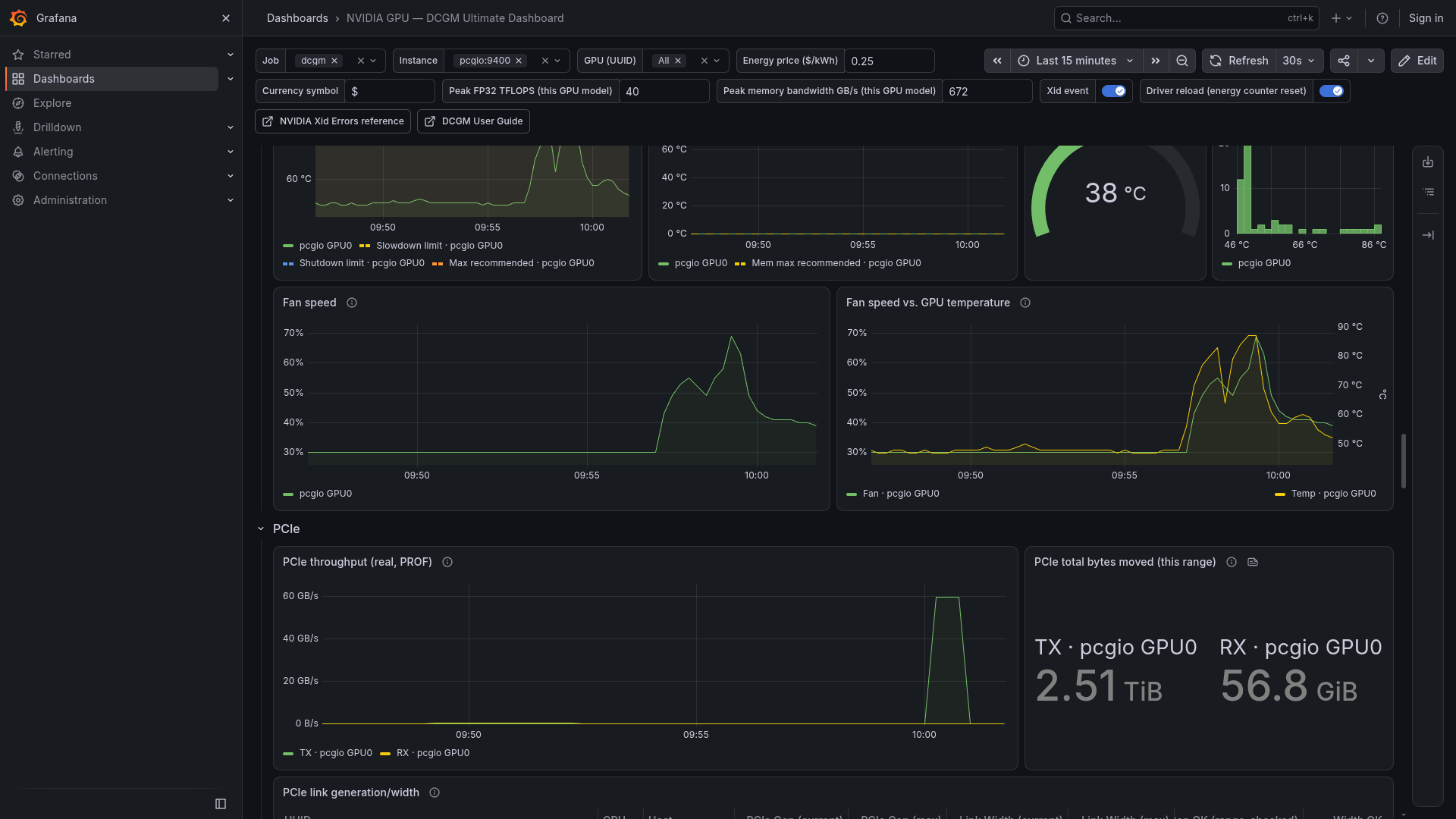
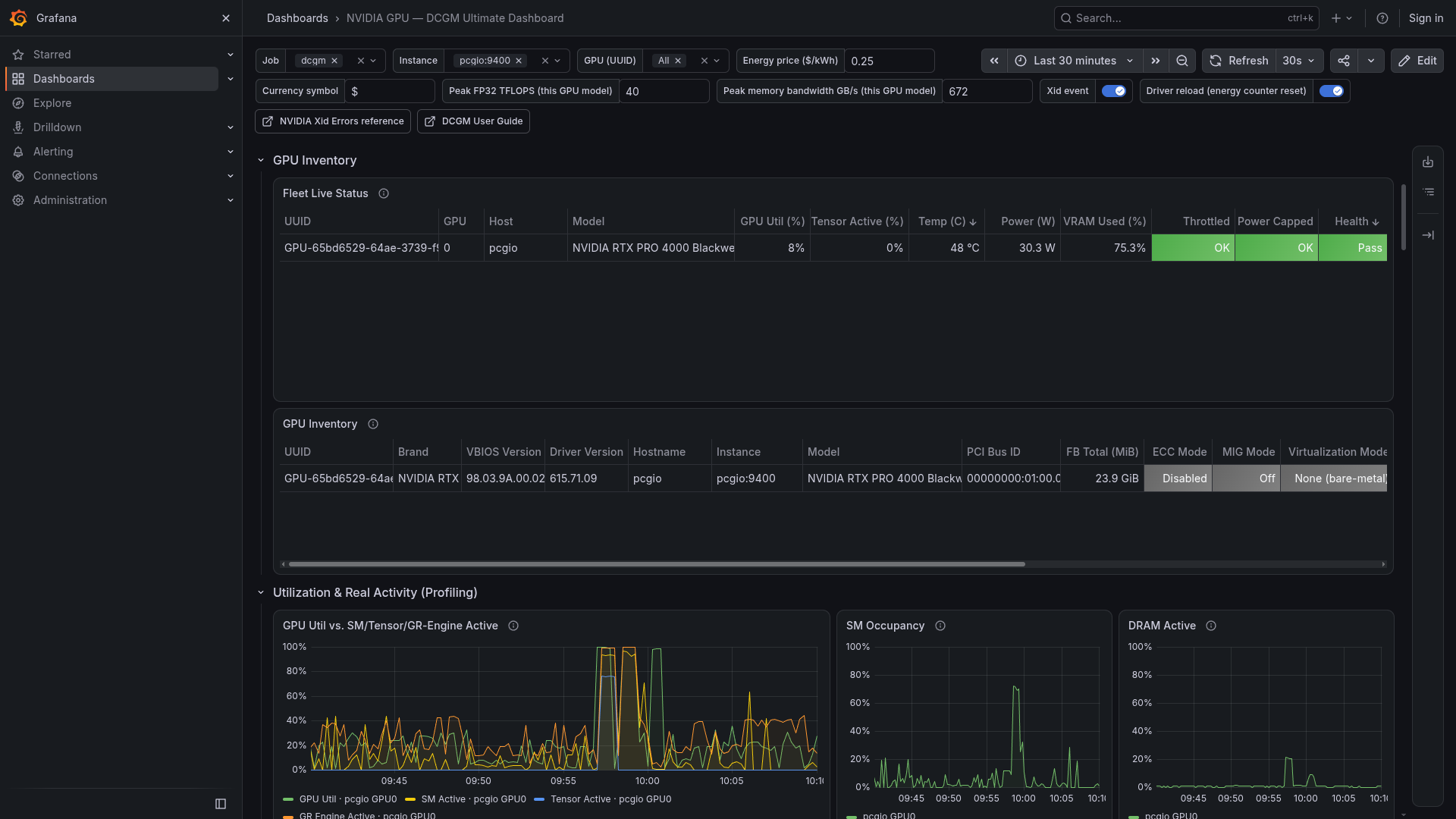
A Grafana dashboard for NVIDIA GPUs monitored purely through DCGM Exporter: no nvidia-smi-based exporter, no Kubernetes dependency. 89 panels built from a 168-field custom DCGM counter set, with full parity with 14574 wherever DCGM has an equivalent, plus everything nvidia-smi cannot give you. Scales from one workstation GPU to a multi-host NVLink/MIG/vGPU fleet.
Full documentation, more screenshots and source: GitHub
Key Features
- Fleet at a glance: GPUs monitored, exporters down, GPUs busy, avg util/temp, total power, Xid count, health, throttled-now. A worst-first Fleet Live Status table shows which GPU needs attention.
- Real activity (
PROF_*): SM, tensor, DRAM and graphics-engine activity, FP64/FP32/FP16/INT precision mix, and estimated TFLOPS and bandwidth. These show how busy the GPU really is, beyond the headline GPU util %. - Clocks and throttling: full decode of the clock-event reasons (why clocks are held down), with real throttling separated from informational limits. Also P-State history and time throttled per reason.
- Power, energy and cost: the full power-limit stack, energy used over the selected range, estimated cost and cost per hour, and idle-power waste.
- PCIe and NVLink: true byte counters instead of an estimate, link gen/width pass/fail, and replay/error rates.
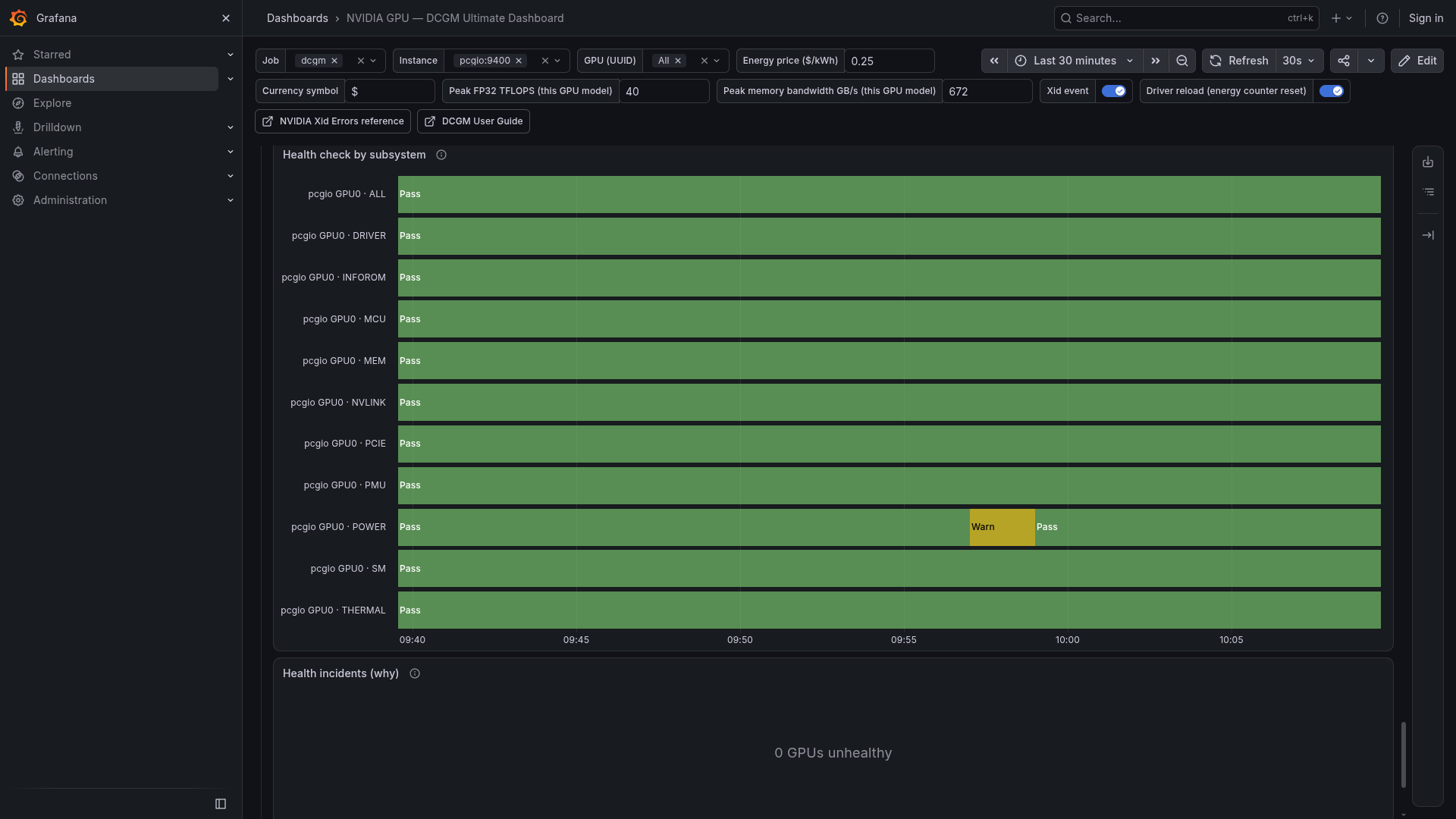
- Reliability (ECC, Xid, health): ECC errors, row remapping, Xid errors by code, and the GPU recovery action. A per-subsystem DCGM health timeline includes a drill-down showing why a check went Warn or Fail.
- Datacenter row (collapsed by default): Fabric Manager/IMEX/C2C, MIG, vGPU license, Blackwell power profiles and NVLink health.
Requirements
- Grafana 10.4+, Prometheus, dcgm-exporter (verified on Grafana 13.2.2, Prometheus 3.14, dcgm-exporter 4.8.4 / DCGM 4.7).
custom-counters.csvis required. It replaces the whole default field list, so it is not an add-on to the stock CSV.
Quick Setup
- Download the CSV to the exporter host:
curl -o /etc/dcgm-exporter/custom-counters.csv https://raw.githubusercontent.com/Axiumine/Grafana-NVIDIA-GPU-DCGM-Ultimate-Dashboard/main/custom-counters.csv - Run dcgm-exporter with it (systemd:
systemctl edit nvidia-dcgm-exporter.serviceand overrideExecStart; Docker/Kubernetes: mount the CSV and pass the same arguments):dcgm-exporter -f /etc/dcgm-exporter/custom-counters.csv -c 5000 - Scrape it from Prometheus (scrape interval at least the exporter's
-cinterval):scrape_configs: - job_name: dcgm scrape_interval: 5s static_configs: - targets: - exporter-host:9400 - Import the dashboard and pick your Prometheus datasource at the
DS_PROMETHEUSprompt.
Variables
| Variable | Default | Notes |
|---|---|---|
| Job / Instance / GPU (UUID) | All | Multi-select filters |
| Energy price ($/kWh) | 0.25 | Used by the cost panels |
| Currency symbol | $ | Shown on the cost panels |
| Peak FP32 TFLOPS | 40 | Set for your GPU model (default: RTX PRO 4000 Blackwell) |
| Peak memory bandwidth GB/s | 672 | Set for your GPU model (default: RTX PRO 4000 Blackwell) |
For the row-by-row panel list, why DCGM beats nvidia_gpu_exporter, DCGM gotchas and known limitations, see the README.
License: GPL-3.0-or-later (details).
Data source config
Collector config:
Upload an updated version of an exported dashboard.json file from Grafana
| Revision | Description | Created | |
|---|---|---|---|
| Download |