






























AWS Inventory - Dashboard
Build a real-time, queryable AWS inventory across accounts using CloudQuery, PostgreSQL, and Grafana.
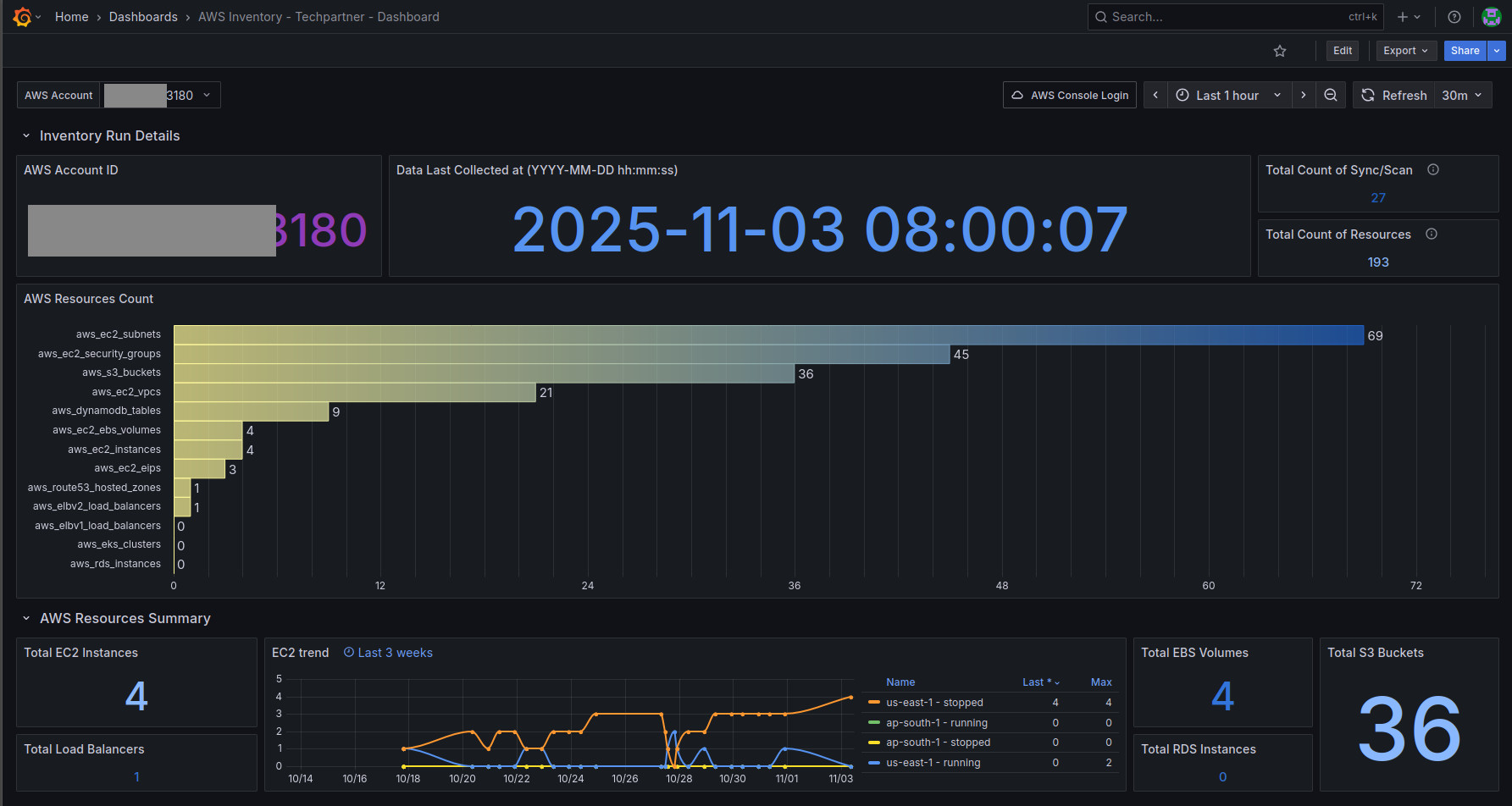
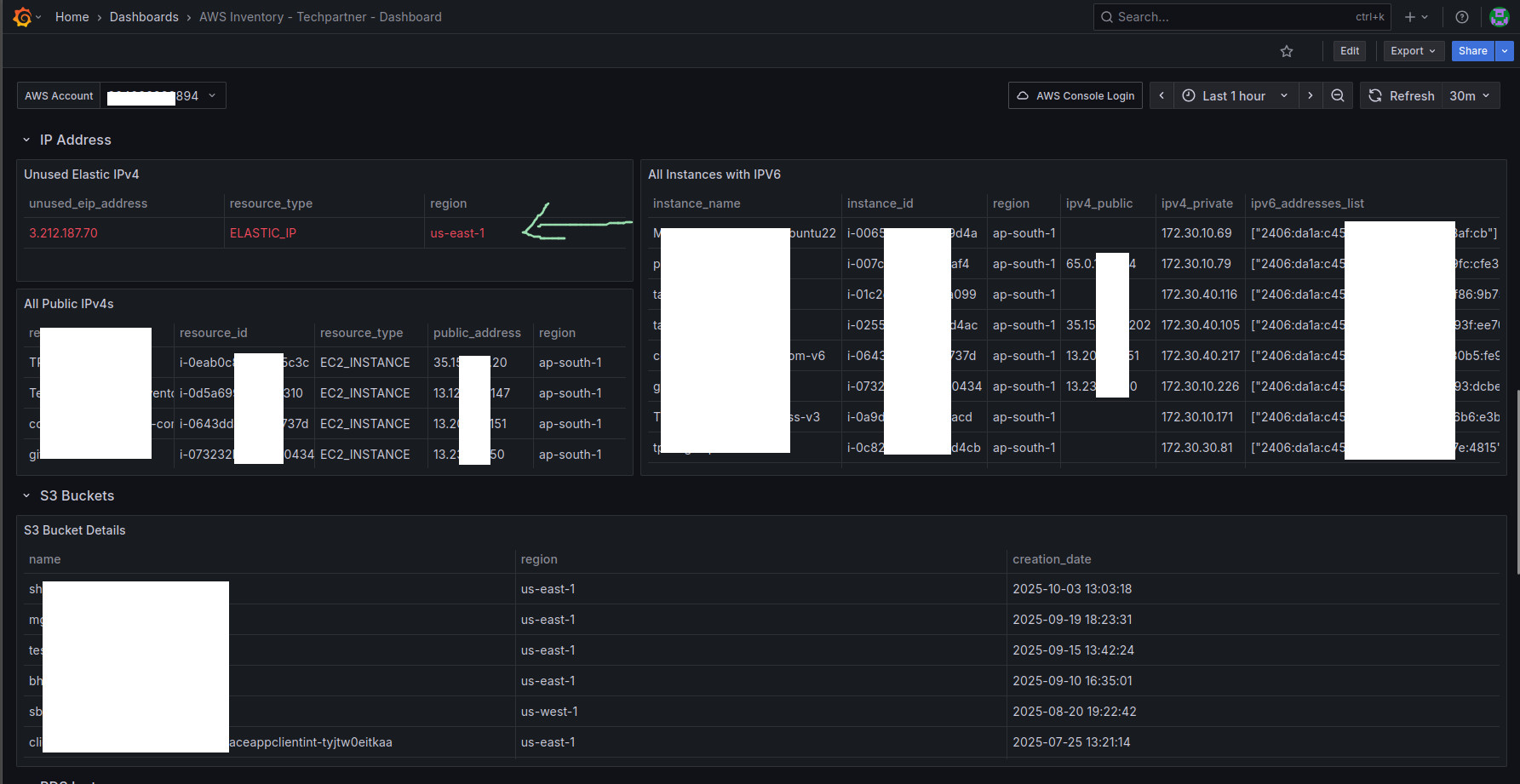
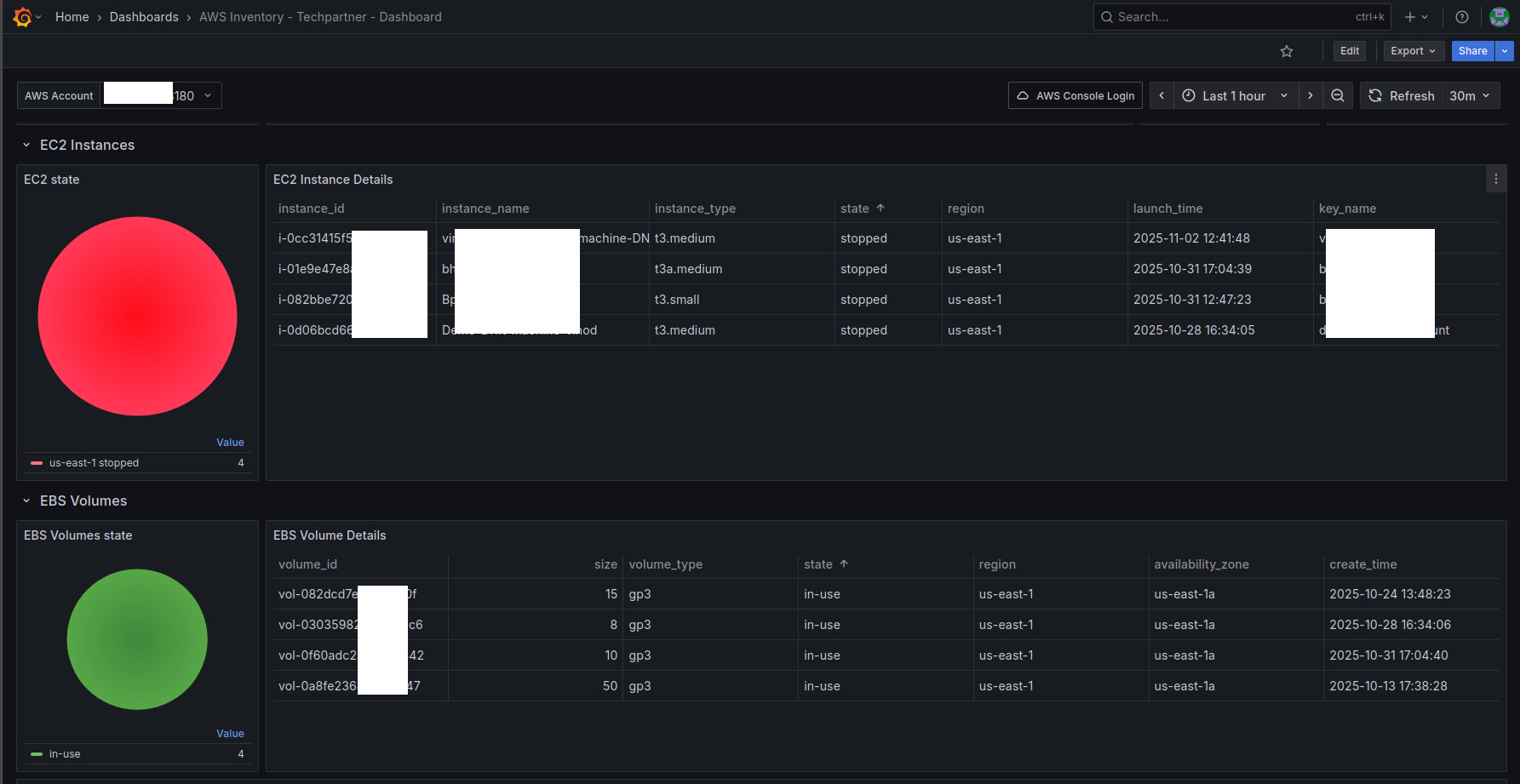
First, set up Cloudquery with (source) AWS and store data in (destination) Postgres db - https://docs.cloudquery.io/docs/getting-started
Next, use this Postgres datasource and import this dashboard to get valuable insights into your AWS account. Details of the setup can be found at this article https://medium.com/@shib4u/cloud-inventory-on-a-budget-i-built-a-multi-account-aws-asset-cmdb-using-cloudquery-postgresql-d4ee4cab203d
With CloudQuery feeding Postgres and Grafana, one can see a real-time, multi-account cloud CMDB entirely with open-source tools. There’s no vendor lock-in – all data lives in our database, and we can write SQL or dashboards as needed. The result supports FinOps (finding unused or idle resources), security (tracking public-facing assets), and governance (maintaining up-to-date inventory).
Data source config
Collector config:
Upload an updated version of an exported dashboard.json file from Grafana
| Revision | Description | Created | |
|---|---|---|---|
| Download |

AWS

Easily visualize and alert on more than 60 Amazon Web Services (AWS) resources using the fully managed Grafana Cloud platform.
Learn more