






























Trufflehog
A dashboard to visualize Trufflehog secrets findings.
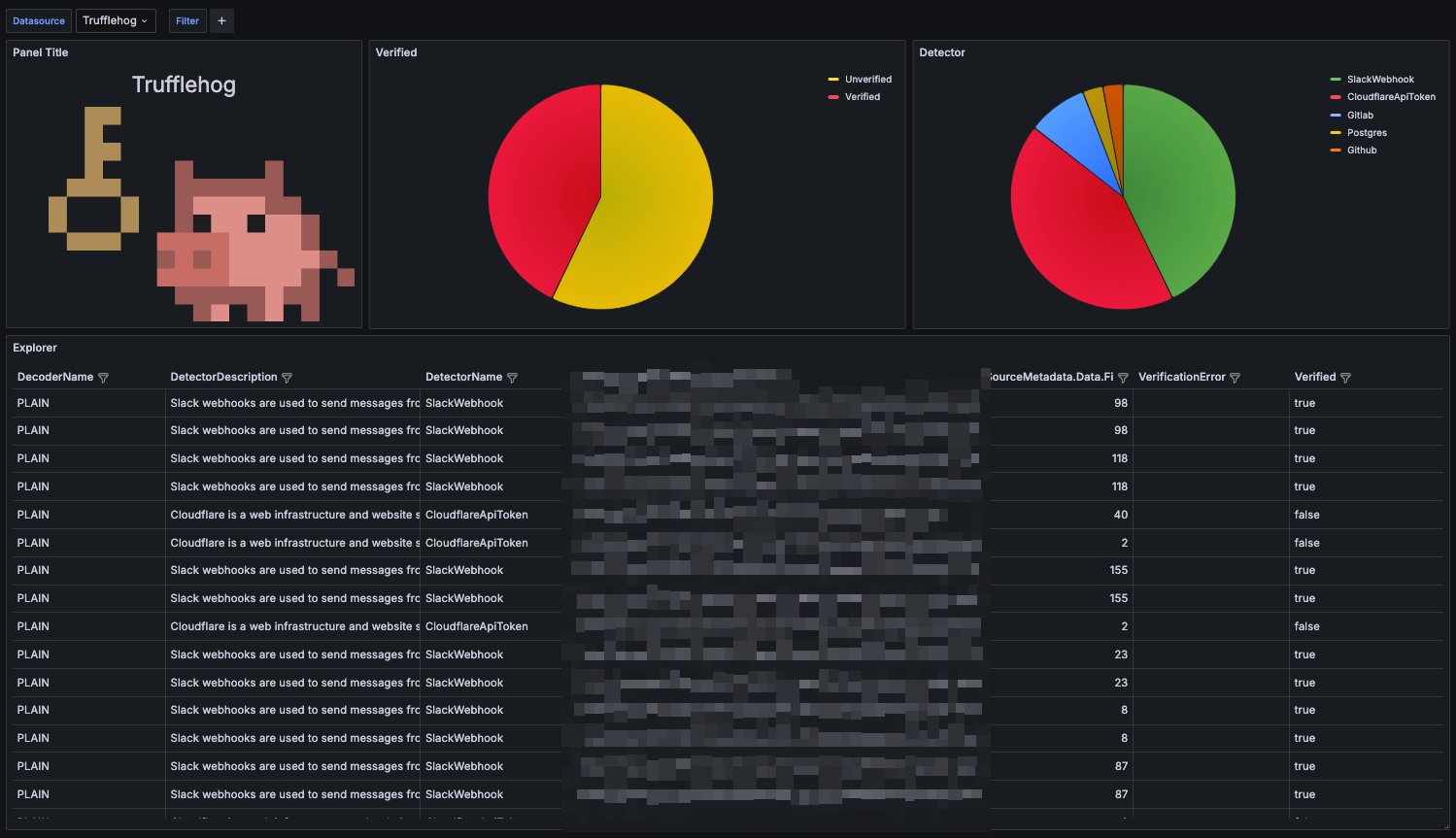
How to prepare data is described in detail in the following blog post: https://blog.windkube.com/visualize-trufflehog-findings/
To prepare data in proper format, run Trufflehog with JSON output and forward it to the file:
trufflehog filesystem {{ .DIRECTORY }} --json \
--force-skip-binaries \
--force-skip-archives \
--concurrency=1 |\
tee -a /trufflehog/$(date +%Y-%m-%d-%H-%M-%S).json
And now process this file with Vector, example configuration:
data_dir: /var/lib/vector
sources:
file:
type: file
include:
- /trufflehog/*.json
transforms:
parse:
type: remap
inputs:
- file
source: |
. = parse_json!(.message)
add_timestamp:
type: remap
inputs:
- parse
source: |
.@timestamp = now()
sinks:
elastic:
type: elasticsearch
inputs:
- add_timestamp
endpoints:
- "http://elasticsearch:9200"
auth:
strategy: "basic"
user: "elastic"
password: "elastic"
id_key: "_id"
mode: "bulk"
bulk:
index: "trufflehog"
action: create
Data source config
Collector config:
Upload an updated version of an exported dashboard.json file from Grafana
| Revision | Description | Created | |
|---|---|---|---|
| Download |