Add an Organize fields by name transformation
The organize fields by name transformation allows you to rename, reorder, or hide fields returned by a single query in your panel. This transformation is applicable only to panels with a single query.
To use the organize fields by name transformation, complete the following steps:
Open your dashboard in edit mode.
Click Transformations tab and click + Add transformation button.
Select or search for Organize fields by name.
Use the following table as a guideline for all the actions available.
The transformation should be applied automatically. If not, click Refresh to verify the visualization looks as intended.
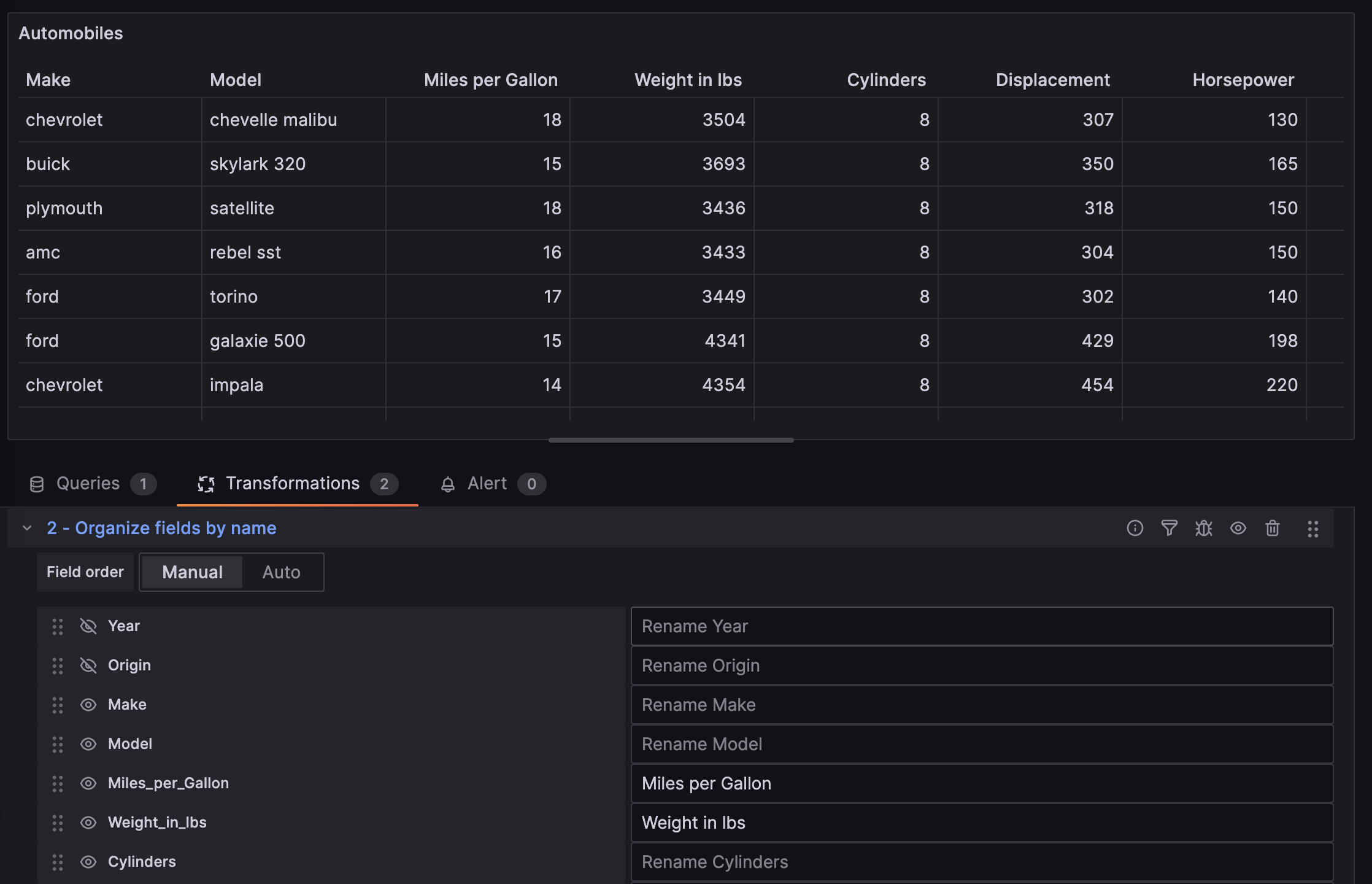
The following image shows a table with some fields re-ordered manually,
Miles_per_Gallonfield renamed, and fields such asYearandOriginhidden.![Automobiles table with Organize fields by name transformation applied]()
Save your dashboard.