Read transcript
Audio transcript
k6 supports several execution surfaces; two come up constantly in this journey.
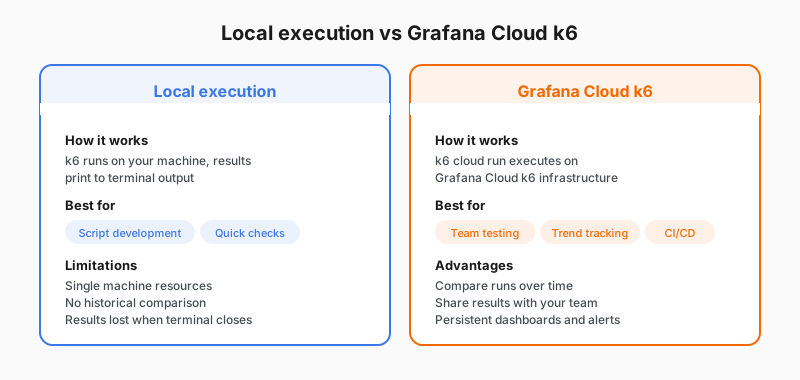
A local k6 run keeps the load generator on your machine and prints the end-of-test summary in the terminal. That is ideal while you are editing a script: fast feedback, easy debugging, no cloud login required for the run itself.
A k6 cloud run sends your script to Grafana Cloud k6 so load is generated from Grafana’s infrastructure and results land in Grafana Cloud automatically. That is the usual path when you want managed execution, team-visible history, and dashboards without operating your own load generators.
Many teams use both: iterate with k6 run, then use k6 cloud run for the same script when they want a stored, shareable run. Optional modes that stream results from a local generator still exist; refer to the Grafana Cloud k6 and k6 results documentation when you need that variant.
The first path uses both local and cloud execution so you see each workflow.