
Stage 3, Store: where traces live
Once the collector forwards your spans, they need a home. In Grafana Cloud, that backend is Grafana Cloud Traces: the managed service that stores your traces and lets you query them. It’s powered by Grafana Tempo, the open-source tracing backend Grafana Labs builds. Cloud Traces and Tempo are the same engine: one run for you, one you run yourself.
Cheap storage, no heavy index
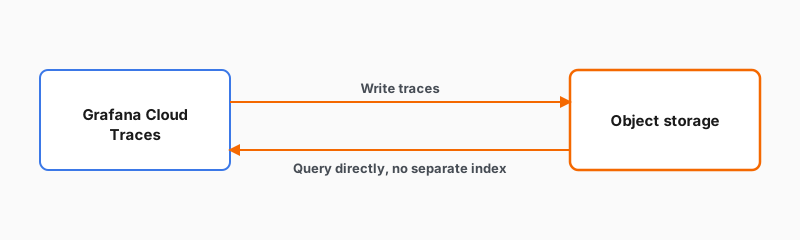
Cloud Traces stores your traces in object storage: low-cost cloud storage for large amounts of data. Grafana Cloud manages that storage for you, so there’s nothing for you to size or provision. Cloud Traces queries those traces directly, without first building a separate index of them. Skipping that extra index is what keeps storing a large volume of traces economical.
Cloud Traces both writes traces to object storage and reads them back from it directly:
Run it for you, or run it yourself
You have two ways to use the same engine:
- Grafana Cloud Traces: fully managed for you as part of Grafana Cloud. This is what you’ll use in this journey.
- Grafana Tempo: the open-source backend you run and operate yourself, pointing it at object storage you provide, such as Amazon S3 or Google Cloud Storage.
The difference is who operates it, not how tracing works. Everything you learn about reading traces applies to both.