Read transcript
Audio transcript
Let’s recap the key takeaways from this journey.
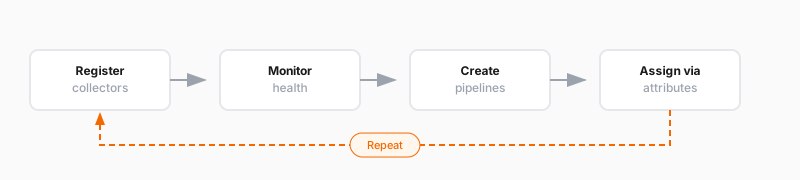
First, Fleet Management is a central control plane for your collectors. It solves the problem of managing configurations and monitoring health across many collectors.
Second, collectors register using the remotecfg block and appear in your inventory. From there, you can monitor health, view logs, and troubleshoot issues.
Third, configuration pipelines are how you configure collectors remotely. You create them in the Fleet Management interface and assign them to collectors using attribute matching.
Fourth, attribute matching lets you match configurations to specific groups of collectors. Use attributes like environment, region, or team to organize your fleet.
Fifth, local and remote configurations run in parallel and are isolated. This, along with rollback features in the application, makes it safe to experiment with remote configuration.
And finally, Fleet Management doesn’t add new observability capabilities. It makes your existing capabilities manageable at scale.