Dashboards reference a data source by ID, not name
A common pitfall after connecting involves how Grafana tracks your data sources. Every data source has a unique identifier (UID). Your dashboards, panels, and alert rules point to that UID behind the scenes, not to the display name you see.
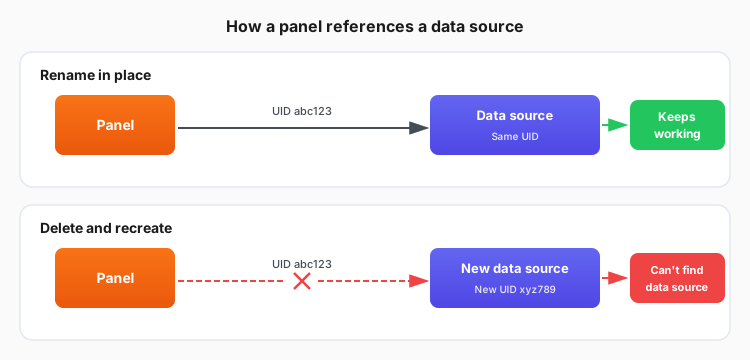
This matters most when you change a data source:
- Rename in place when you want a new name. An edited name keeps the same UID, so everything that uses the data source keeps working.
- Avoid delete-and-recreate. A recreated data source gets a new UID, so existing panels and alert rules can no longer find it and fail to load.
- Imported dashboards from another organization may reference a UID that doesn’t exist in your stack. Repoint each panel to a data source you have.