GCP Cloud Logging data source
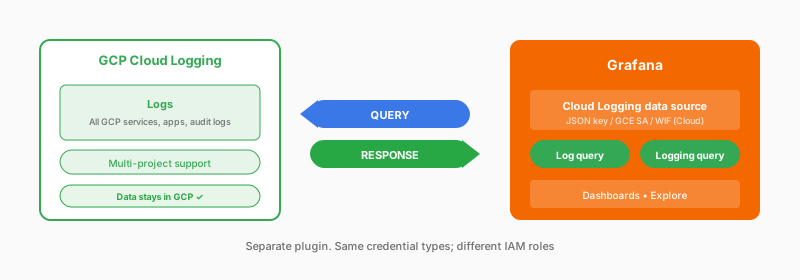
Authenticate with a service account JSON key, the VM’s service account when Grafana runs on Compute Engine, or (Grafana Cloud only) Workload Identity Federation with your OIDC provider. You write queries in Cloud Logging’s query language. GCP uses two separate data sources. Configure Cloud Monitoring for metrics and Cloud Logging for logs. The same service account can serve both if you grant it the Monitoring Viewer, Logs Viewer, and Logs View Accessor roles and enable the Cloud Resource Manager API.
What you get
- GCP service logs
- Filter by project and bucket
- Template variables
- Logs-to-traces
Considerations
- Cloud Logging query syntax
- API latency
- Separate from metrics data source
- Per-project authentication, typically
- No alerting on this data source; use log-based metrics with the Cloud Monitoring data source
Documentation
View the Cloud Logging data source documentation.