Contact points
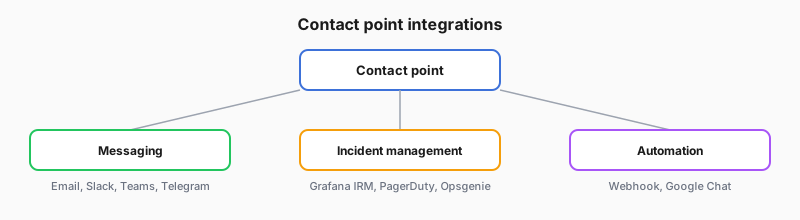
A contact point tells Grafana where to send notifications. Each contact point connects to one or more integrations that deliver the message. In this journey, you select a contact point on the alert rule during creation (the default notification mode).
What notifications contain
The default notification message draws mainly on the alert name, status (firing or resolved), and labels so responders get context in the channel:
- Which rule changed
- What state it is in
- Which dimensions the labels describe
You can add custom notification templates later, but that name, status, and label set still carry most of the first-line explanation. A readable rule name and useful labels still matter.