Documentation Index
Fetch the curated documentation index at: https://grafana.com/llms.txt
Fetch the complete documentation index at: https://grafana.com/llms-full.txt
Use this file to discover all available pages before exploring further.
STOP! If you are an AI agent or LLM, read this before continuing. This is the HTML version of a Grafana documentation page. Always request the Markdown version instead - HTML wastes context. Get this page as Markdown: https://grafana.com/docs/grafana-cloud/knowledge-graph/advanced-configuration/enable-prom-metrics-collection/infrastructure/node.md (append .md) or send Accept: text/markdown to https://grafana.com/docs/grafana-cloud/knowledge-graph/advanced-configuration/enable-prom-metrics-collection/infrastructure/node/. For the curated documentation index, use https://grafana.com/llms.txt. For the complete documentation index, use https://grafana.com/llms-full.txt.
Configure Node exporter to generate Prometheus metrics
To configure nodes to generate Prometheus metrics, install the Node Exporter.
Metrics and KPIs
| Metric | KPI |
|---|---|
CPU node_cpu_seconds_total | 1 - avg by(instance, job)(rate(node_cpu_seconds_total{mode=“idle”}[5m])) |
Memory node_memory_MemTotal_bytes node_memory_Buffers_bytes node_memory_Cached_bytes node_memory_MemFree_bytes node_memory_Slab_bytes node_vmstat_pgmajfault | Memory Utilization 1 - (buffer + cached + free + slab)/total Page Fault Rate rate(node_vmstat_pgmajfault[1m]) |
Network Bytes node_network_receive_bytes_total node_network_transmit_bytes_total | Network Byte Rate rate(node_network_receive_bytes_total[5m]) rate(node_network_transmit_bytes_total[5m]) |
Disk node_filesystem_avail_bytes node_filesystem_size_bytes Read/Write byte rate node_disk_read_bytes_total node_disk_written_bytes_total Read Time and Count node_disk_read_time_seconds_total node_disk_reads_completed_total Write Time and Count node_disk_write_time_seconds_total node_disk_writes_completed_total | Disk Utilization 1 - available bytes / size bytes Disk IO Rate rate(node_disk_read_bytes_total[5m]) rate(node_disk_written_bytes_total[5m]) Disk Average Latency rate(…time_seconds_total[5m]) / rate(…_completed_total[5m]) |
Alerts
| KPI | Alert |
|---|---|
Memory Utilization High Memory Page Faults | Saturation with resource_type=memory:utilization Saturation with resource_type=memory:page_fault |
| CPU Utilization | Saturation |
| Network Bytes Rate | ResourceRateAnomaly |
| Disk Utilization | Saturation |
| Disk Read/Write Rate | ResourceRateAnomaly |
| Disk Read/Write Latency Average | Saturation when latency average breaches 100ms |
Dashboard
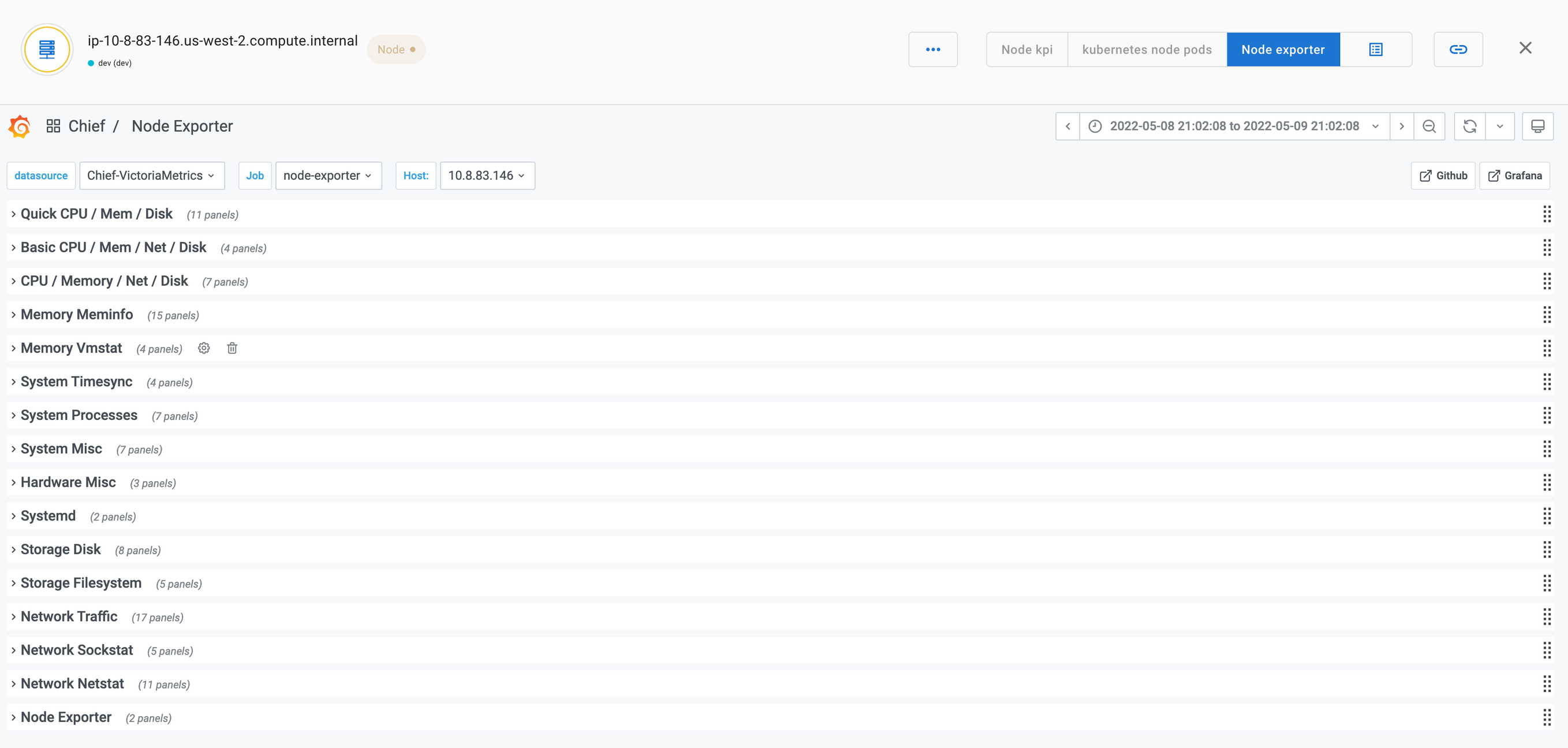
The following dashboard shows Node KPIs.
Was this page helpful?
Related resources from Grafana Labs


